Get started
Place a test order
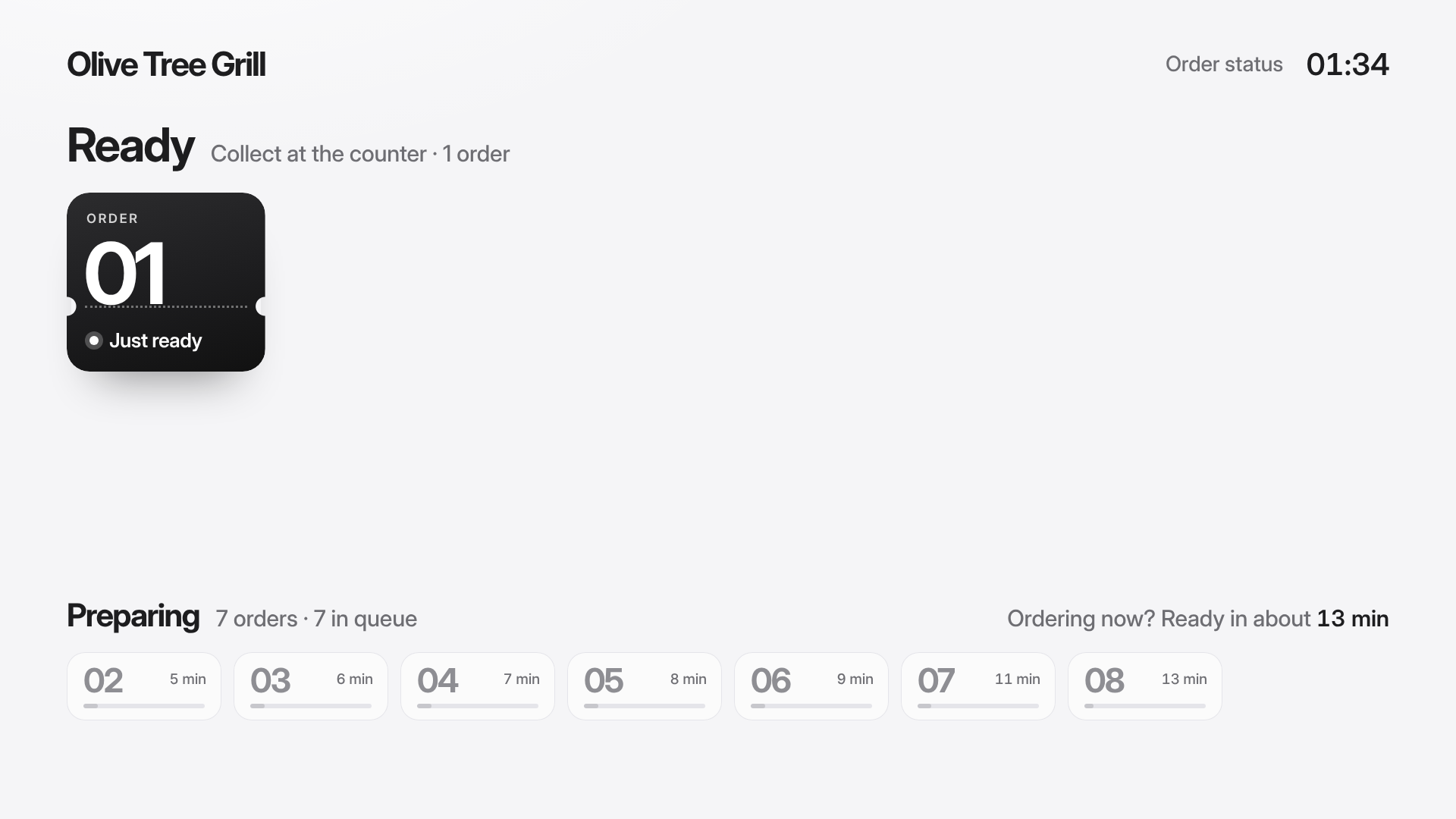
Order a dish on the kiosk, check it shows on the kitchen screen, tap Done, and watch the number move to Ready on the order status screen.
Ce contenu n’est pas encore disponible dans votre langue.
Do a full test
-
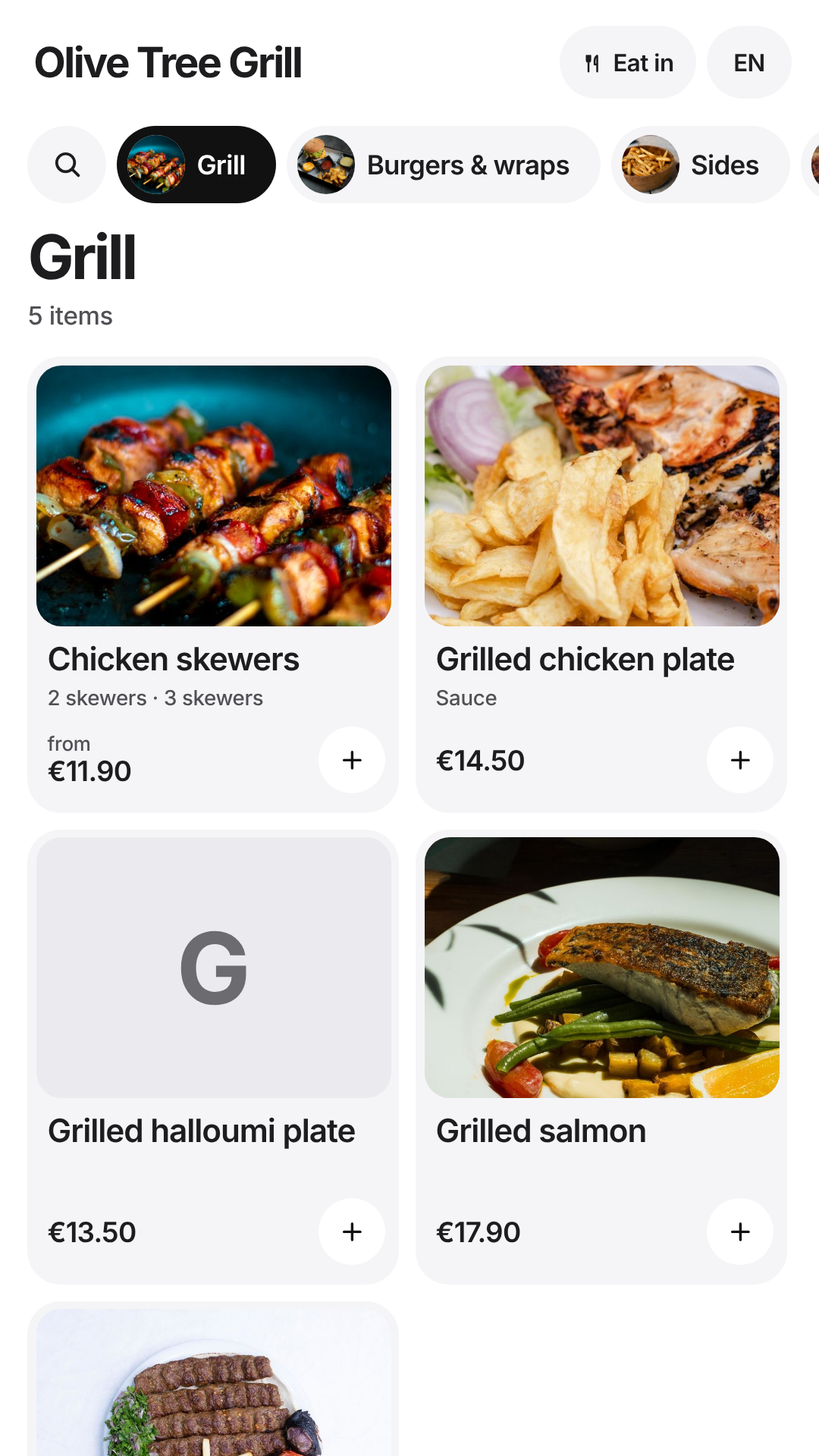
On the kiosk, tap Eat in or Take away, pick a dish and tap Pay, then Place order.
-
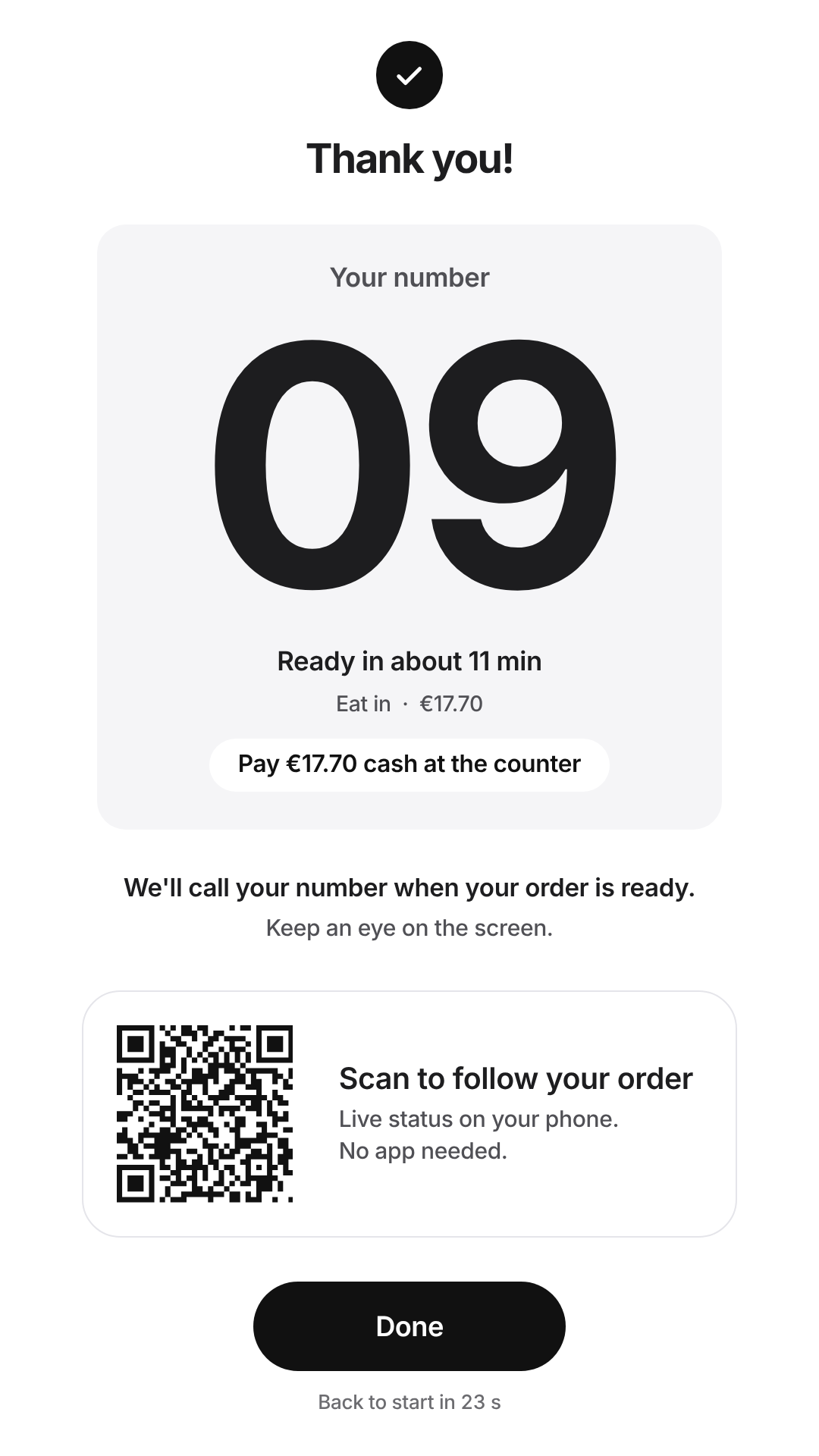
The kiosk shows the order number. Write it down.
-
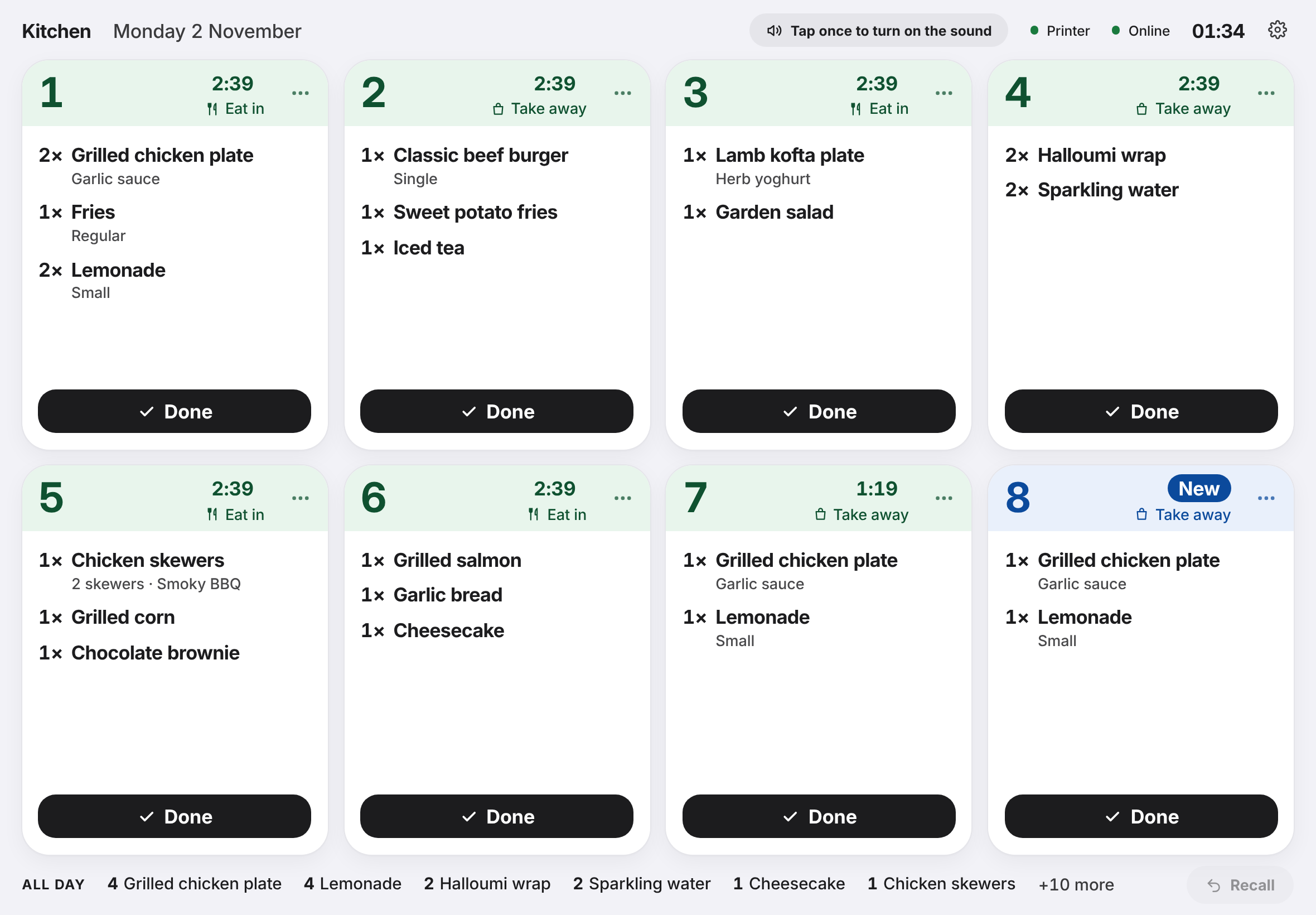
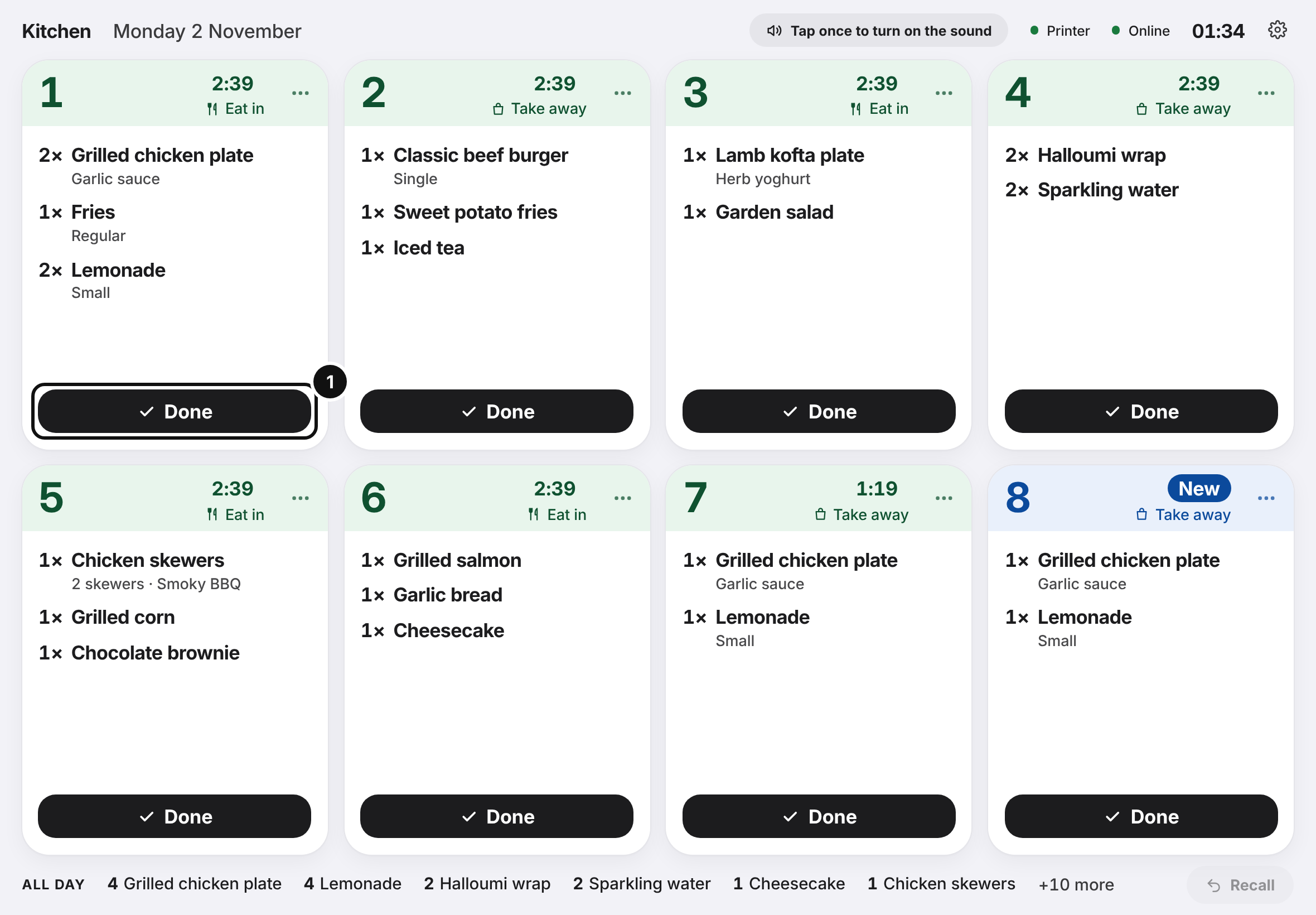
The order appears on the kitchen screen. If you have a kitchen printer, a ticket prints too.
-
On the kitchen screen, tap Done on the ticket.
-
On the order status screen, the number moves to Ready.