Till
Put cash in or take cash out
On the till, tap Day close, then Cash in / out. Type the amount, tap a reason and tap Cash in or Cash out. Made a mistake? Tap Undo.
Ce contenu n’est pas encore disponible dans votre langue.
Cash in or out
-
On the till, tap Day close. Then tap Cash in / out.
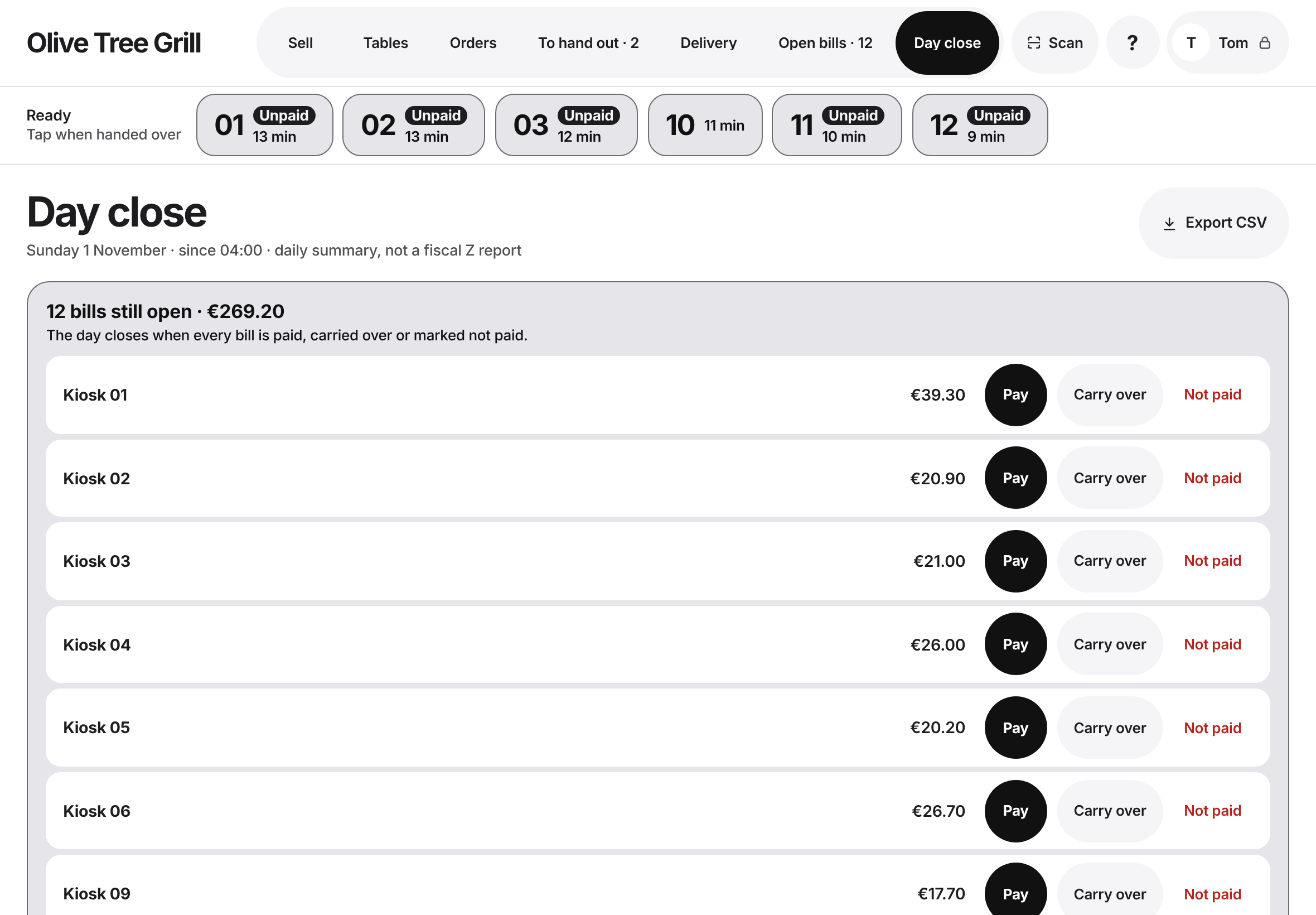
-
Type the amount on the keypad.
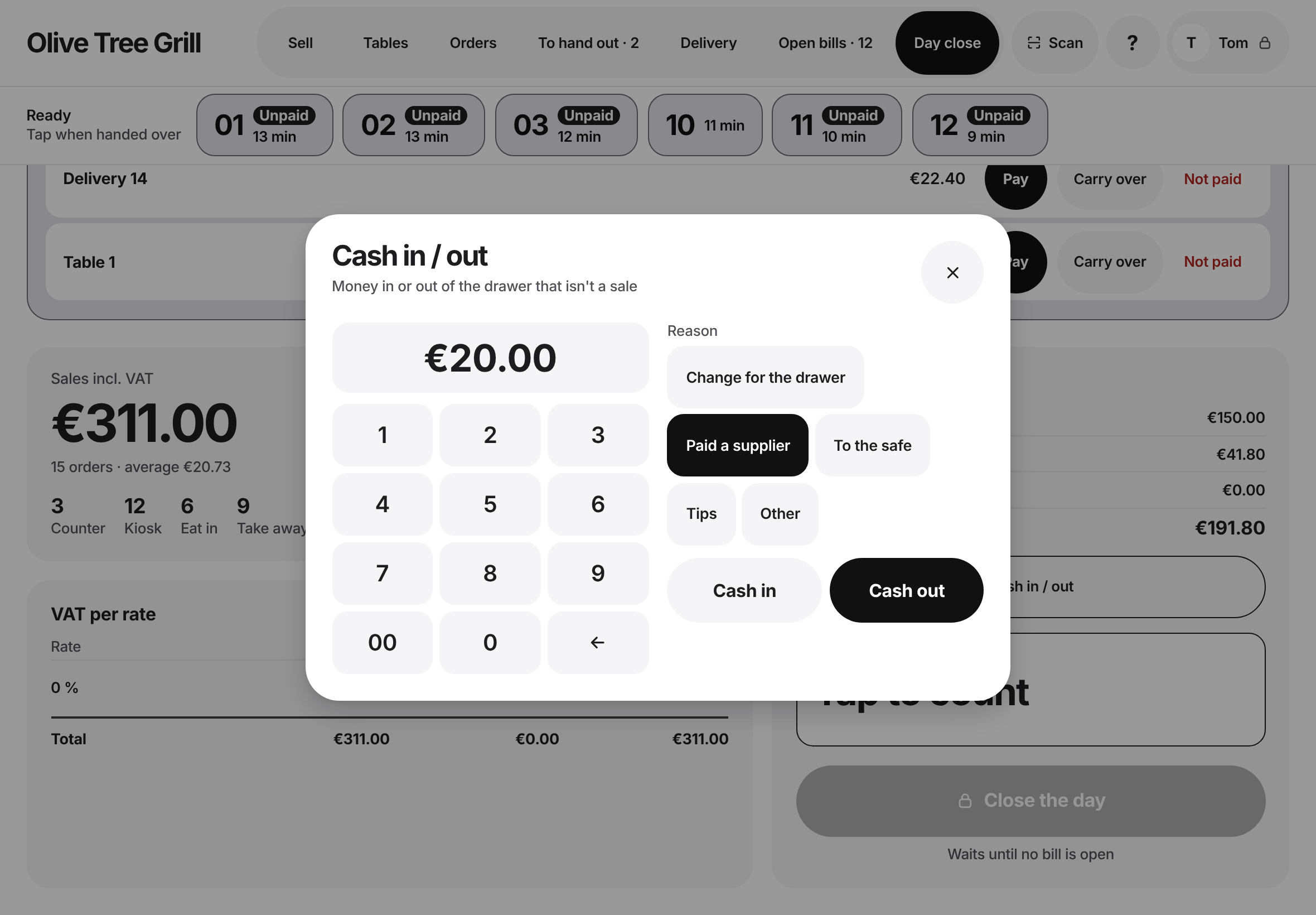
-
Tap a reason: Change for the drawer, Paid a supplier, To the safe, Tips or Other.
-
Tap Cash in (money goes into the drawer) or Cash out (money leaves the drawer). It’s saved straight away.
-
Wrong amount? Tap Undo on the message at the bottom.
Where you see it
- The sheet lists today’s moves with the reason and who did it.
- Day close shows Cash in and Cash out, and counts them in Expected cash.
- The back office day report shows Cash in & out.
Who may do it
Each role has a switch Cash in & out in Team → Roles: Yes, Ask a manager (a manager types their PIN) or No.
Open drawer (open the drawer without a sale) has its own switch, Open drawer, no sale. It’s always logged.