Get started
Opening hours and VAT
Set your week in Hours & schedules (the kiosk only takes orders while you're open). Then add your VAT rates in Settings → VAT. Prices on the menu always include VAT.
Ce contenu n’est pas encore disponible dans votre langue.
Opening hours
-
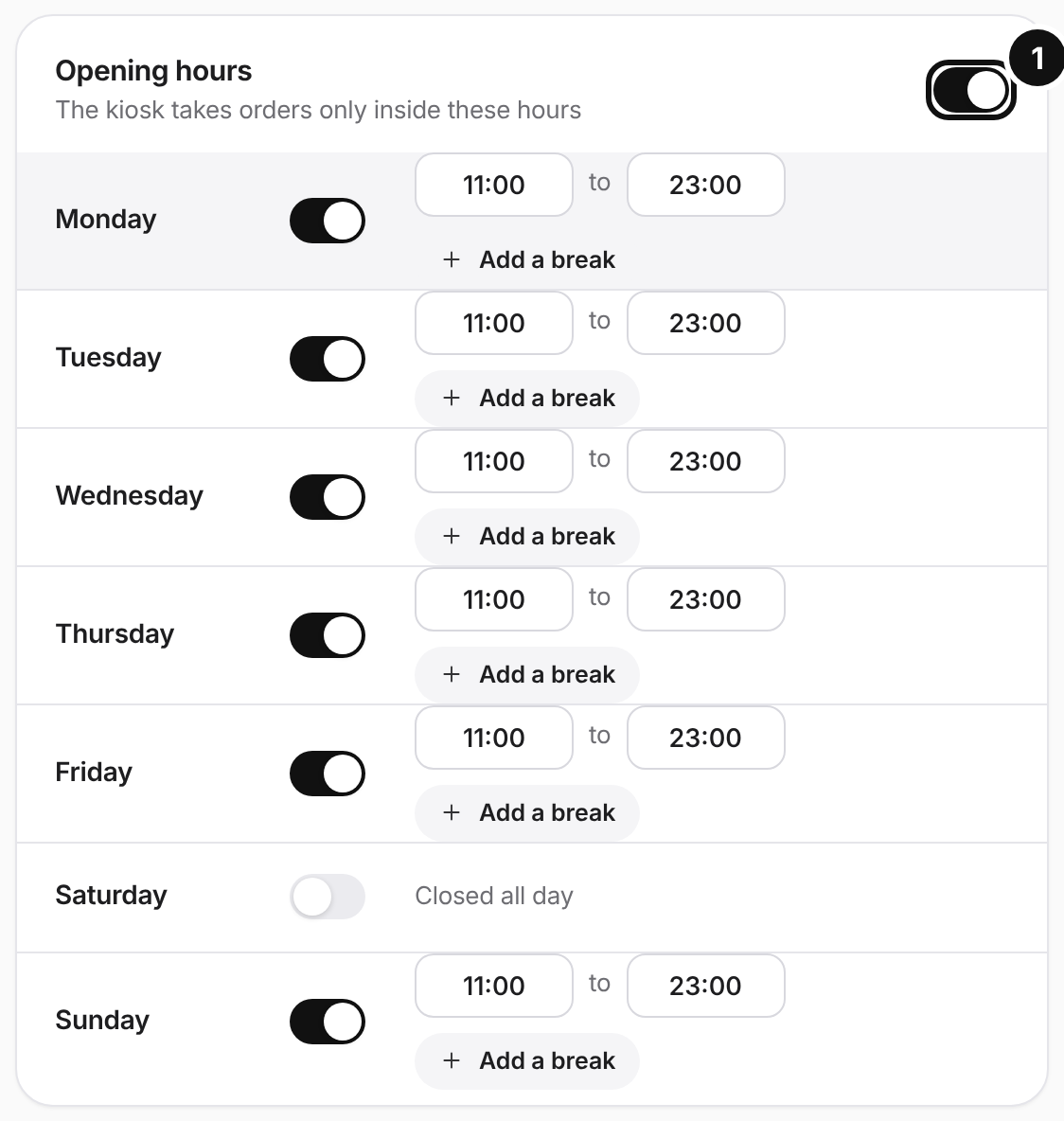
In the back office, open Menu → Hours & schedules. Set the hours for each day.
-
Need a break in the afternoon? Tap Add a break. Closed on one day? Choose Closed all day.
VAT rates
-
Open Settings → VAT. If you have no rates yet, tap Add the 3 rates at 0%. That adds Food eat in, Food take away and Drinks.
-
Change each percentage to your real rate. A new rate counts from the next sale.
-
Set the rate for each category, for eat in and take away. A dish can have its own rate if it’s different from its category.