Menu screens & music
Turn on hall music
Open Music settings and switch Hall music on. Then upload songs in Library and pair the hall tablet.
Ce contenu n’est pas encore disponible dans votre langue.
-
Open Music settings (under Hall music) and switch Hall music on.

-
Set how songs play: crossfade, fades and the start volume.
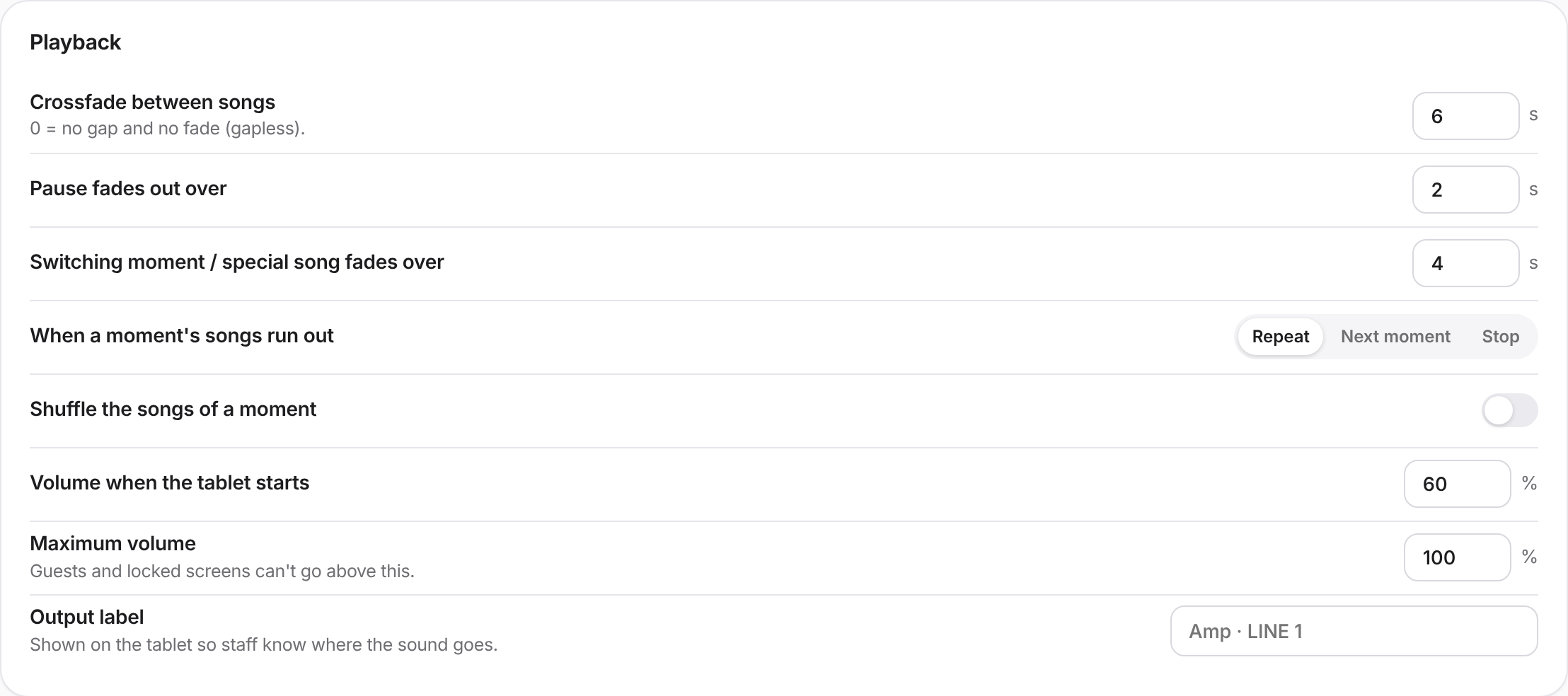
Every setting
| Setting | Starts as |
|---|---|
| Hall music | Off |
| When nothing is booked: play the default moments | On |
| Crossfade between songs | 6 s (0 = gapless) |
| Pause fades out over | 2 s |
| Switching moment fades over | 4 s |
| Shuffle the songs of a moment | Off |
| Volume when the tablet starts | 60% |
| Maximum volume | 100% |