Delivery
Start delivering with your own drivers
In Settings → Delivery, set your restaurant's address, add a zone, give one person the Driver role in Team, then switch Delivery on.
Ce contenu n’est pas encore disponible dans votre langue.
-
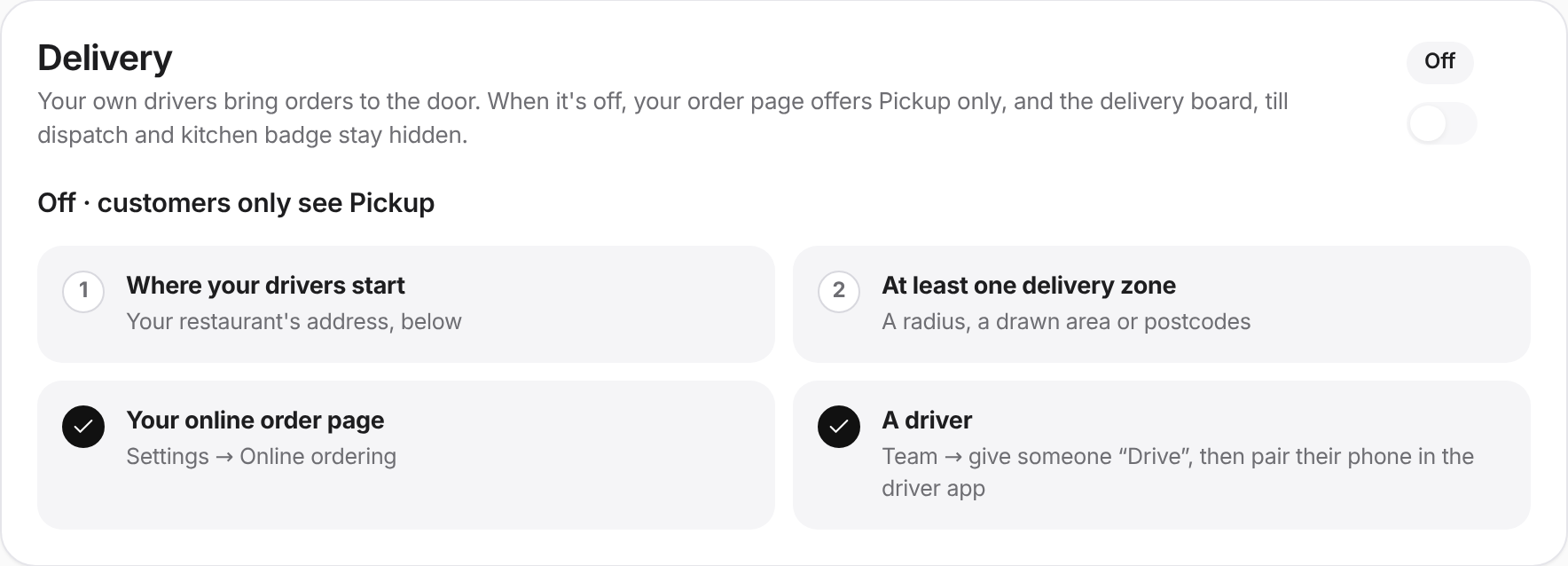
Open Settings → Delivery. The list at the top shows what’s still missing.
-
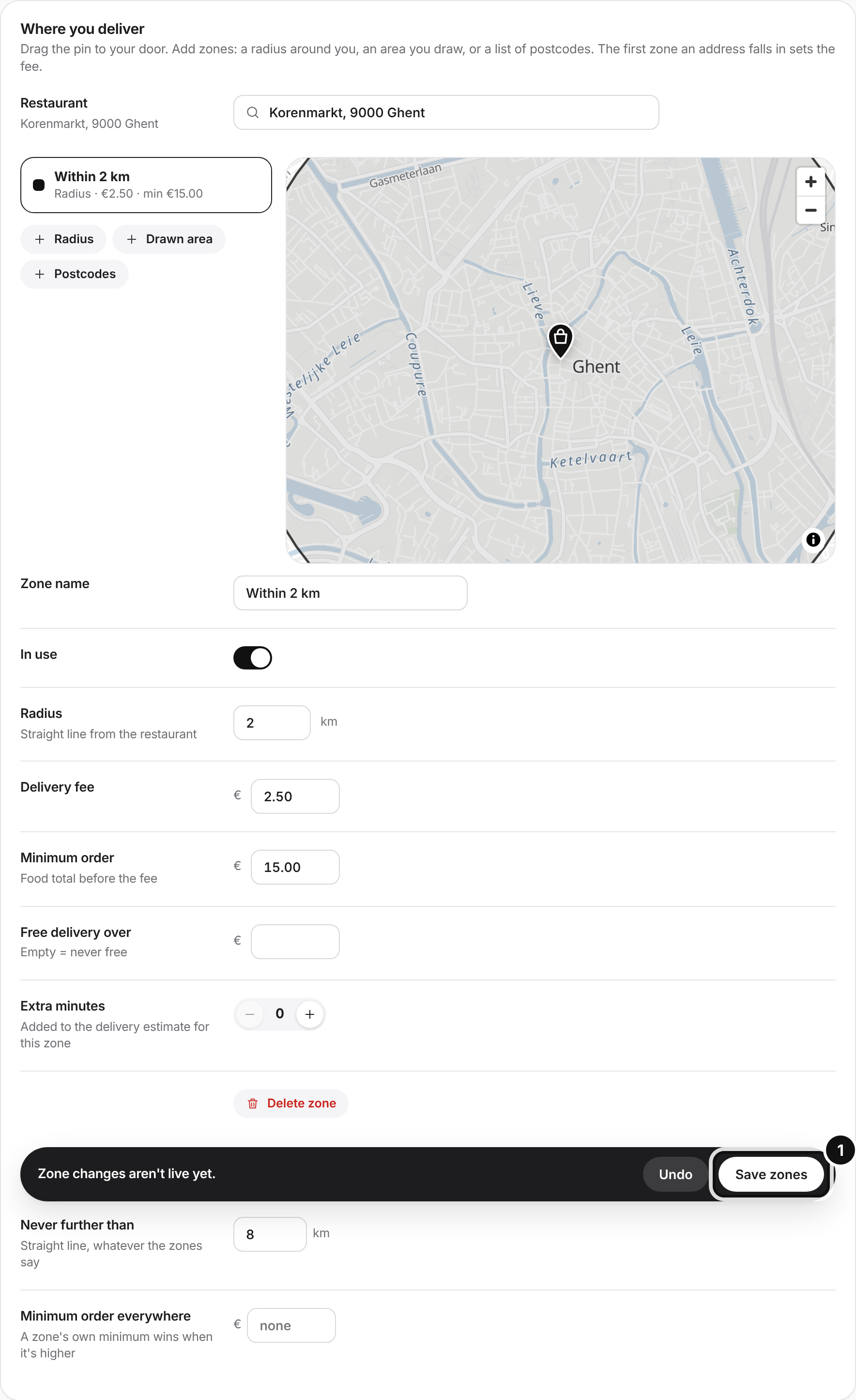
Under Where you deliver, type your address in Search your address and pick it from the list. Drag the pin to your door if it isn’t exactly right.
-
Tap Radius to add a zone around you. It starts at 2 km, a €2.50 fee and a €15 minimum. Change them, then tap Save zones.
-
Open Team, tap Add person, choose the role Driver and give them a PIN.
-
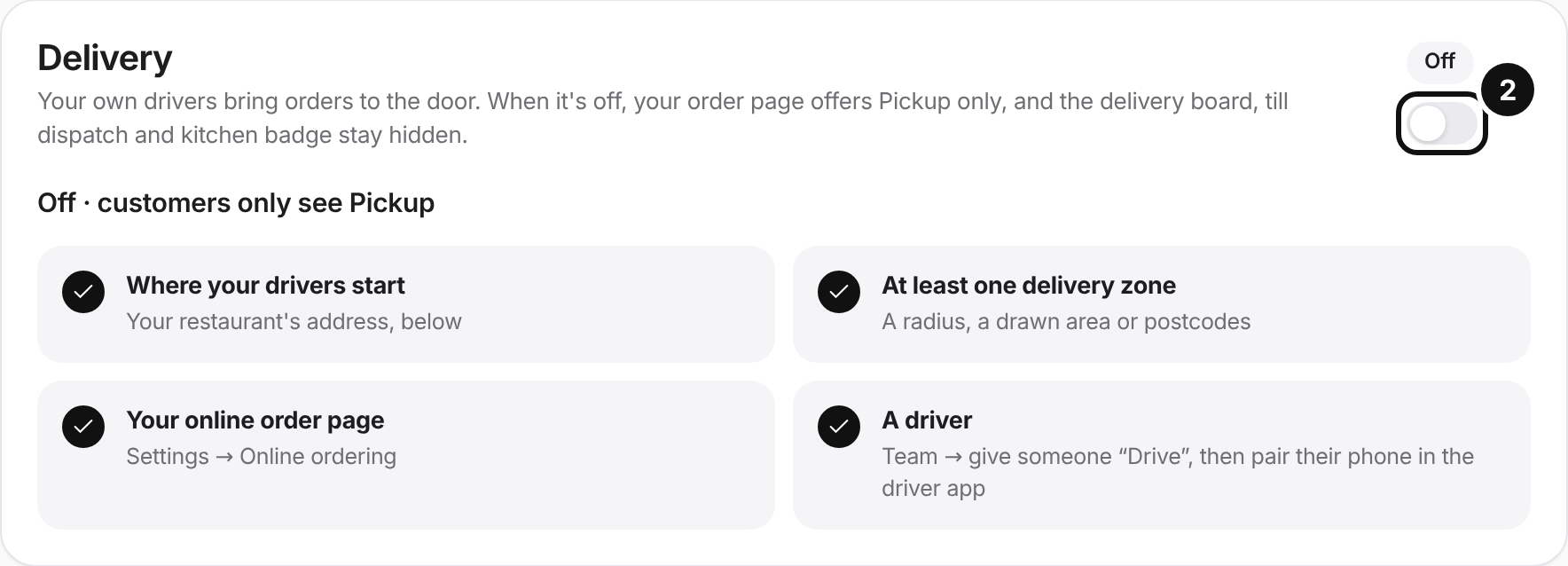
Back in Settings → Delivery, switch Delivery on.
-
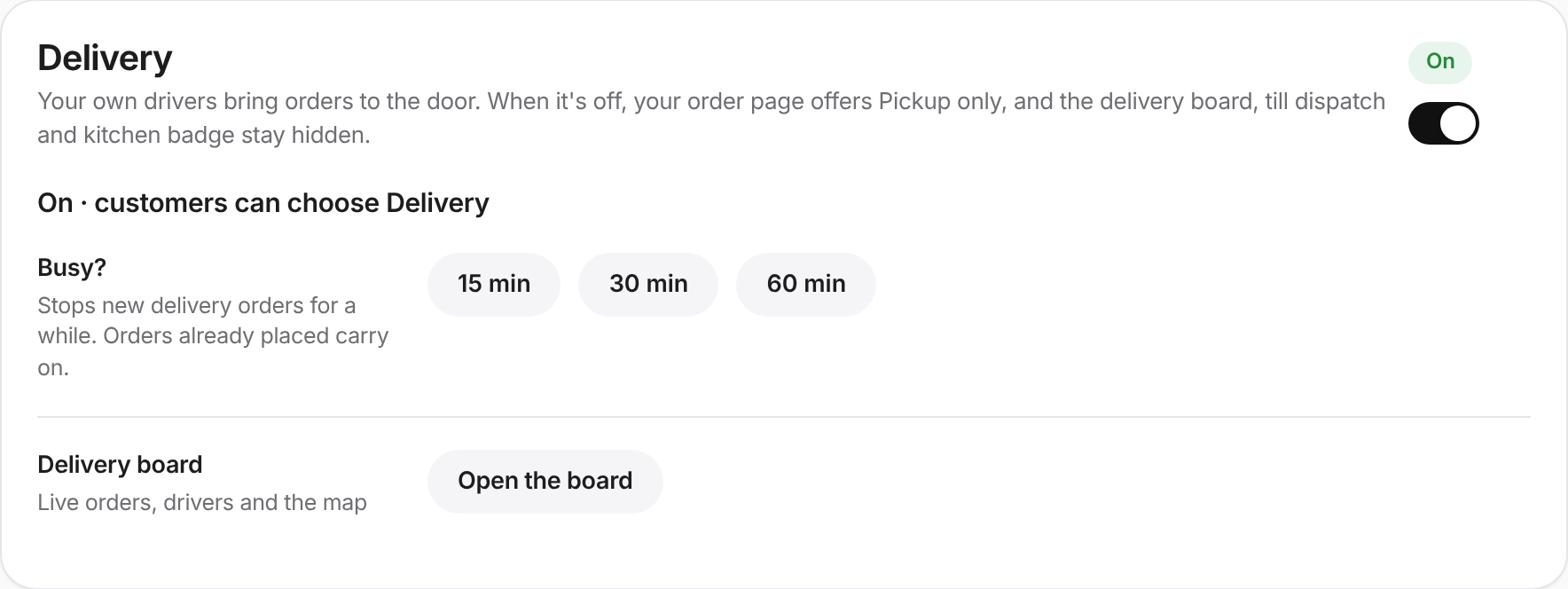
It now says On · customers can choose Delivery. A Delivery page appears in the menu on the left.