Tables & reservations
Deposits and no-shows
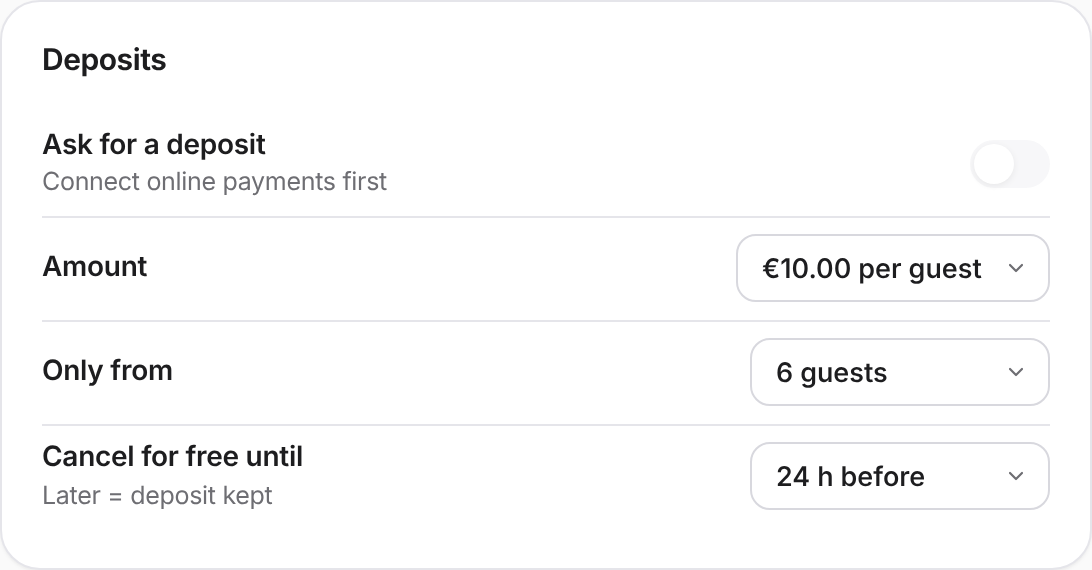
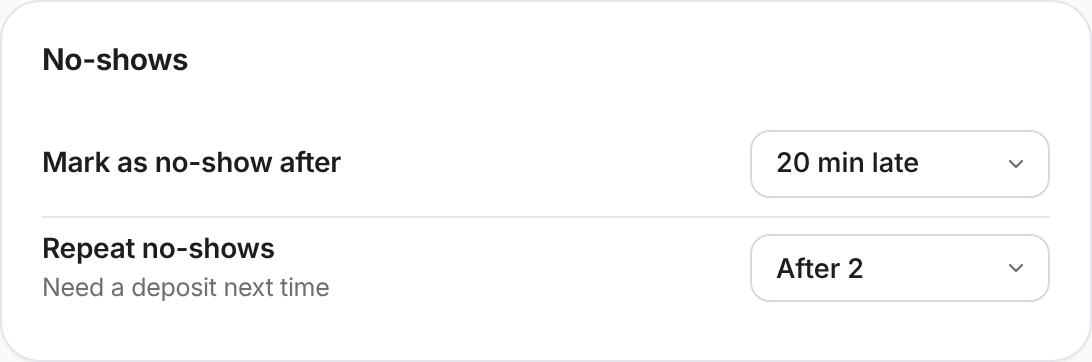
In Reservations → Settings, set when a booking counts as a no-show. To ask for deposits, connect SumUp first, then switch Ask for a deposit on.
Ce contenu n’est pas encore disponible dans votre langue.
-
Connect SumUp in Settings → Payments.
-
Open Reservations → Settings and switch Ask for a deposit on.
-
Pick an Amount per guest and Only from (a party size).
-
Pick Cancel for free until. Later, the deposit is kept.
No-shows
| Setting | Starts as |
|---|---|
| Ask for a deposit | Off |
| Mark as no-show after | 20 min late |
| Repeat no-shows need a deposit next time | After 2 |