Shop mode (retail)
Sort products into departments
Ce contenu n’est pas encore disponible dans votre langue.
-
In the back office, go to Shop → Till & returns. Under Back office tools, turn on Departments. It’s off until you turn it on.
-
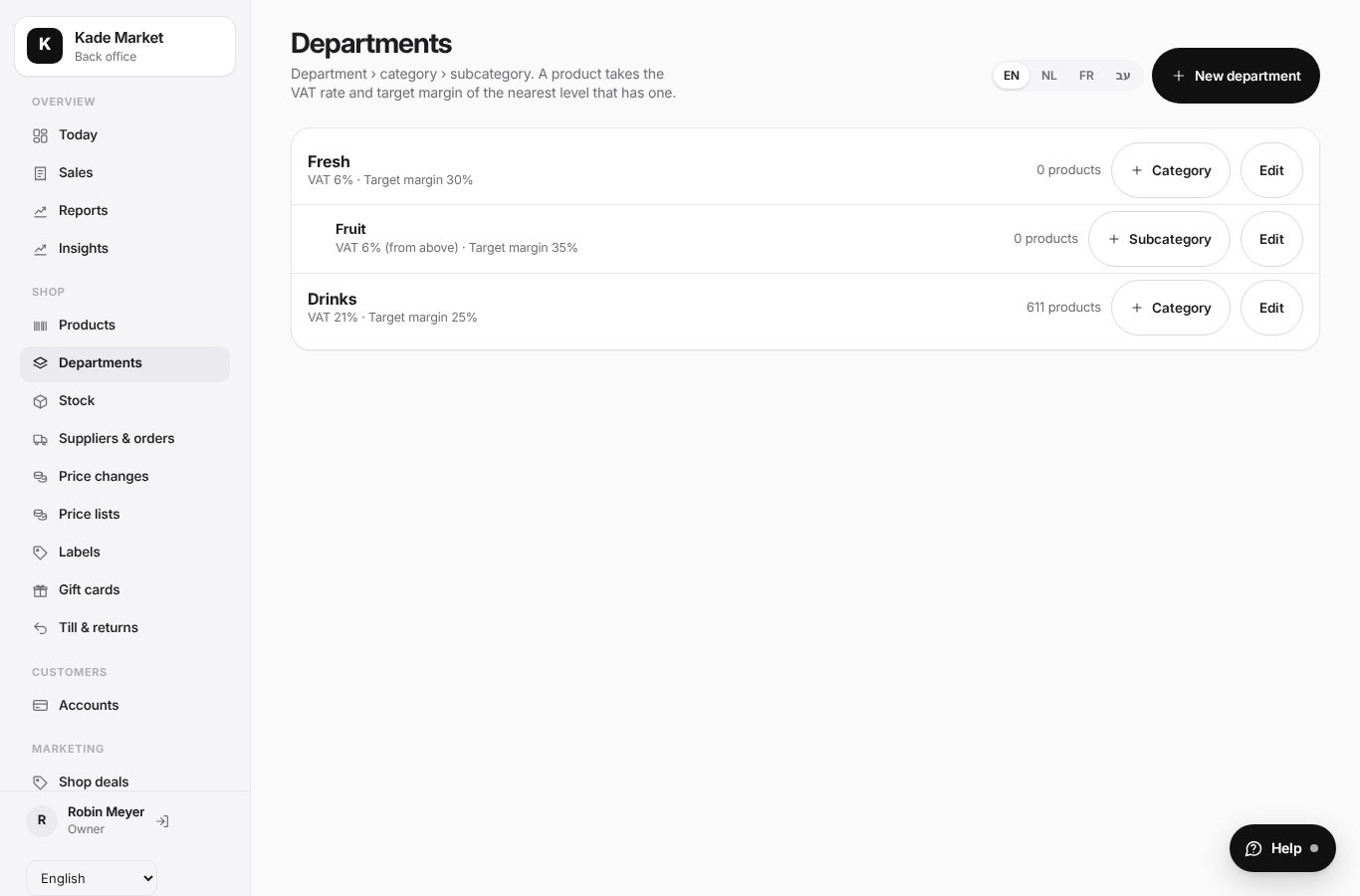
Open Departments in the side menu. Tap New department, give it a name and, if you like, a VAT rate and a Target margin. Add a Category under a department, and a Subcategory under a category. A category without its own VAT or margin takes the one of its department.
-
Put products in a department: open a product and pick it under Department. For many at once, use Change many products at once.
-
To give every product in a department its VAT rate or target margin, open the department and tap Use this VAT rate or Price from the target margin. You can undo it afterwards.