Shop mode (retail)
Change many products at once
Ce contenu n’est pas encore disponible dans votre langue.
-
In the back office, go to Shop → Till & returns. Under Back office tools, turn on Bulk edit. It’s off until you turn it on.
-
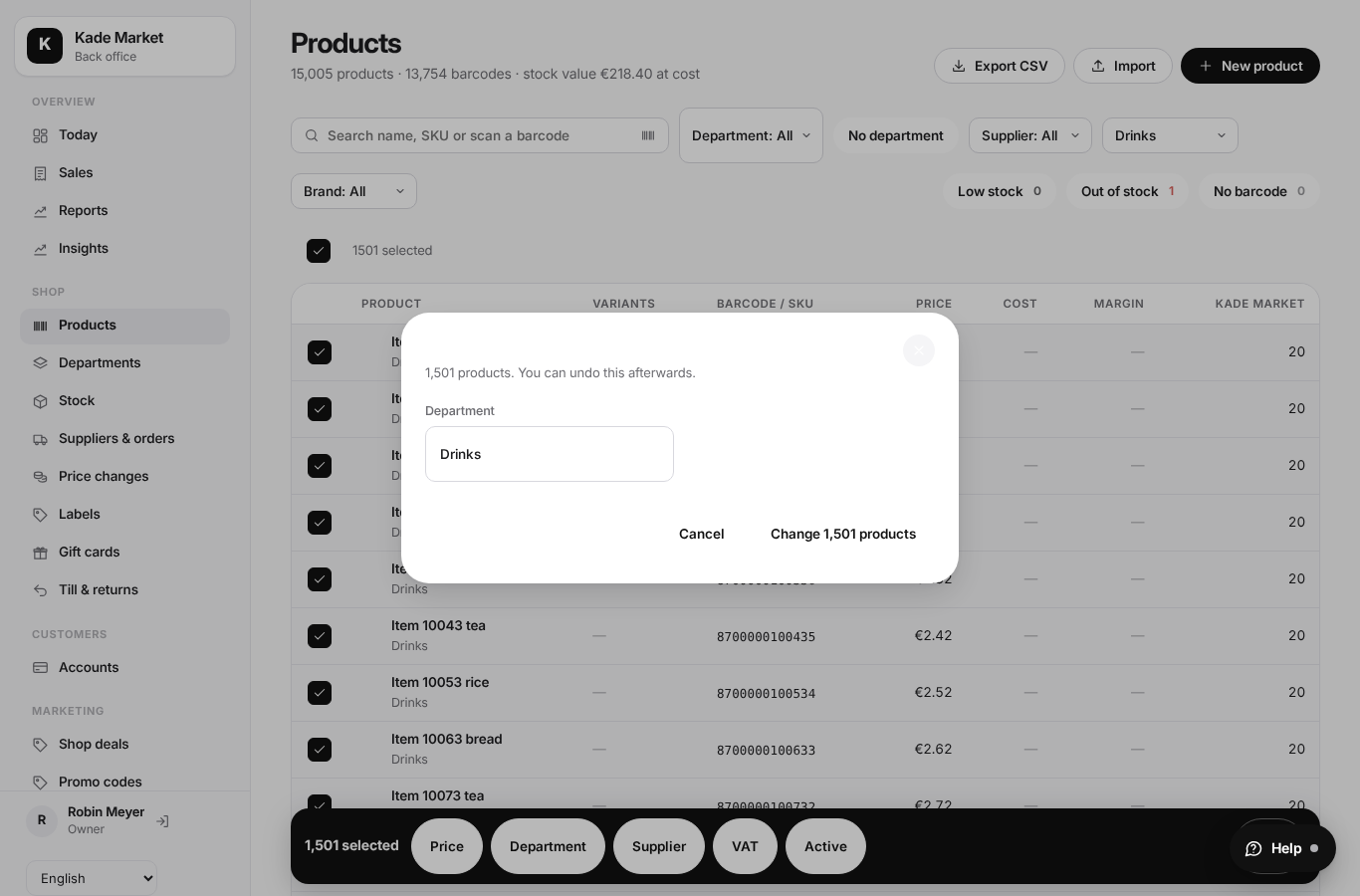
Open Products. Filter the list if you like (department, supplier, category, brand), then tick the products. Select all takes every product in the filter, also the ones further down.
-
In the bar at the bottom, pick Price, Department (or Category), Supplier, VAT or Active. For a price, choose By a % or One price for all. With pricing rules on, Margin sets the price from a target margin. Tap Change … products.
-
Big changes run in the background: you see how far it is. When it’s done, tap Undo if it wasn’t right. Every product goes back to what it was.