Payments
When the card reader is down
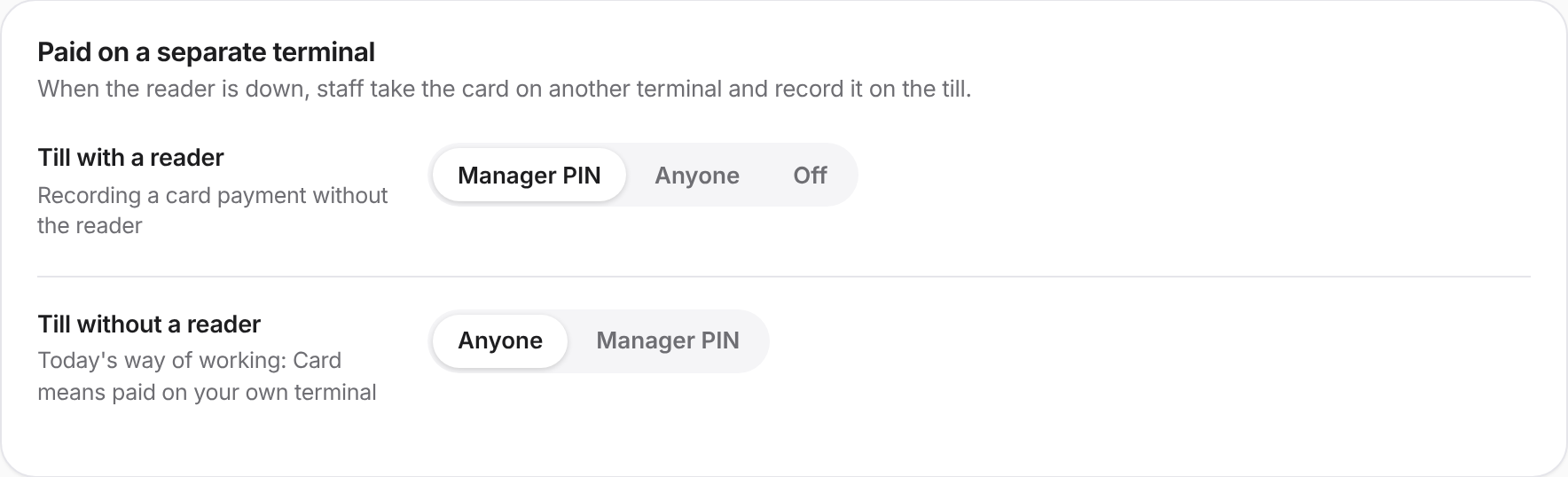
Take the card on another terminal, then record it on the till as paid. In Settings → Card readers → Paid on a separate terminal, choose who may do that.
Ce contenu n’est pas encore disponible dans votre langue.
-
Open Settings → Card readers and scroll to Paid on a separate terminal.
-
Under Till with a reader, choose Manager PIN, Anyone or Off.
-
Under Till without a reader, choose Anyone or Manager PIN.
Every setting
| Setting | Starts as |
|---|---|
| Till with a reader | Manager PIN |
| Till without a reader | Anyone |