Fix a problem
The ticket didn't print
What you see
An order is on the kitchen screen or the till, but no paper came out.
Try these, in order
-
Look at the printer. Is the light on? Is there paper? Is the lid closed?
-
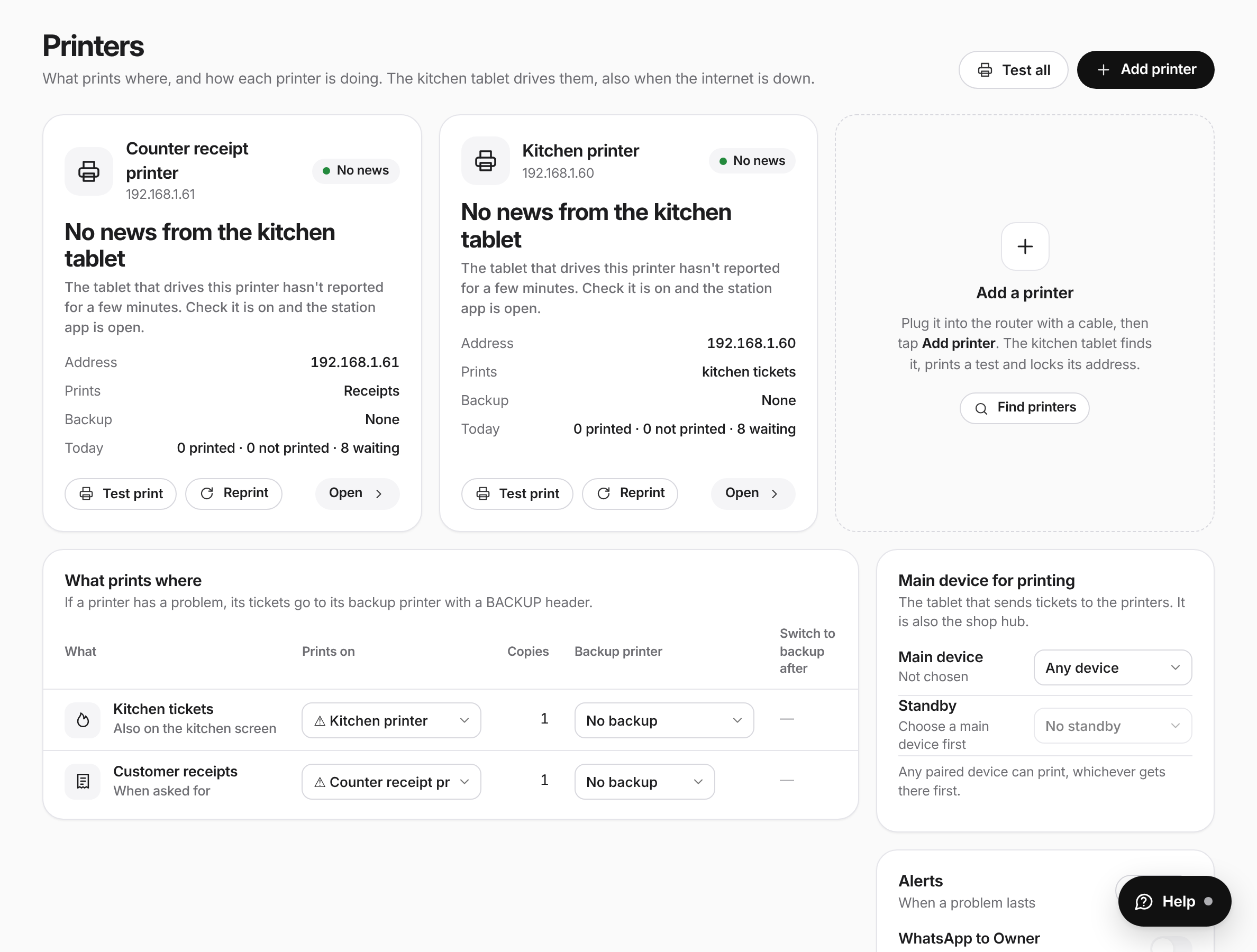
In the back office, open Restaurant → Printers. Read the status next to the printer: Out of paper, Lid open, Offline or No news.
-
Offline: check the power and the network cable to the router. Switch the printer off and on.
-
No news: the kitchen tablet sends tickets to the printers. Check it’s on, connected to the internet, and the app is open.
-
Fixed? Tap Reprint next to the ticket on the printer’s page (it prints marked REPRINT). A customer receipt can also be reprinted on the till: Orders → the order → Reprint receipt.
-
Still nothing? Tap Test print. If the test page doesn’t print either, the printer needs a check. Set a Backup printer in What prints where so tickets keep coming.