Tables & reservations
Let guests order from the table
In Tables & QR, switch Order & pay from the table on. Guests scan the card on their table, order, and pay at the counter or on the phone.
Ce contenu n’est pas encore disponible dans votre langue.
-
Open Tables & QR and switch Order & pay from the table on.

-
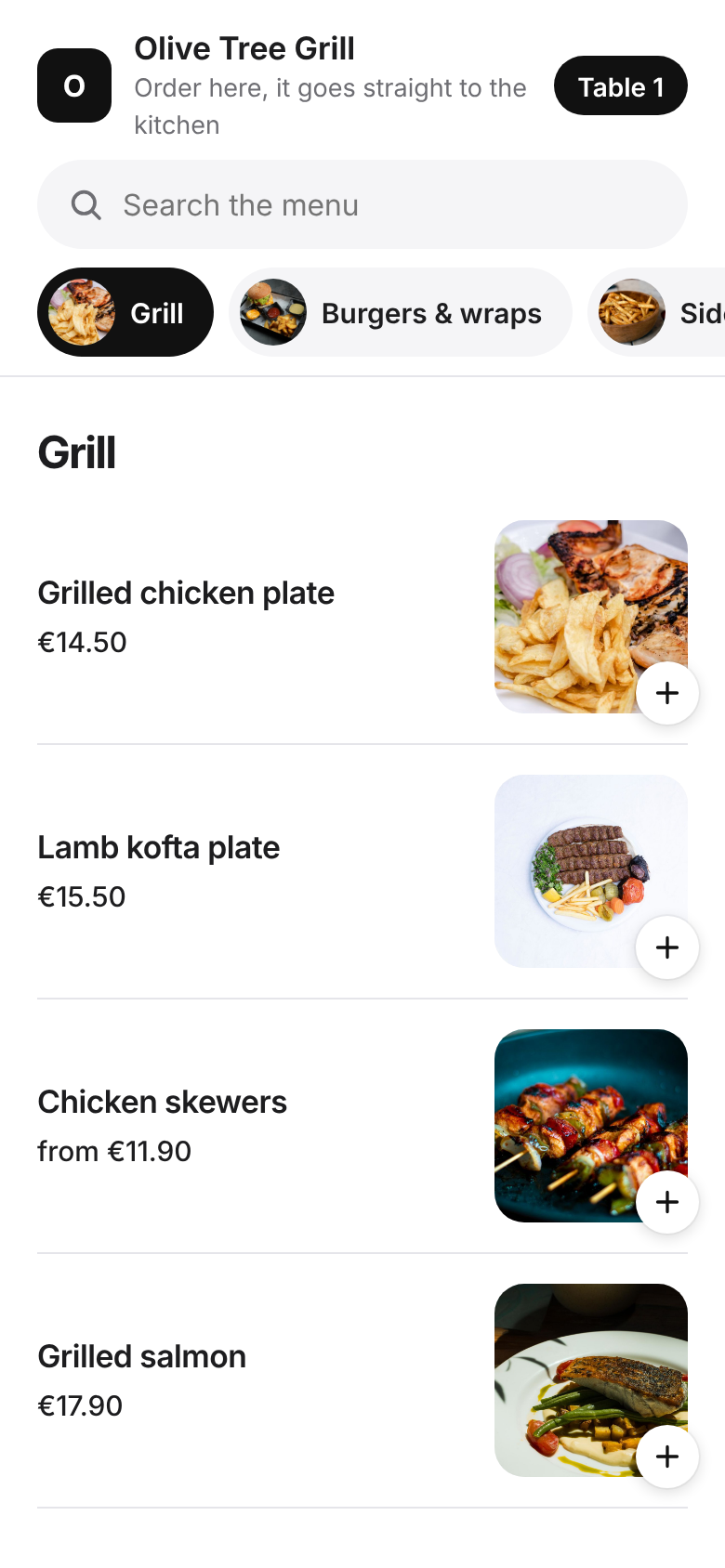
A guest scans the QR card. The menu opens with their table name at the top.
-
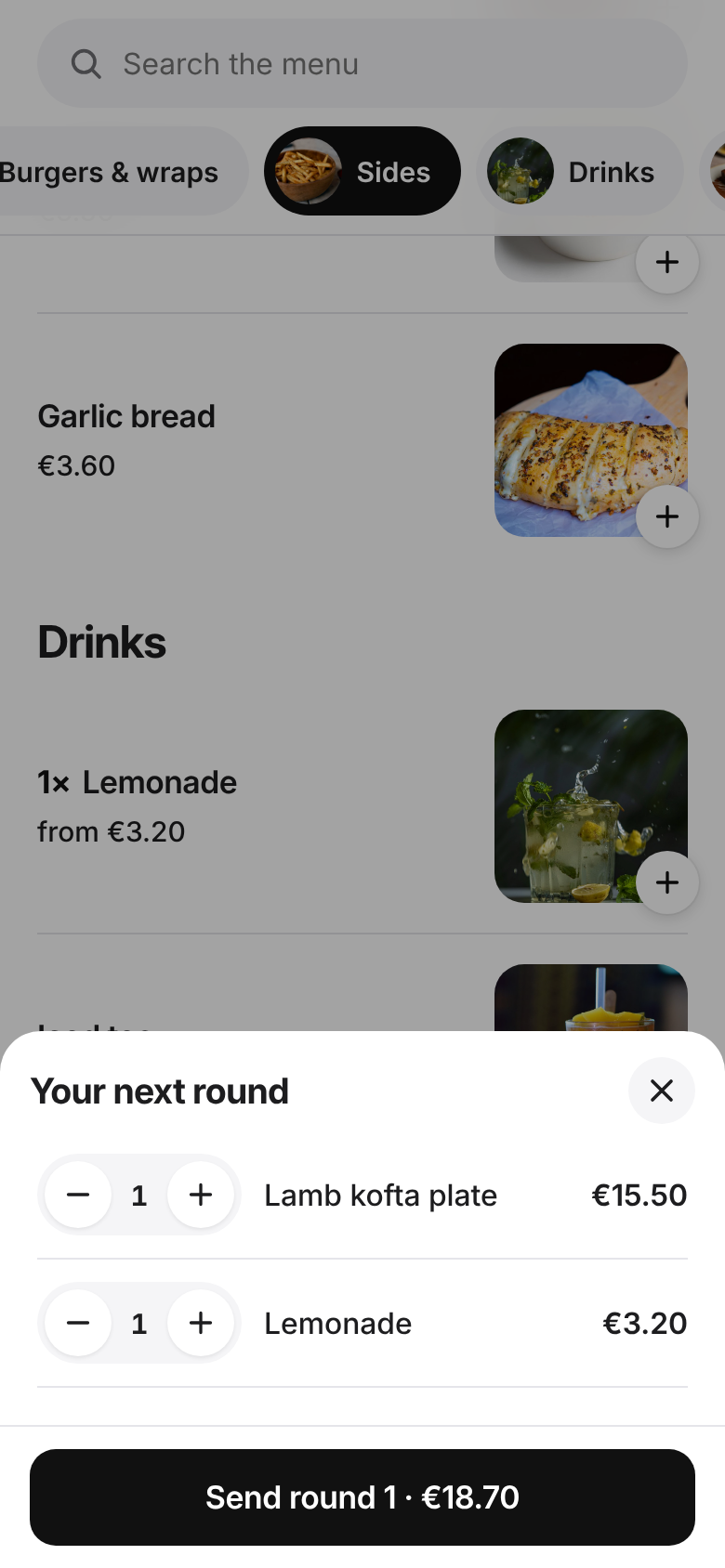
They add dishes and tap Send round 1.
-
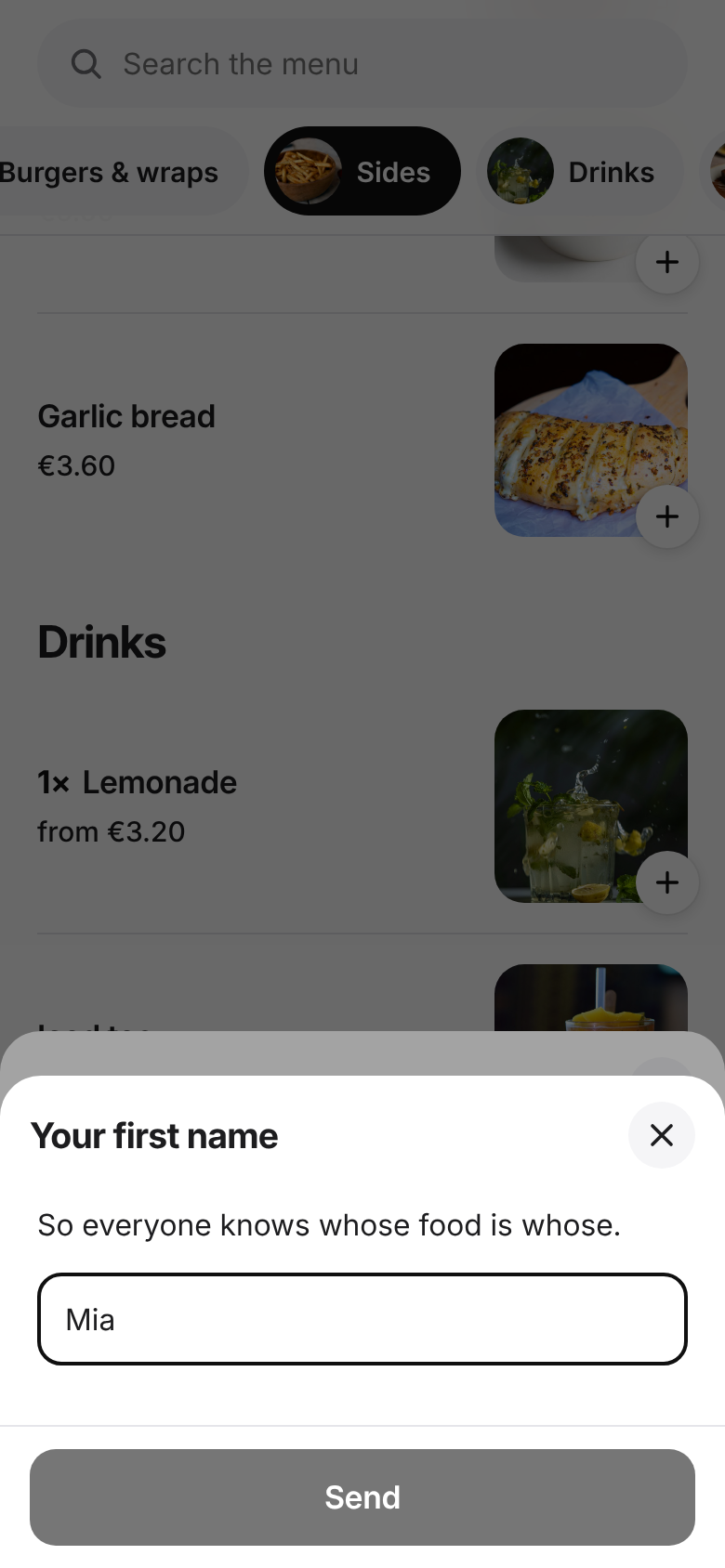
The first time, they type their first name. The order goes straight to the kitchen.
-
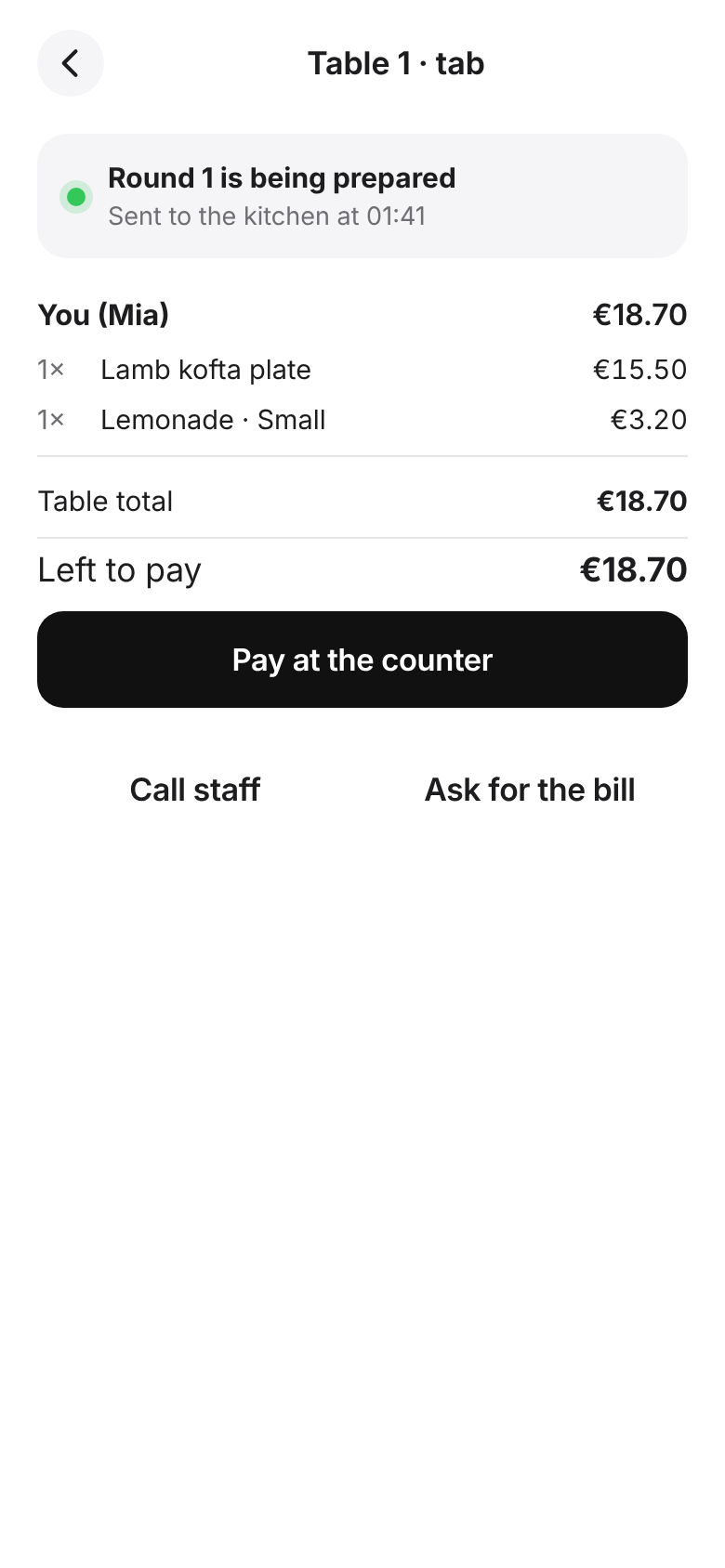
View table tab shows everything ordered and what’s left to pay.
Every setting
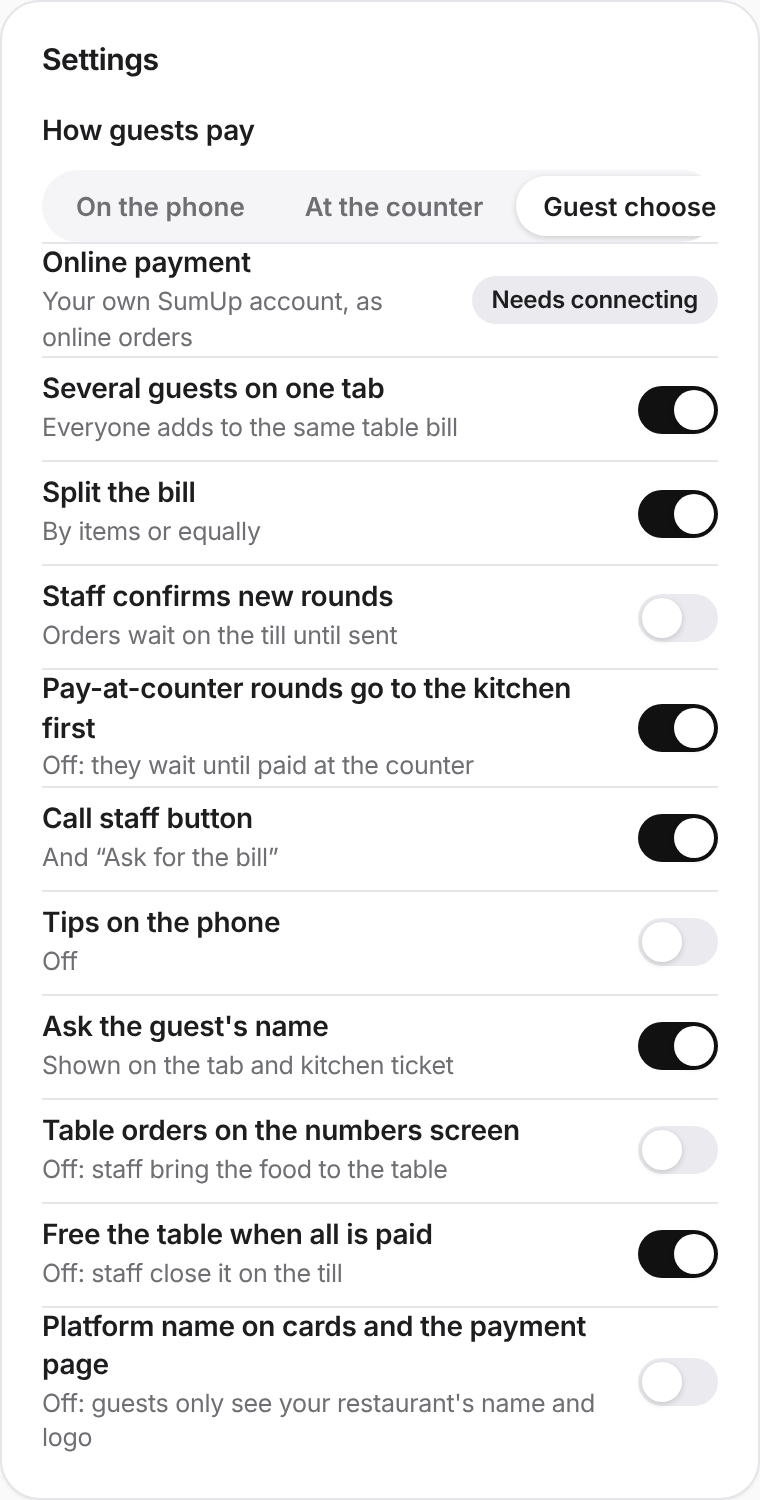
| Setting | Starts as |
|---|---|
| Order & pay from the table | Off |
| How guests pay | Guest chooses (On the phone needs SumUp) |
| Several guests on one tab | On |
| Split the bill | On |
| Staff confirms new rounds | Off |
| Pay-at-counter rounds go to the kitchen first | On |
| Call staff button | On, with “Ask for the bill” |
| Tips on the phone | Off |
| Ask the guest’s name | On |
| Table orders on the numbers screen | Off: staff bring the food |
| Free the table when all is paid | On |