Get started
Change the language
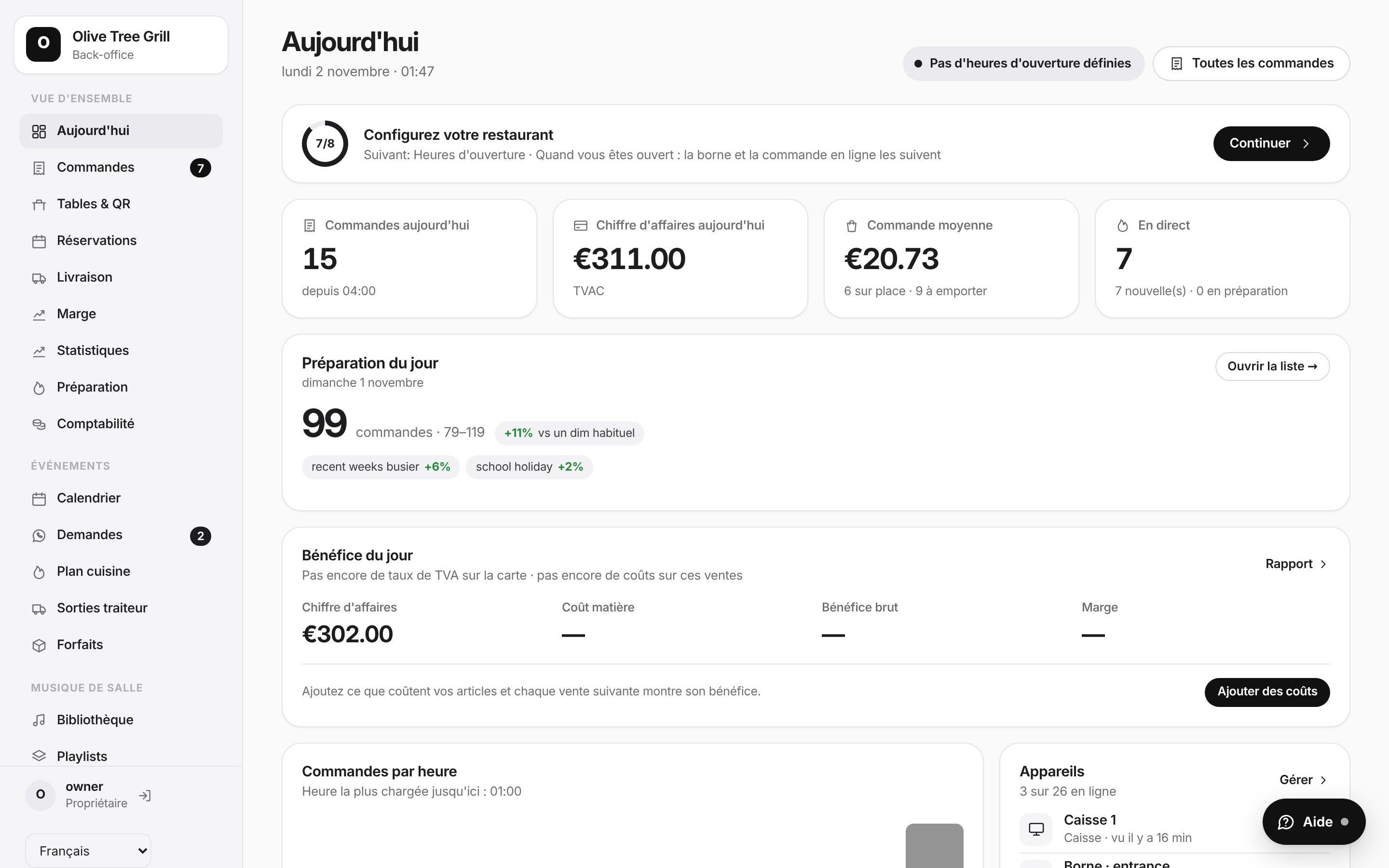
Back office: pick a language at the bottom of the side menu (or on the sign-in page). Till: tap a language on the staff sign-in screen. Hebrew turns the screen right to left.
Ce contenu n’est pas encore disponible dans votre langue.
You can use English, Nederlands, Français or עברית (Hebrew, right to left).
The back office
-
Pick your language at the bottom of the side menu. You can also pick it on the sign-in page, or in Settings → Languages.
-
The whole back office switches at once. The choice is for you, on this device. Your tills, kiosk and customers keep their own languages.
The till
-
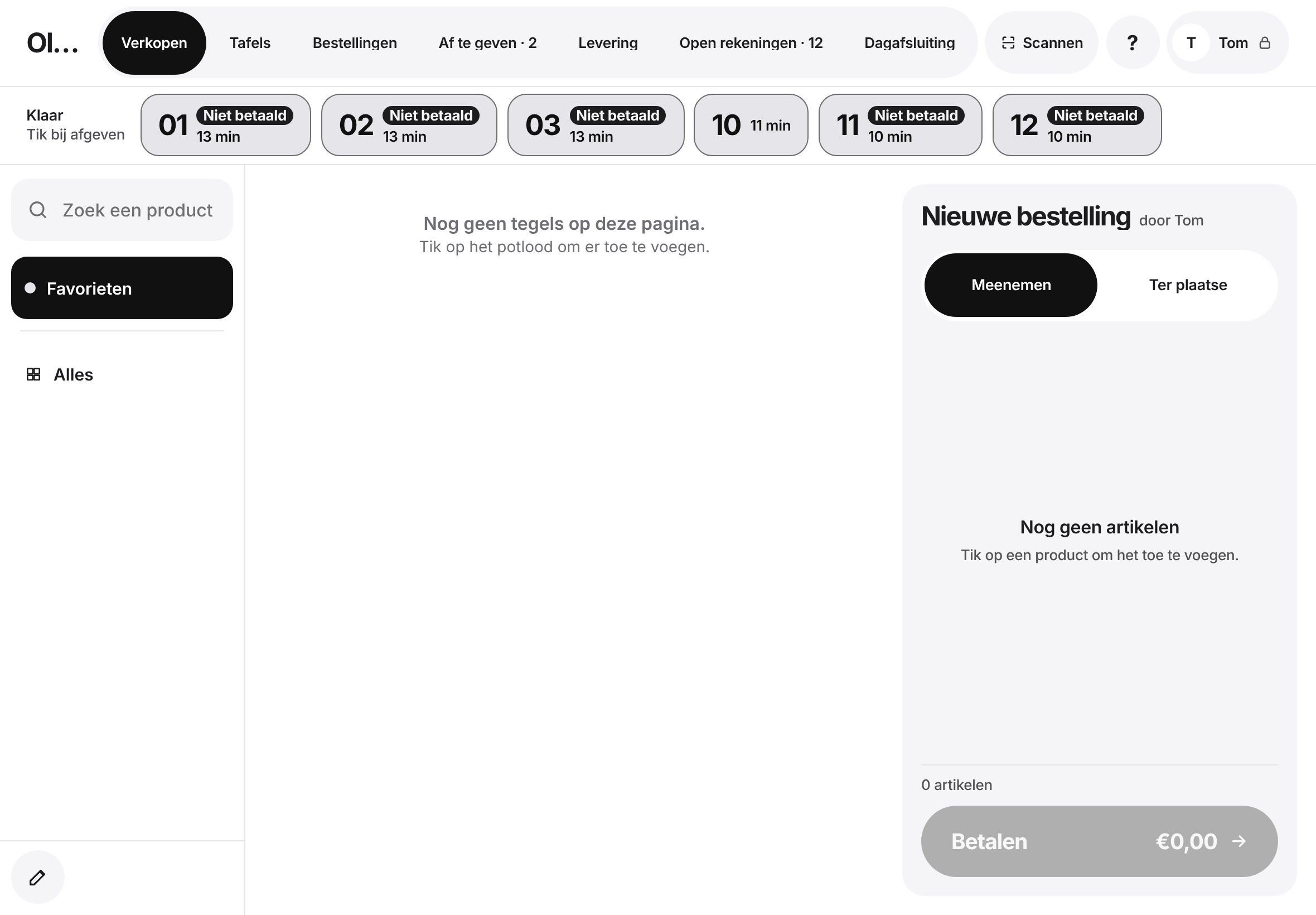
On the staff sign-in screen, tap a language. This till remembers it.
-
To set every till at once, open Settings → Languages in the back office and pick a language under Tills. Same as above follows your restaurant’s language.
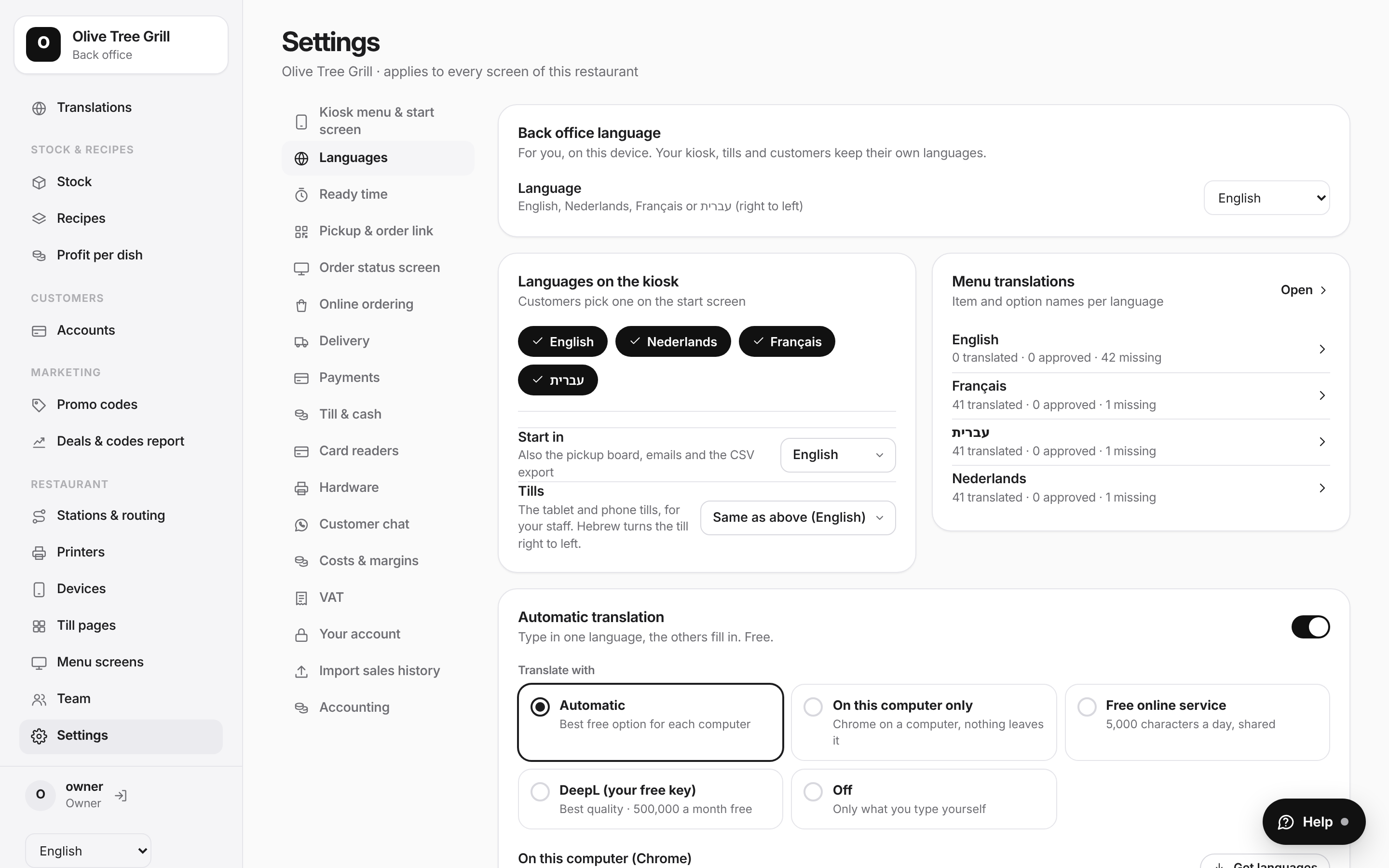
Every setting
| Setting | Starts as |
|---|---|
| Back office language | Your browser’s language (English if it isn’t one of the four) |
| Tills | Same as the restaurant’s language |
| Language picked on a till | None: follows Tills |