Get started
Sign in to the back office
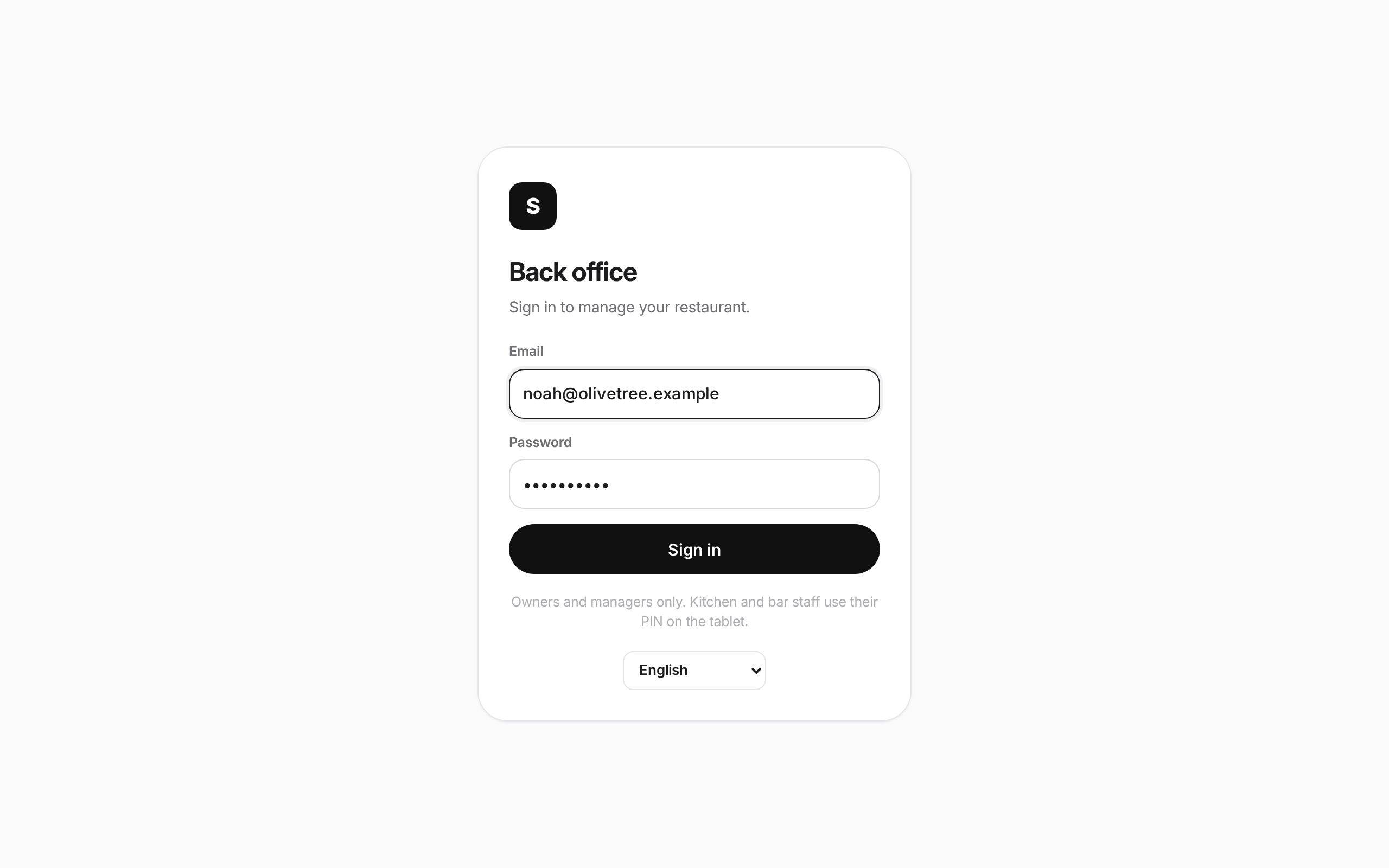
Open the back office address you were given, type your email and password, and tap Sign in. Staff don't need this: they sign in on the till with a PIN.
Sign in
-
Open the back office in your browser. Type your email and password, then tap Sign in.
-
If you set up two-step sign-in, type the 6-digit code from your authenticator app.
-
If your login belongs to more than one restaurant, pick the one you want.
If it doesn’t work
| You see | What to do |
|---|---|
| That email and password don’t match. | Check for typos. Passwords are at least 8 characters. |
| Too many tries. Wait a few minutes. | Wait, then try again. |
| Ask the owner to invite you. | Your login isn’t part of a restaurant yet. The owner invites you from Team. |