Menu screens & music
Set up the hall tablet
On the tablet, open the hall-music page; it shows a code. In the back office, open Hall tablet, tap Pair a tablet and type the code.
-
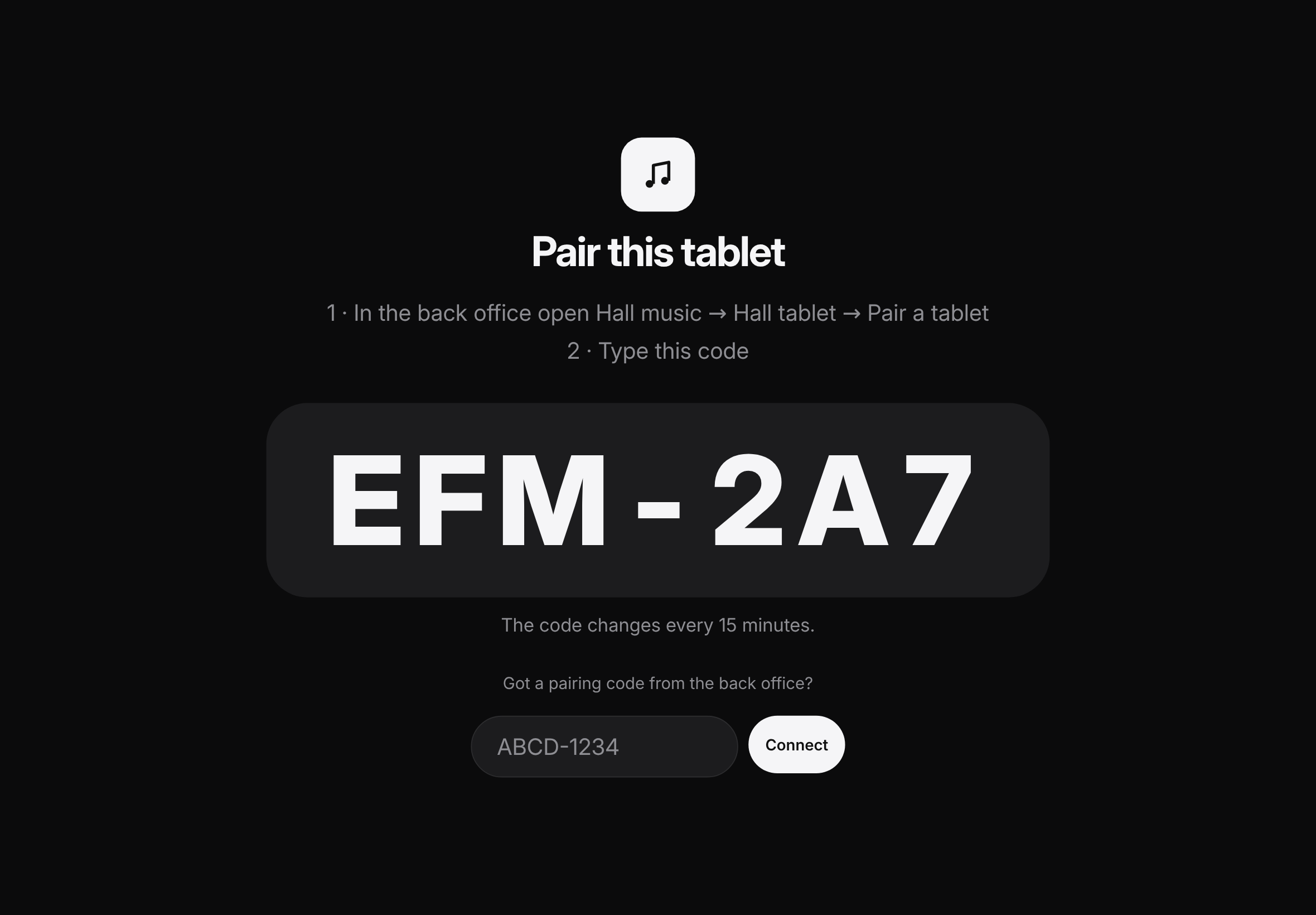
On the tablet, open the hall-music page (the address is under Set up the hall tablet). It shows Pair this tablet and a code.
-
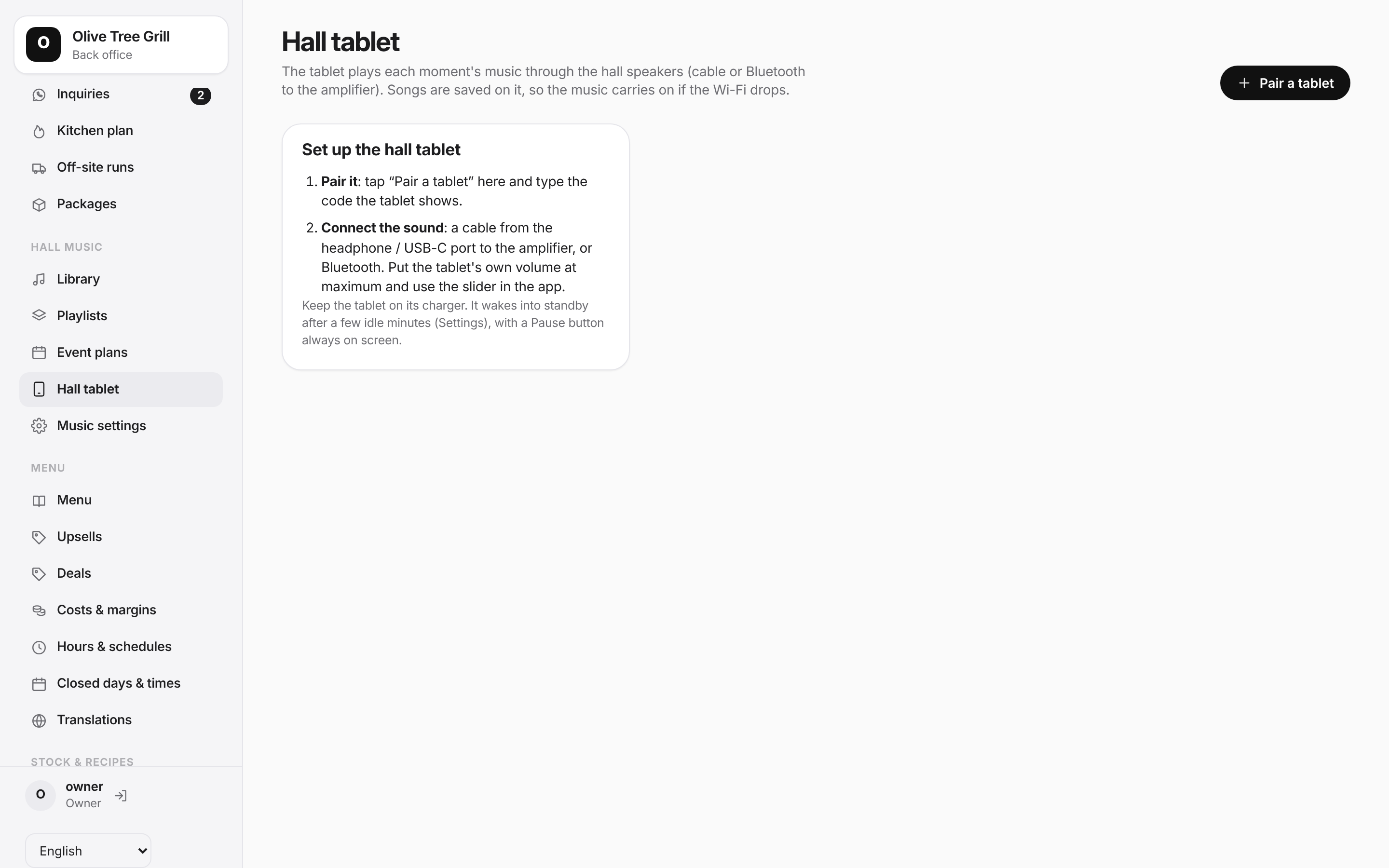
In the back office, open Hall tablet and tap Pair a tablet.
-
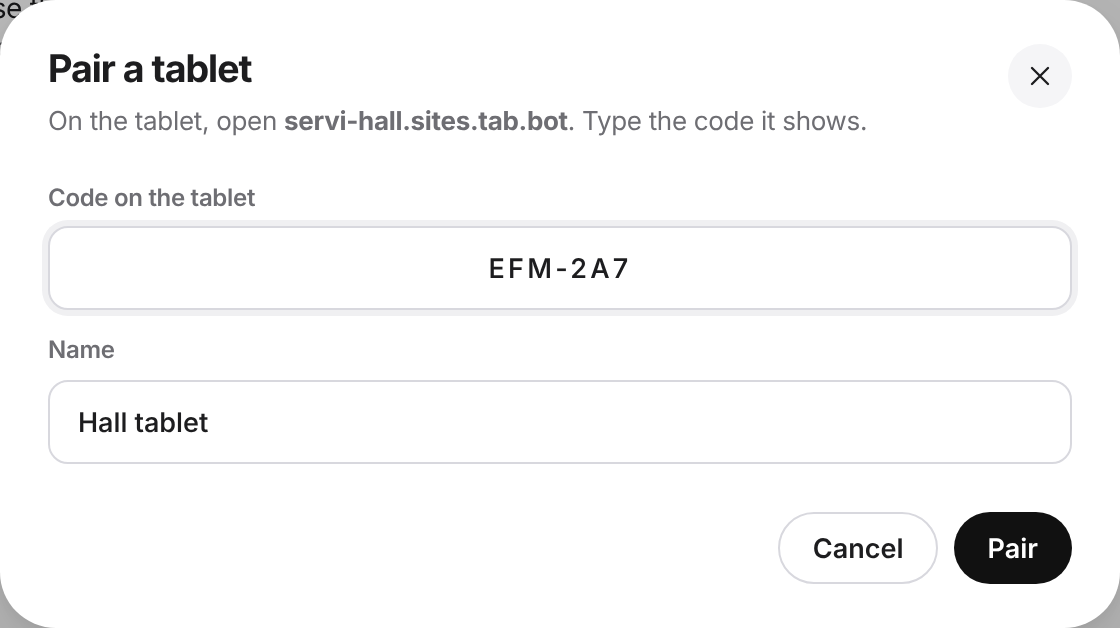
Type the code and tap Pair.
-
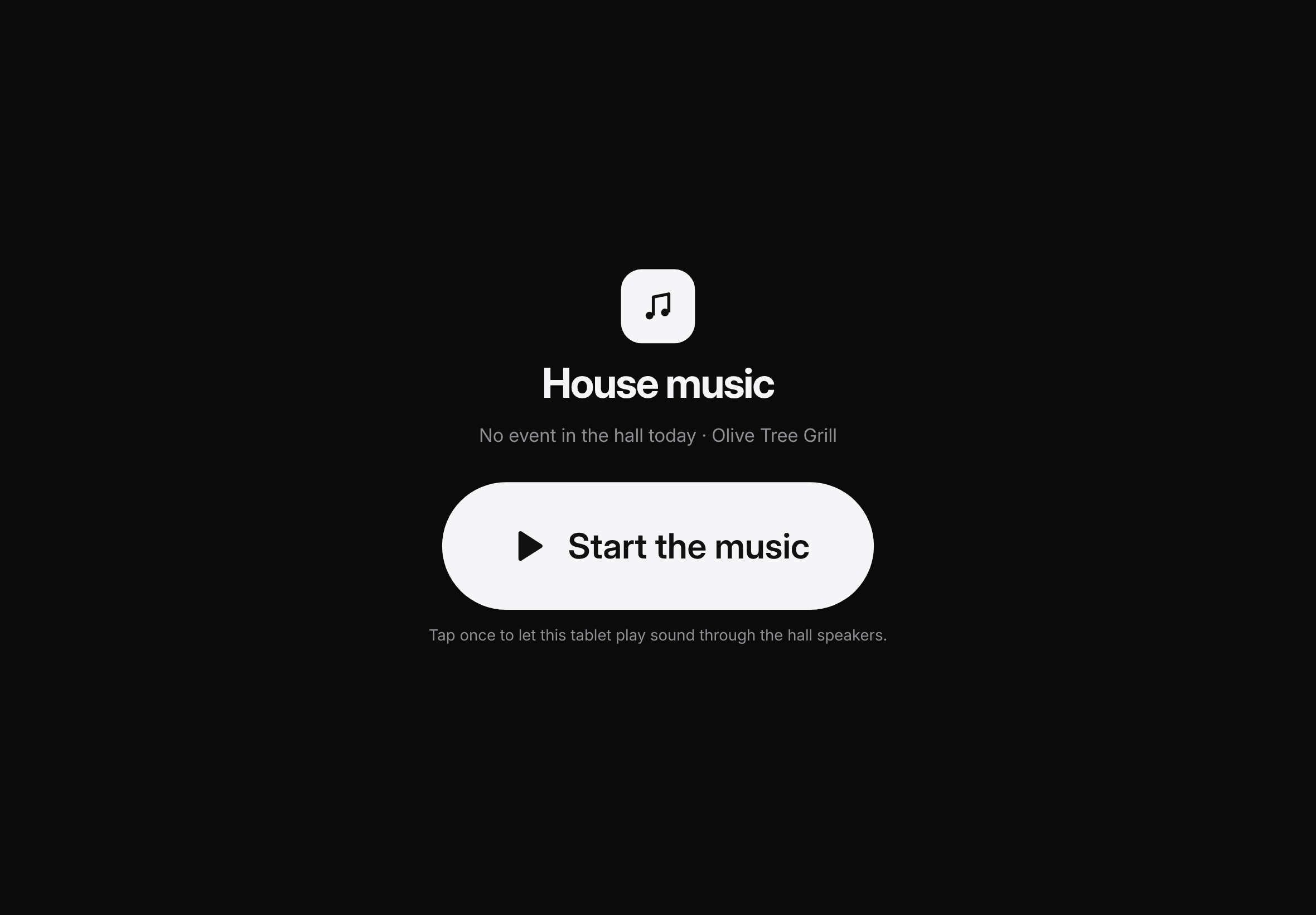
The tablet is ready. Tap Start the music.