Get started
Change the language
Back office: pick a language at the bottom of the side menu (or on the sign-in page). Till: tap a language on the staff sign-in screen. Hebrew turns the screen right to left.
Deze inhoud is nog niet vertaald.
You can use English, Nederlands, Français or עברית (Hebrew, right to left).
The back office
-
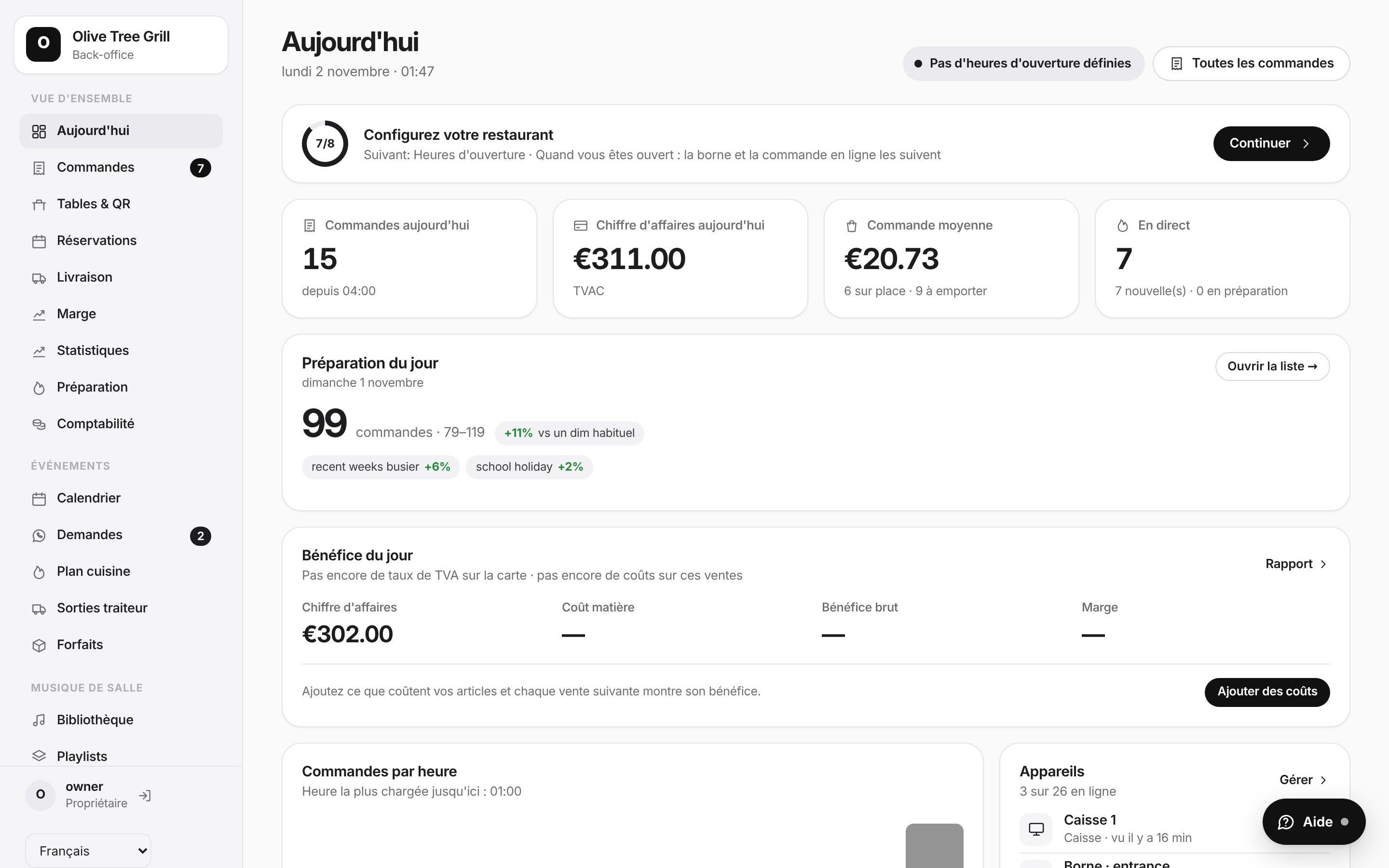
Pick your language at the bottom of the side menu. You can also pick it on the sign-in page, or in Settings → Languages.
-
The whole back office switches at once. The choice is for you, on this device. Your tills, kiosk and customers keep their own languages.
The till
-
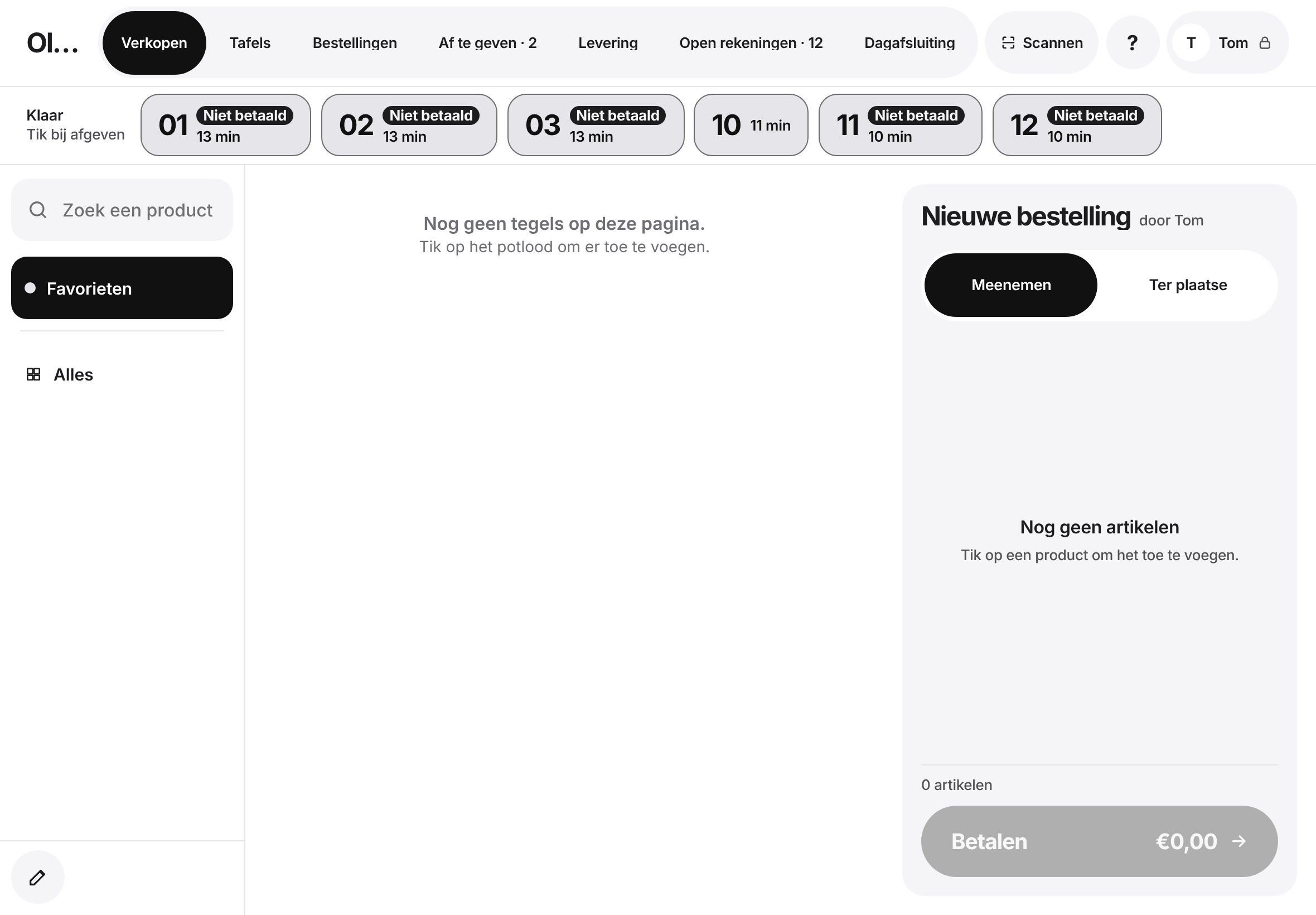
On the staff sign-in screen, tap a language. This till remembers it.
-
To set every till at once, open Settings → Languages in the back office and pick a language under Tills. Same as above follows your restaurant’s language.
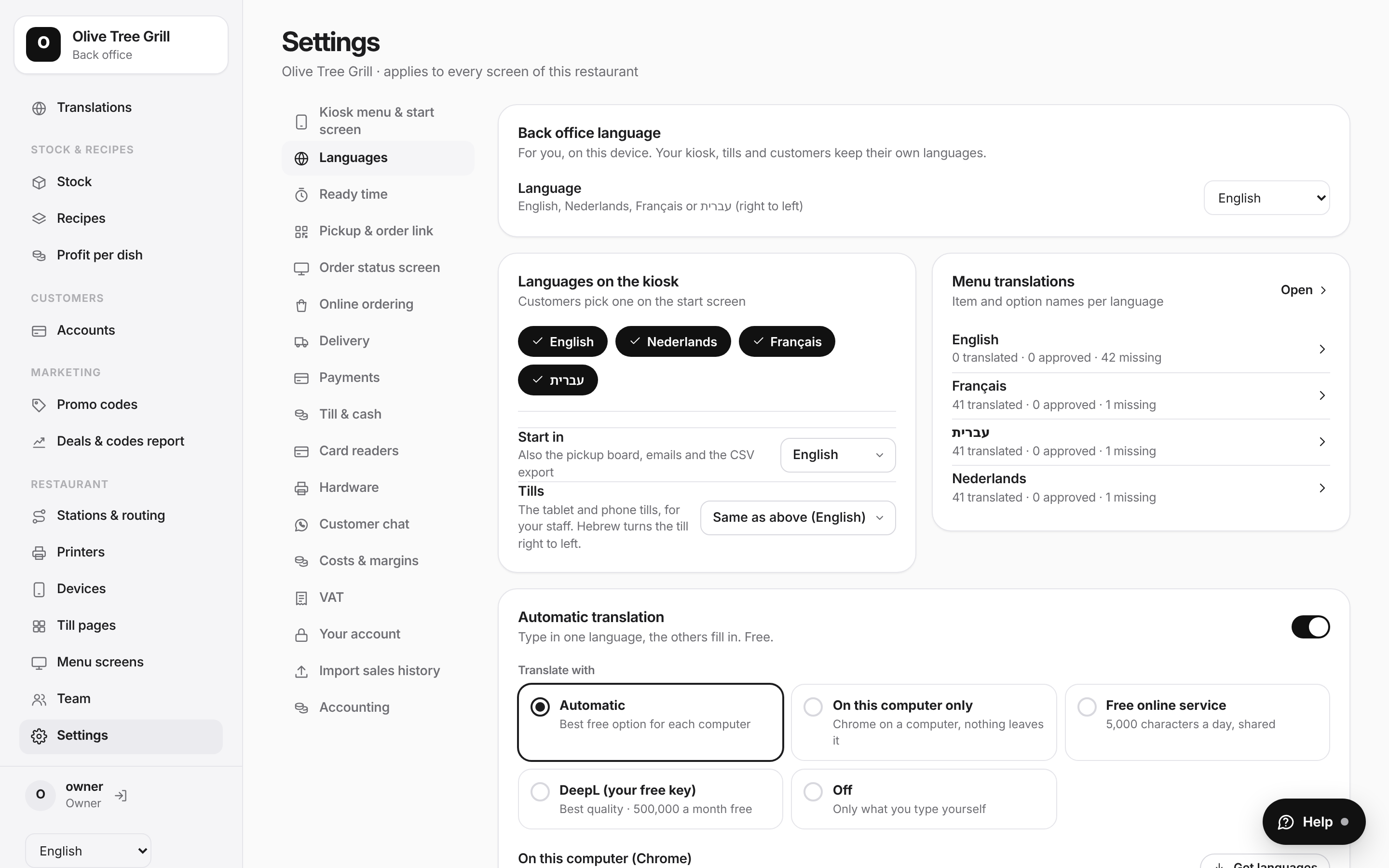
Every setting
| Setting | Starts as |
|---|---|
| Back office language | Your browser’s language (English if it isn’t one of the four) |
| Tills | Same as the restaurant’s language |
| Language picked on a till | None: follows Tills |