Online ordering
What customers see when they order online
Customers open your link or scan your QR, tap dishes, tap View basket, Continue, fill in name and phone, and tap Place order. They get a number and a live status page.
Deze inhoud is nog niet vertaald.
Step by step
-
The customer opens your page. They see your menu, your opening hours and how long it takes.
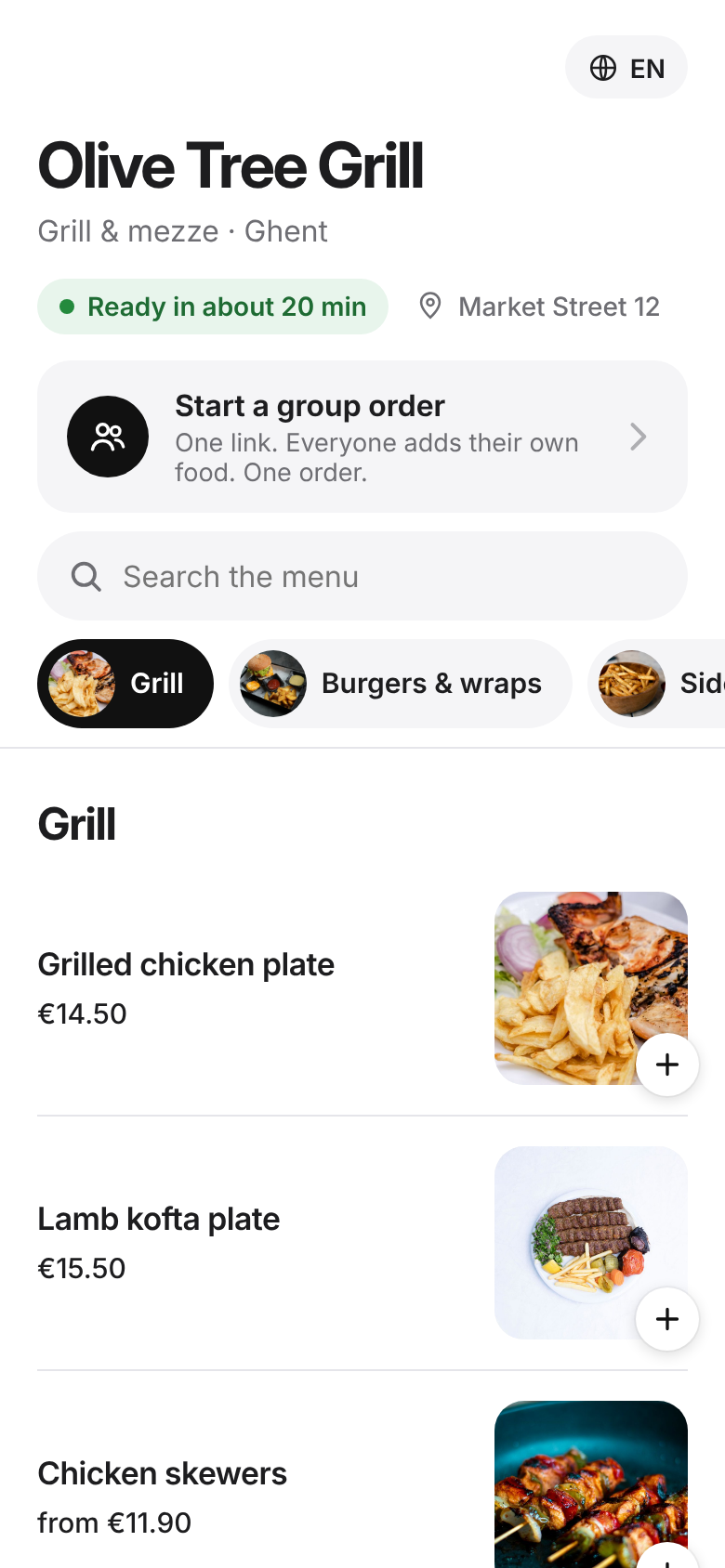
-
They tap a dish, choose the options and tap Add to basket.
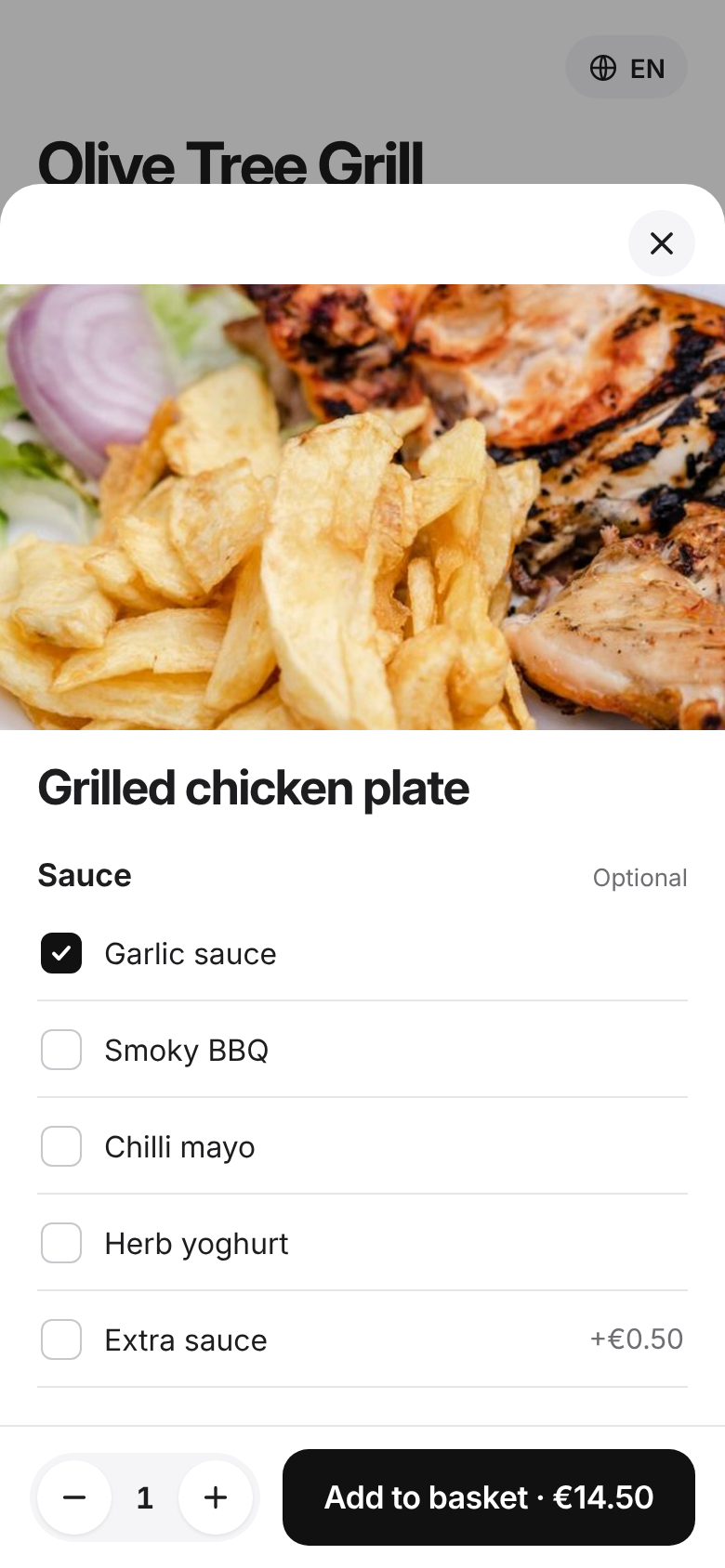
-
They tap View basket, check it, and tap Continue.
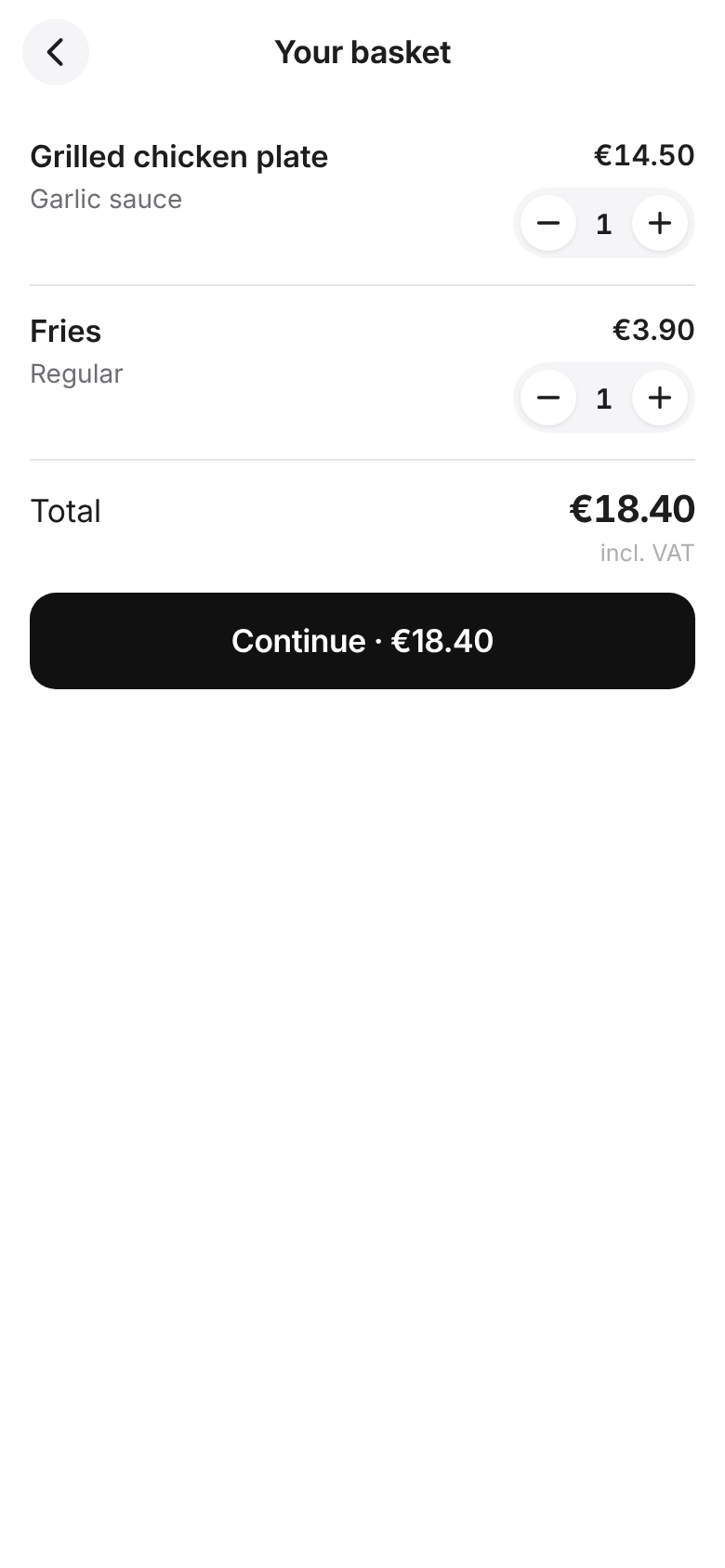
-
They pick As soon as possible or Later today, type their name and phone, and tap Place order.
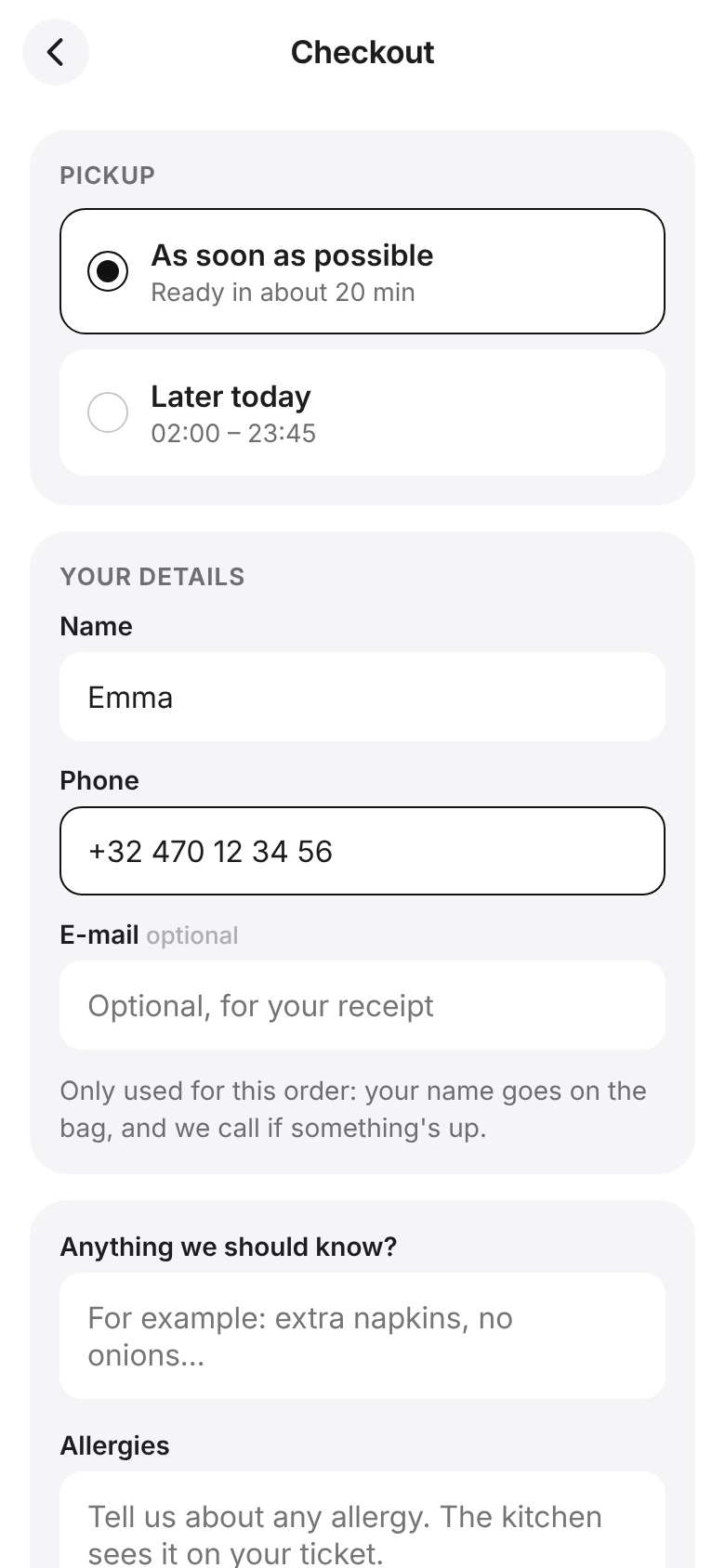
-
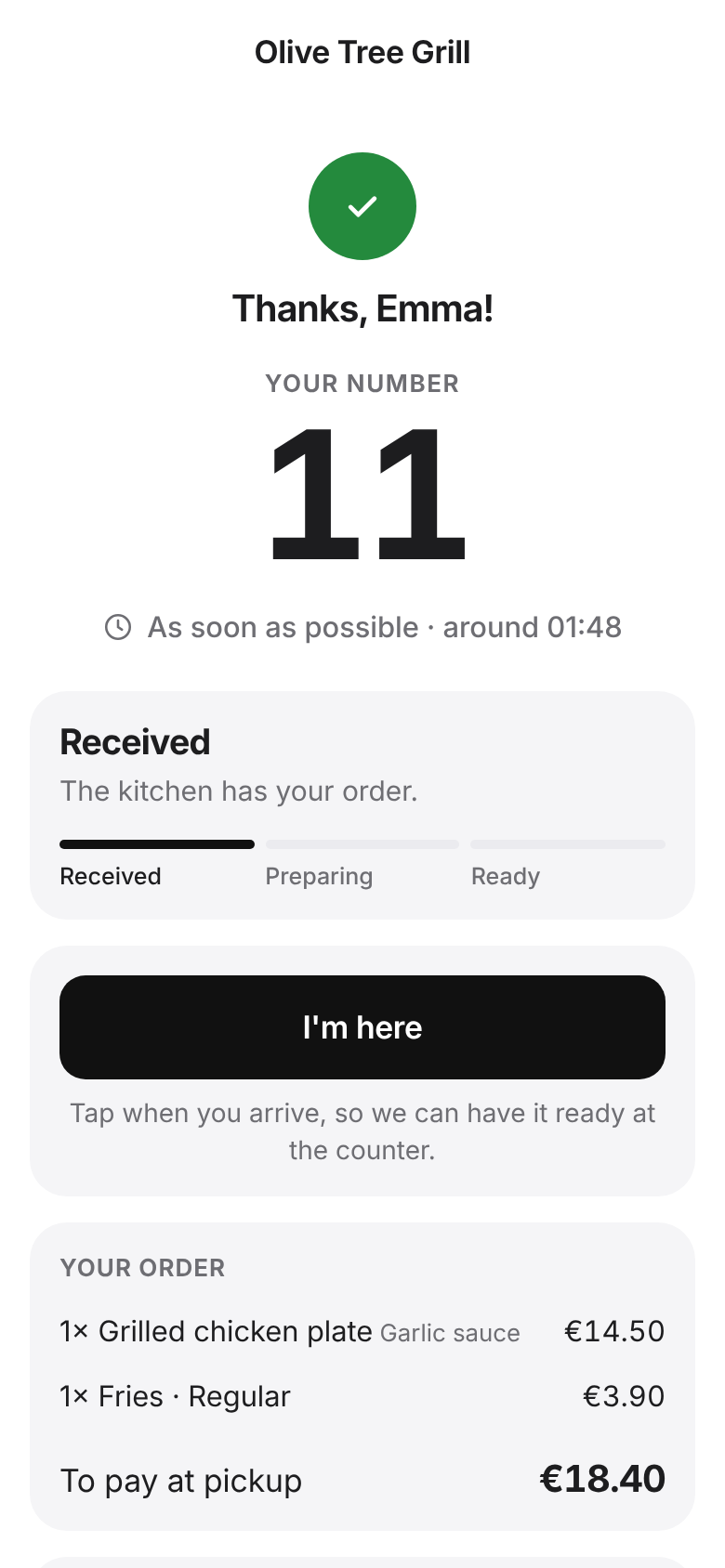
They get their number and a live status: Received, Preparing, Ready.
-
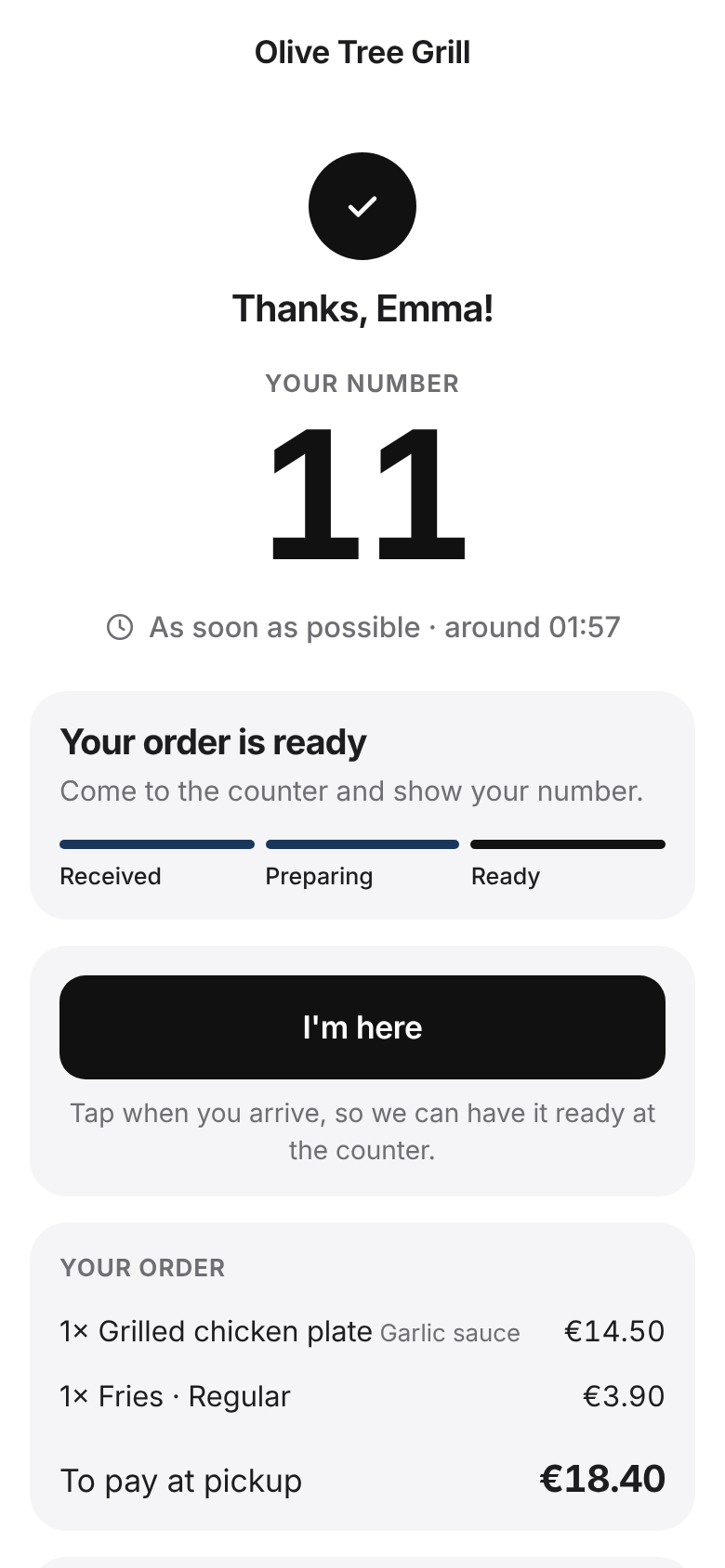
When the kitchen taps Done, the page says the order is ready.
What you see
The order shows on the kitchen screen and on the till like any other order, marked Online. The customer’s name goes on the ticket. Allergies print as ALLERGY.