Till
Let customers pay later
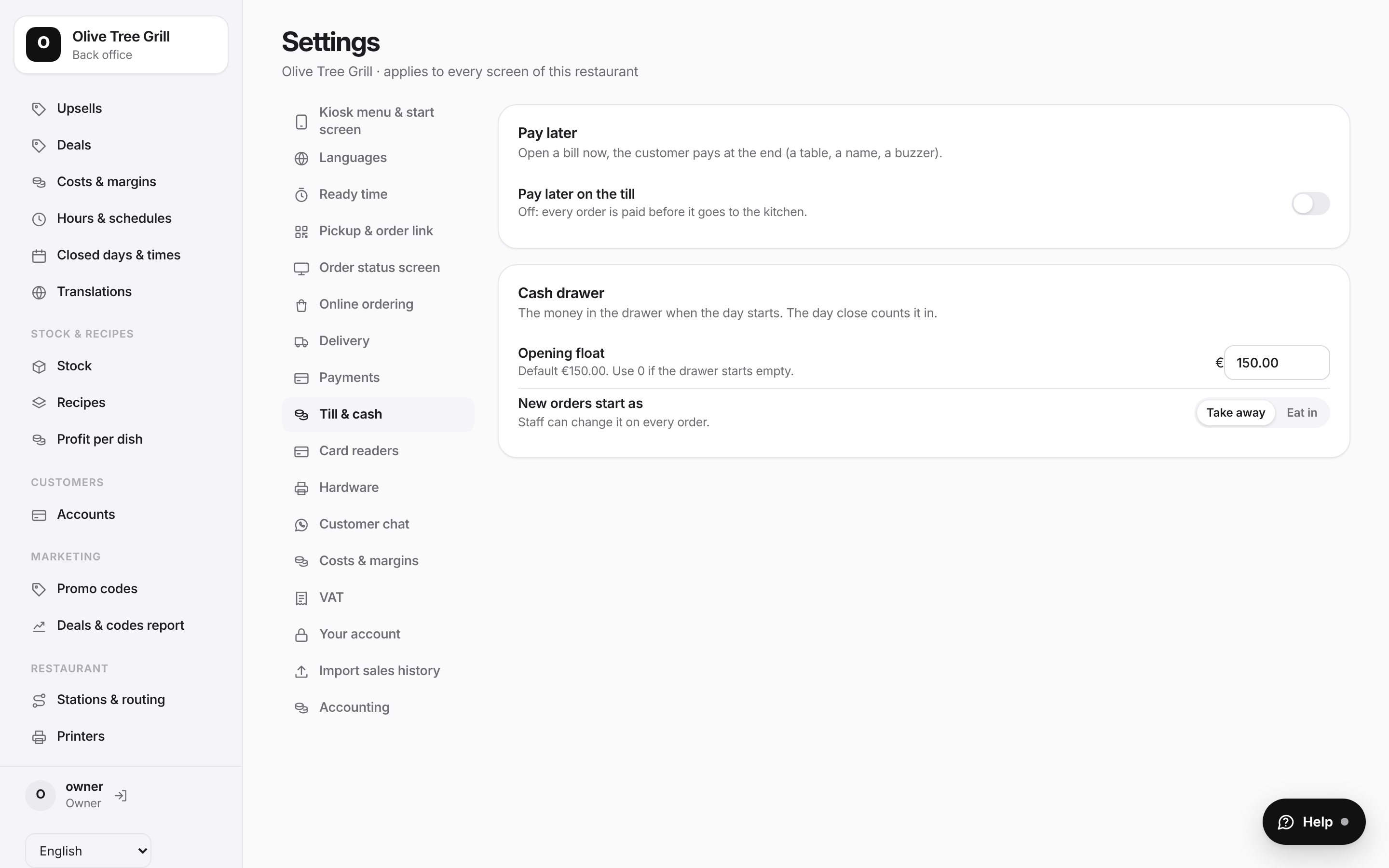
In the back office, open Settings → Till & cash and switch on Pay later on the till. Then choose how a bill is named and how it's paid.
Deze inhoud is nog niet vertaald.
Switch it on
-
Open Settings and tap Till & cash.
-
Switch on Pay later on the till. When it’s off, every order is paid before it goes to the kitchen.
-
Pick A bill is named by: Table, Name or Buzzer. Staff type this when they open a bill.
-
Pick Paying a bill: Cash first (the till opens on cash) or Cash or card (staff pick).
-
Choose if Open bills can move to the next day at day close. Off: every bill must be paid before closing.
Every setting
| Setting | Starts as |
|---|---|
| Pay later on the till | Off |
| A bill is named by | Table |
| Paying a bill | Cash first |
| Open bills can move to the next day | On |