Kitchen
Kitchen stations: where each dish is made
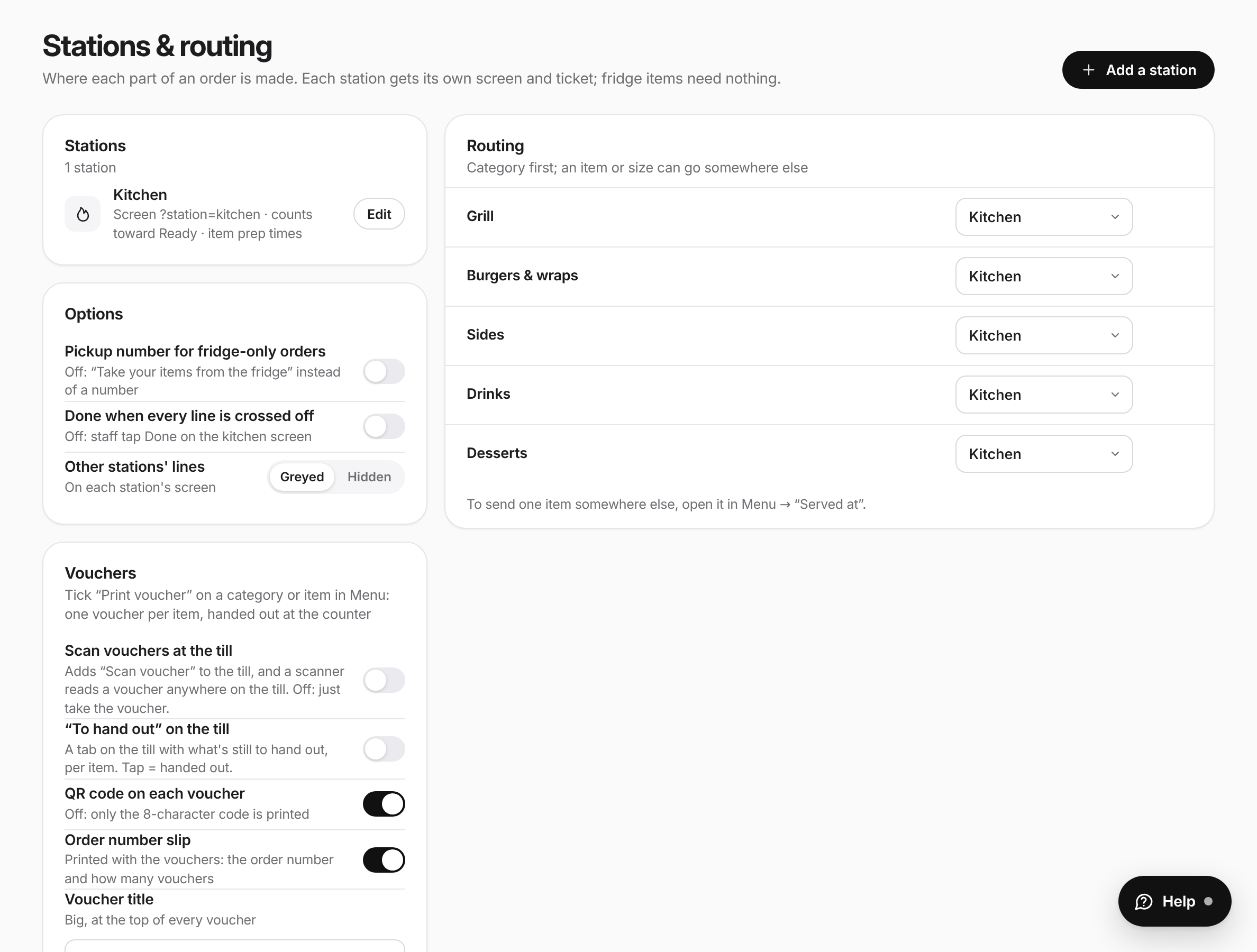
A station is a place where food or drinks are made, like Grill. In Restaurant → Stations & routing, choose a station for each category. One dish can go somewhere else with Served at.
Deze inhoud is nog niet vertaald.
Send a category to a station
-
Open Restaurant → Stations & routing.
-
Under routing, pick a station for each category. Every dish in that category follows it.
-
Check each route, until it says All routes confirmed.
Send one dish somewhere else
Open the dish in Menu and change Served at. For example, a dessert that the grill makes.
Add a station
Tap Add a station, give it a name (for example Grill) and save. Each station can have its own kitchen screen: pair a screen and pick the station in its settings.