Delivery
Set up a driver's phone
On the driver's phone, open the driver app and type the code from Devices → Pair a device → Driver in the back office. The driver taps their name and types their PIN.
Deze inhoud is nog niet vertaald.
-
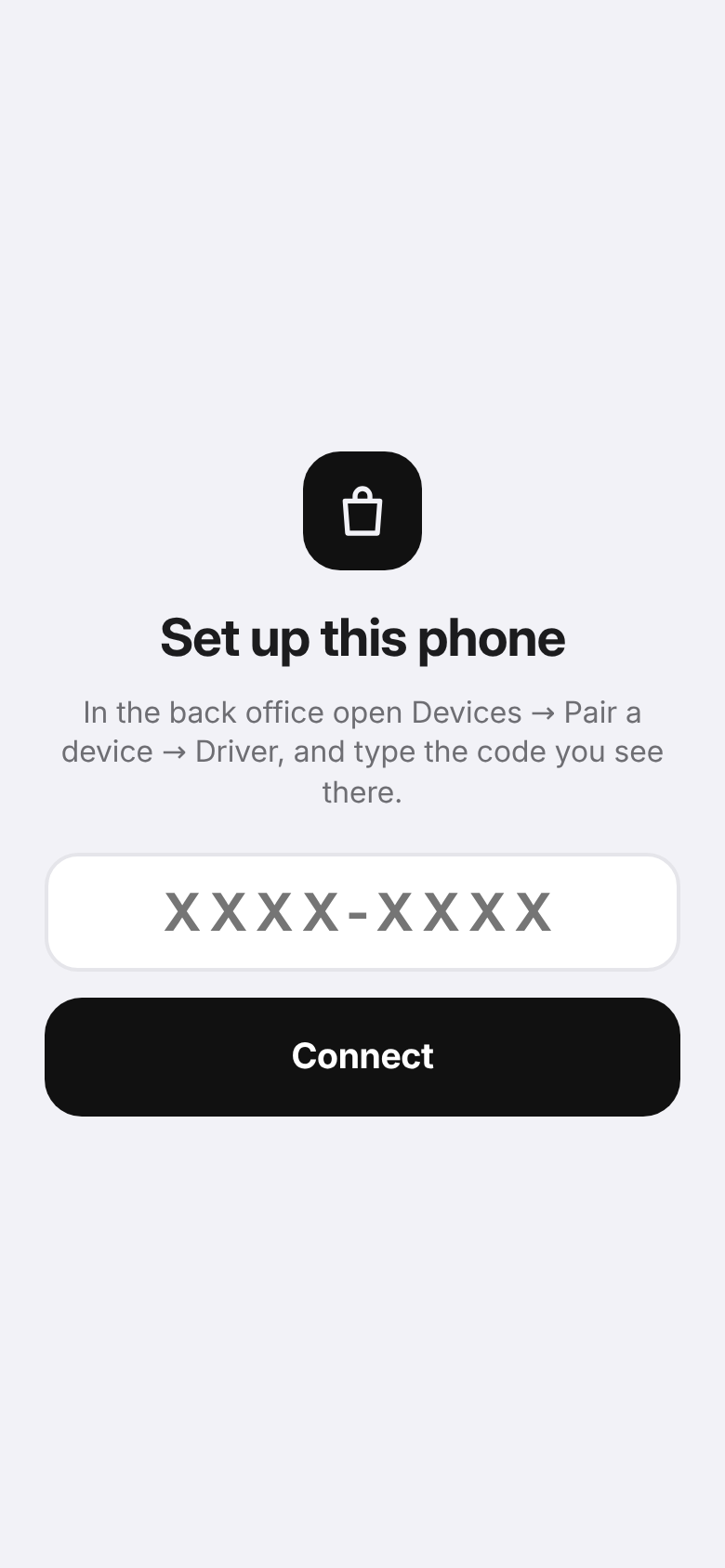
On the driver’s phone, open the driver app. It says Set up this phone.
-
In the back office, open Devices → Pair a device. Choose Driver and tap Get a code.
-
Type the code on the phone and tap Connect.
-
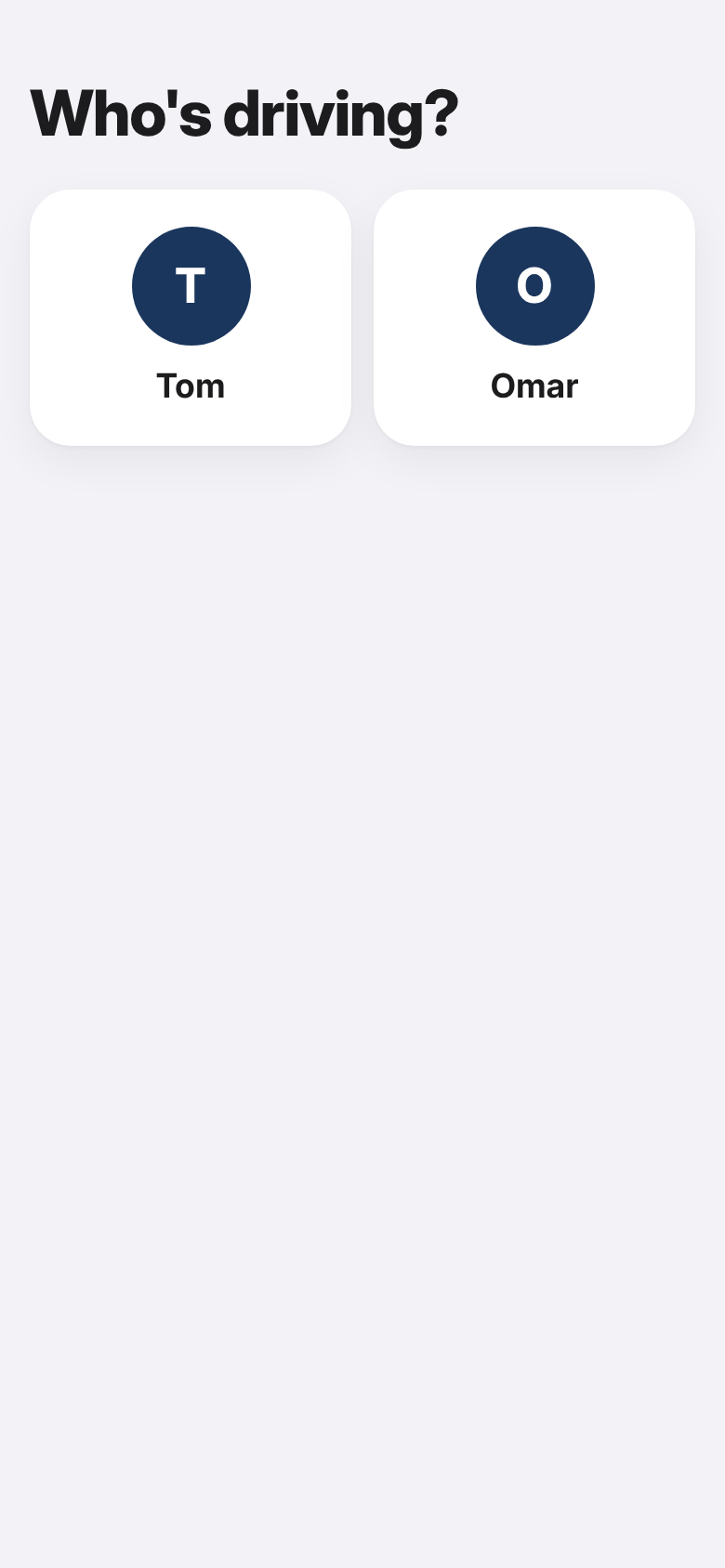
The phone asks Who’s driving? The driver taps their name and types their PIN.
-
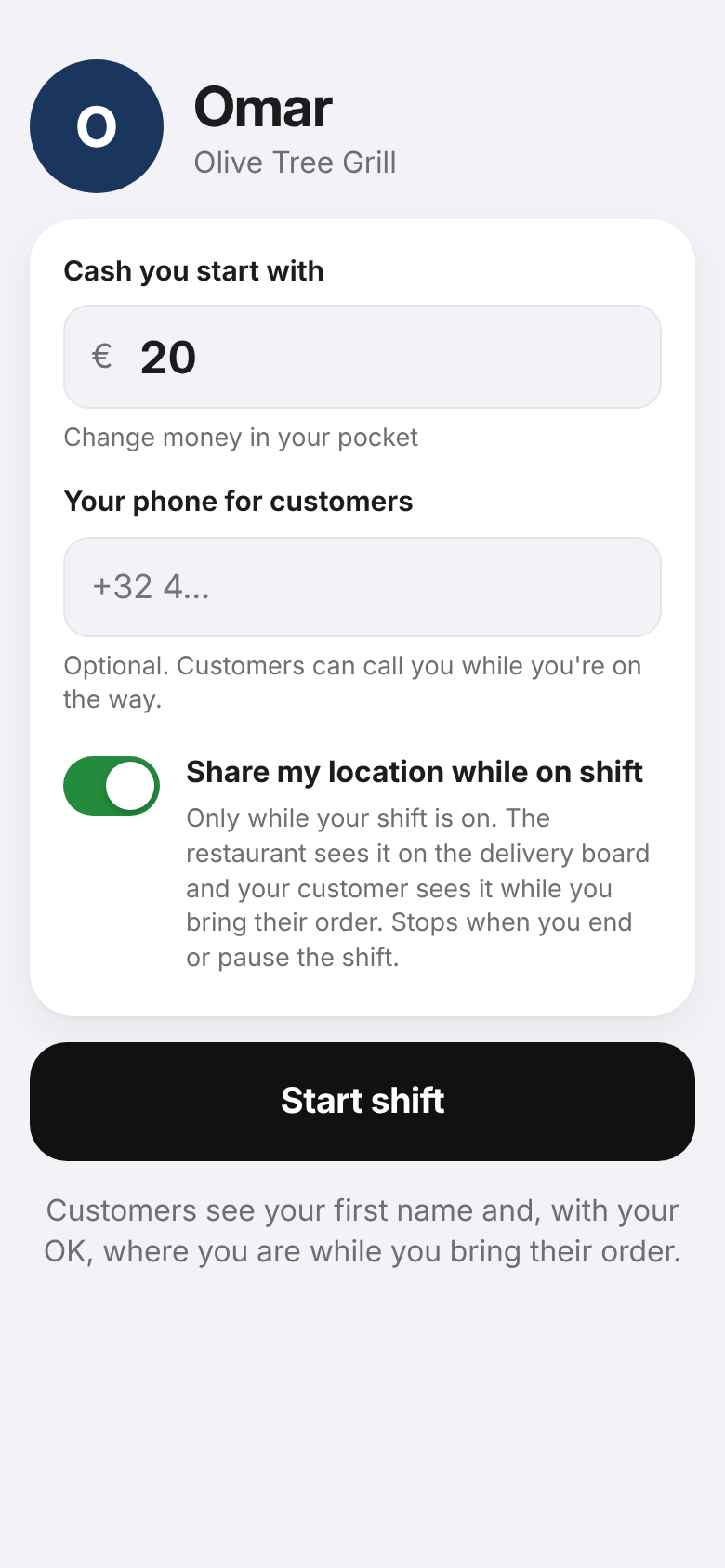
They type the cash they start with, and tap Start shift.