Menu
Categories
Categories group your dishes on the kiosk and the till, like Grill or Drinks. Add one in Menu under the category list. Each category sets the station, VAT and schedule for its dishes.
Deze inhoud is nog niet vertaald.
Add a category
-
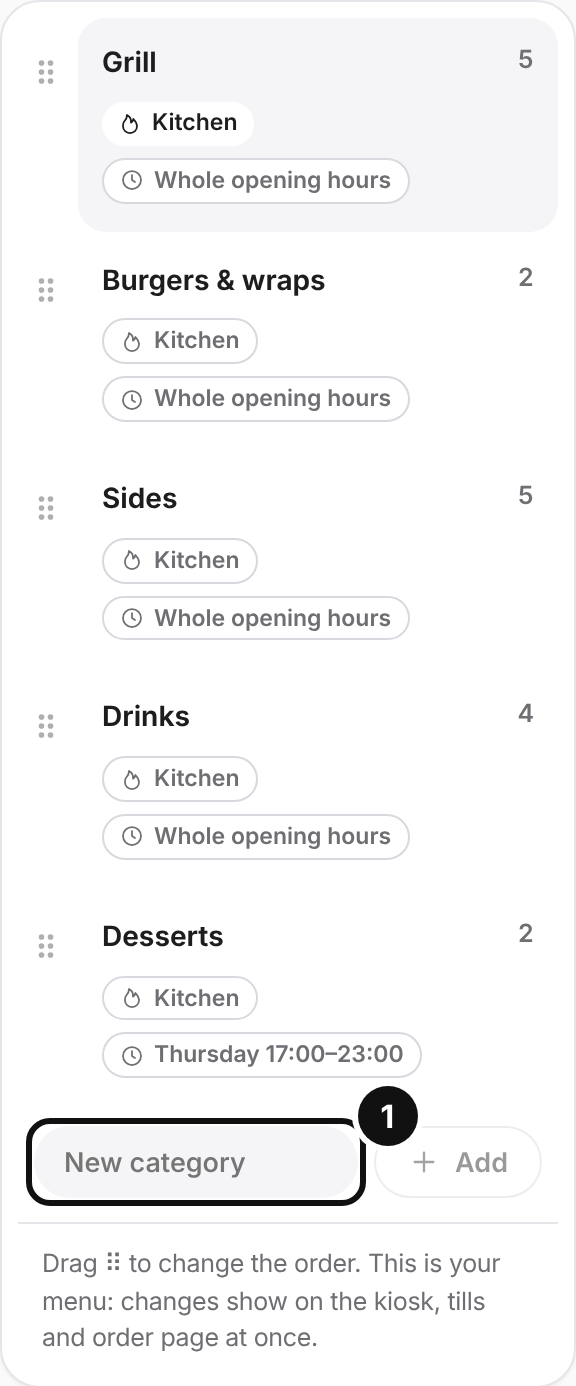
In Menu, type the name in the New category box under the list and add it.
-
Drag the ⠿ handle to change the order. The kiosk and the till use the same order.
Category settings
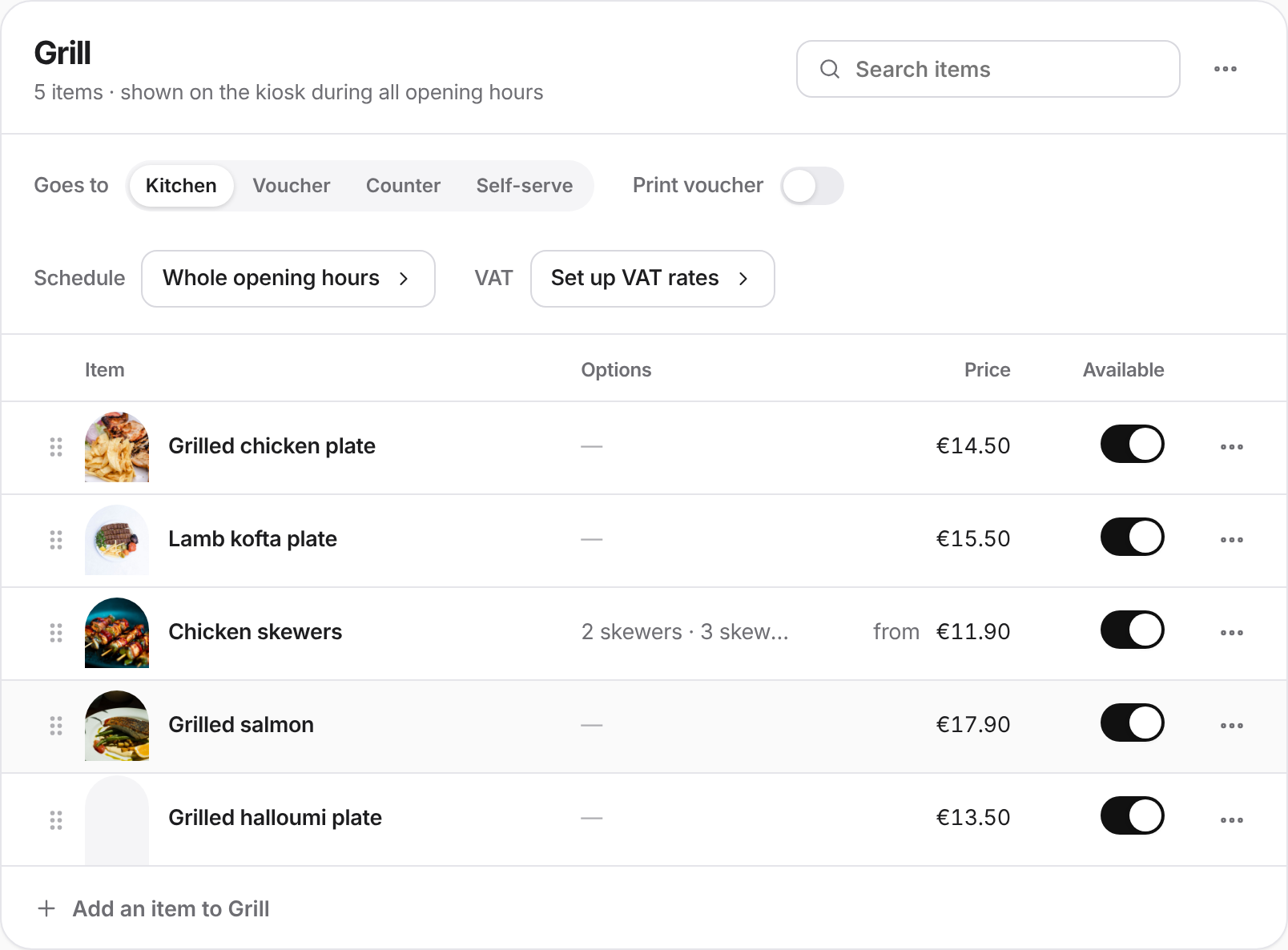
| Setting | What it does |
|---|---|
| Goes to | The station that makes its dishes, for example Kitchen |
| Print voucher | Every dish in it gets a voucher, handed out at the counter |
| Schedule | When it shows on the kiosk. Menu schedules |
| VAT | The default VAT rate for its dishes |
Rename, picture, hide or delete
Use the ⋯ menu next to the category name. Hide from the screens keeps it in the back office but takes it off every screen. Deleted by mistake? Tap Undo in the message at the bottom.