Tables & reservations
Let guests order from the table
In Tables & QR, switch Order & pay from the table on. Guests scan the card on their table, order, and pay at the counter or on the phone.
Deze inhoud is nog niet vertaald.
-
Open Tables & QR and switch Order & pay from the table on.

-
A guest scans the QR card. The menu opens with their table name at the top.
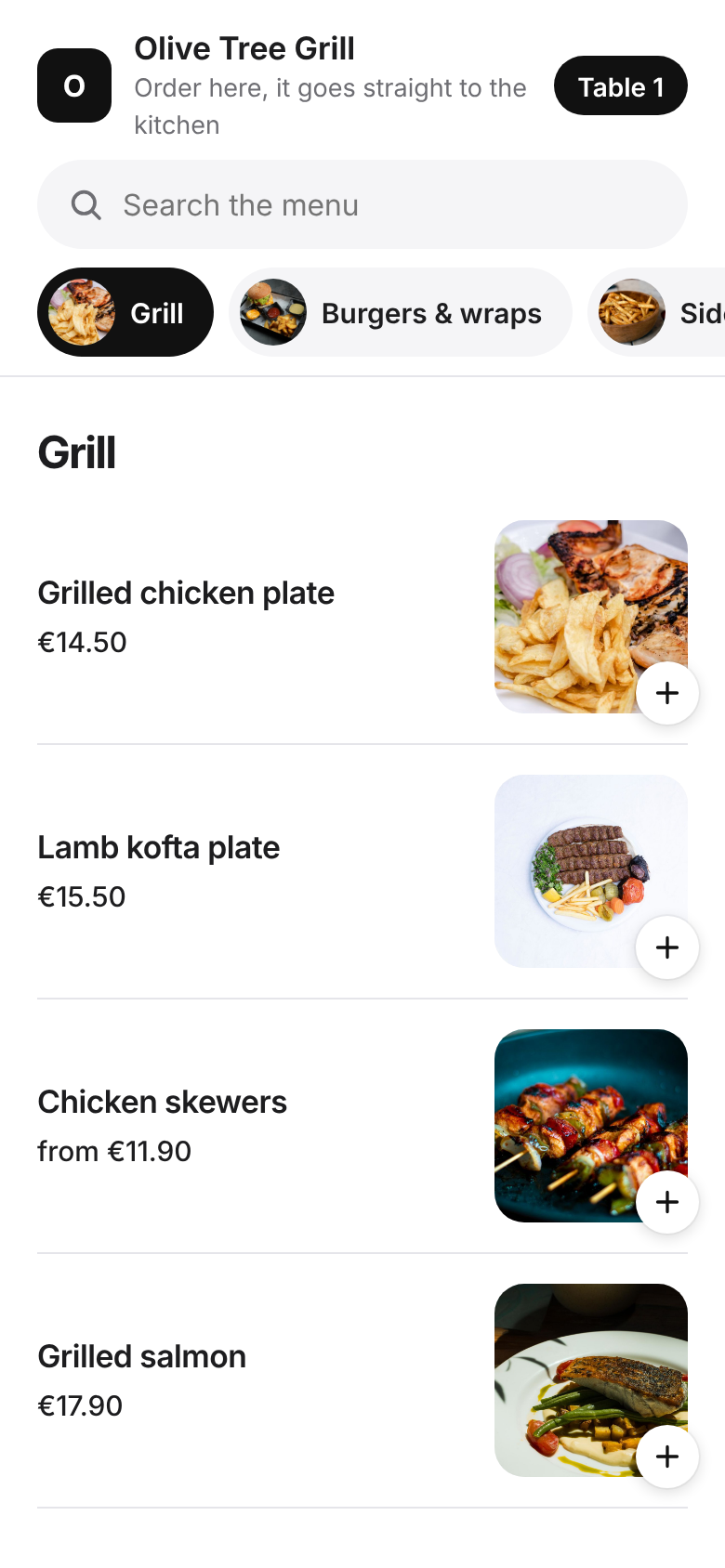
-
They add dishes and tap Send round 1.
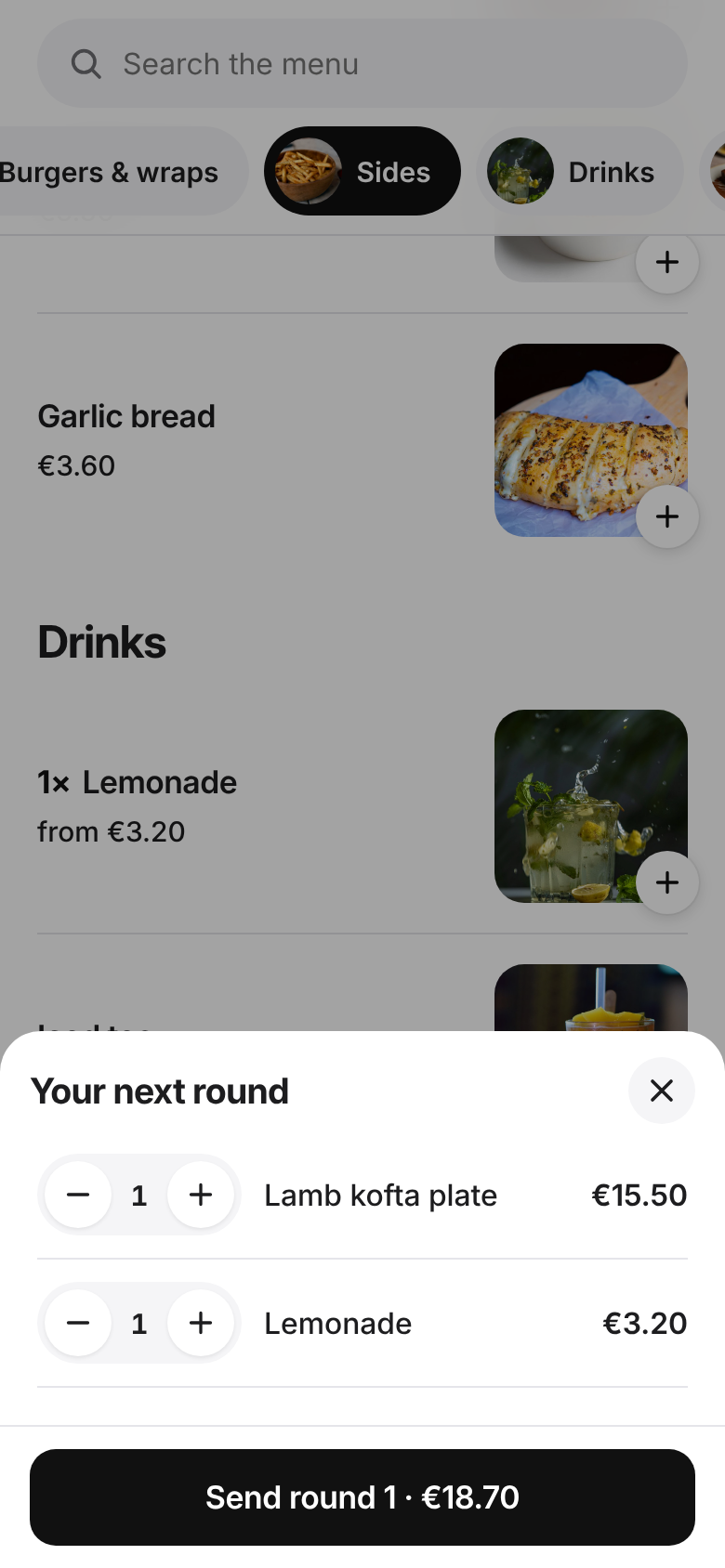
-
The first time, they type their first name. The order goes straight to the kitchen.
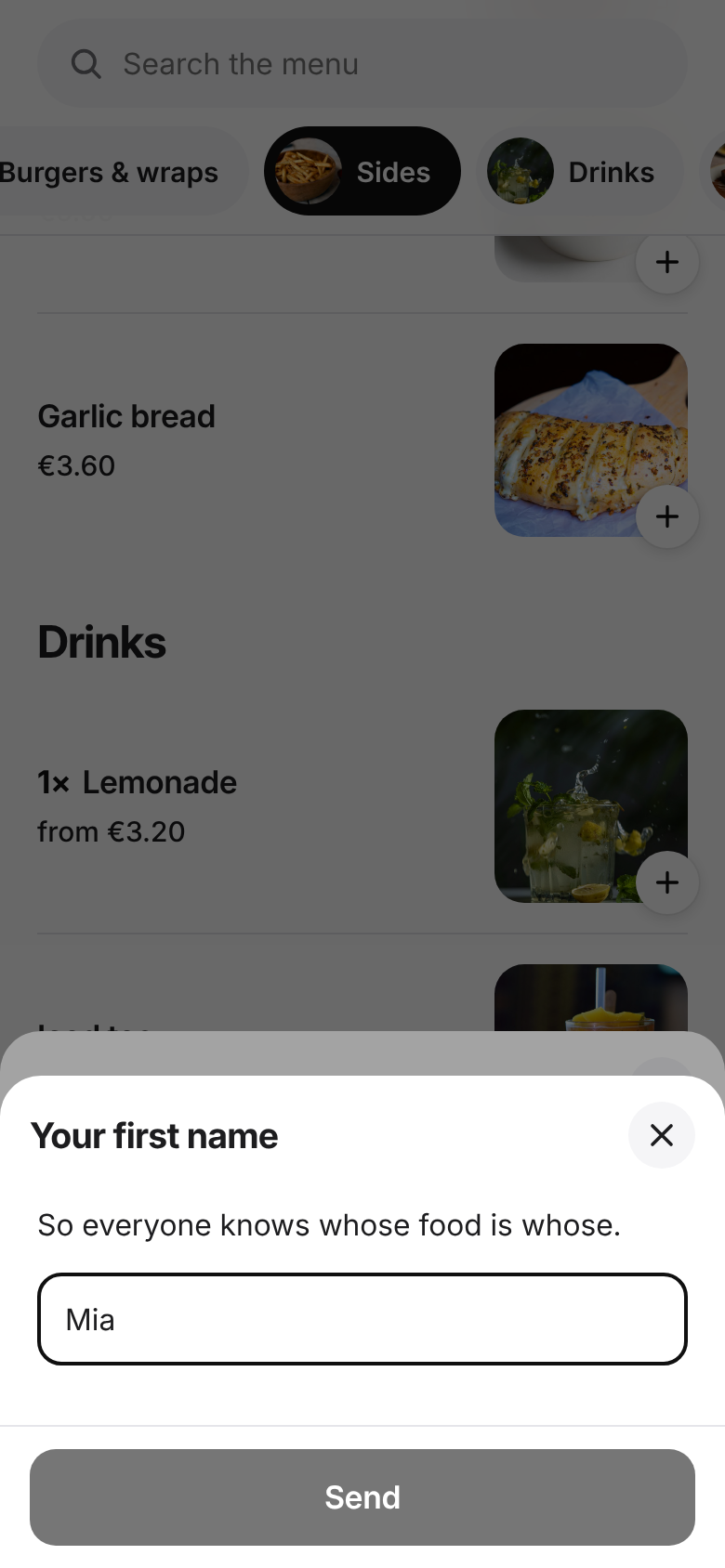
-
View table tab shows everything ordered and what’s left to pay.
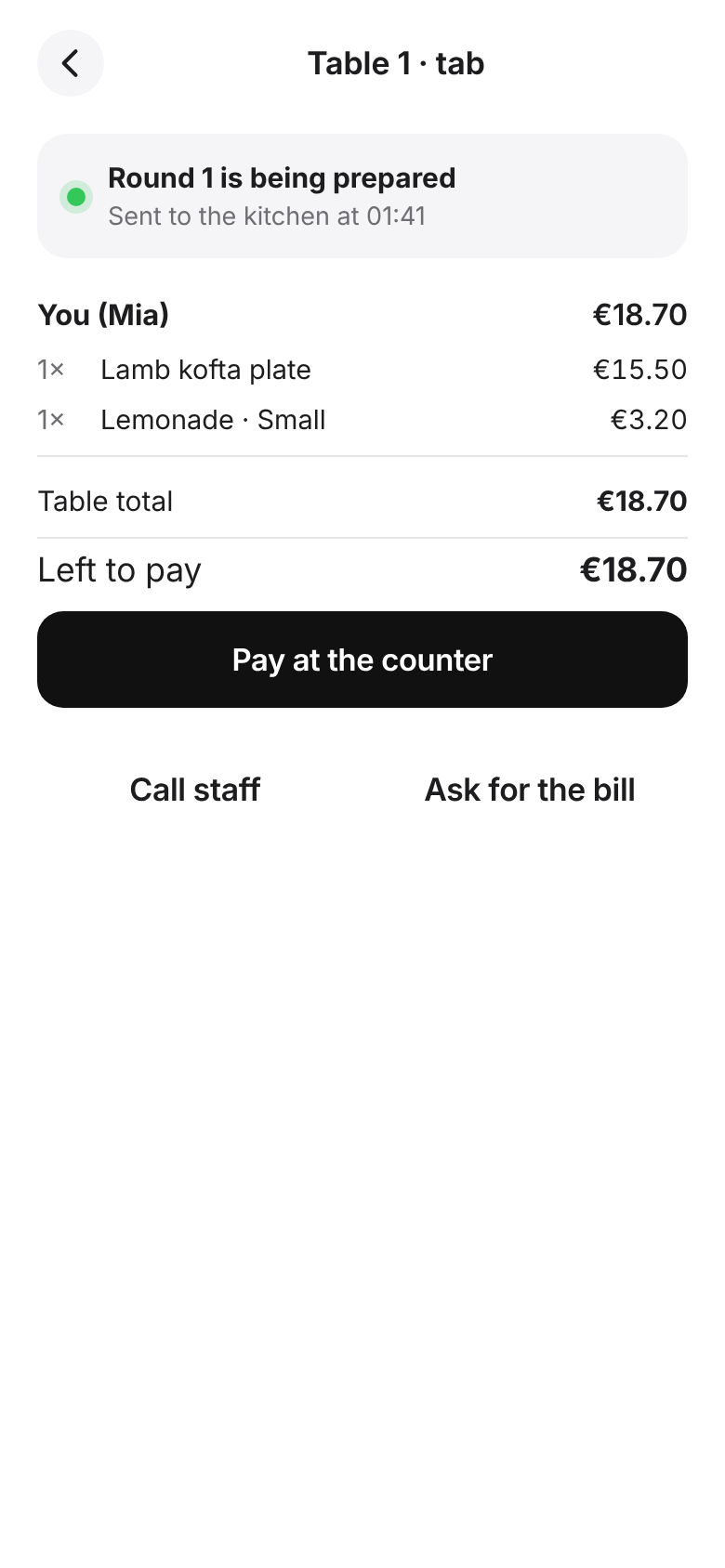
Every setting
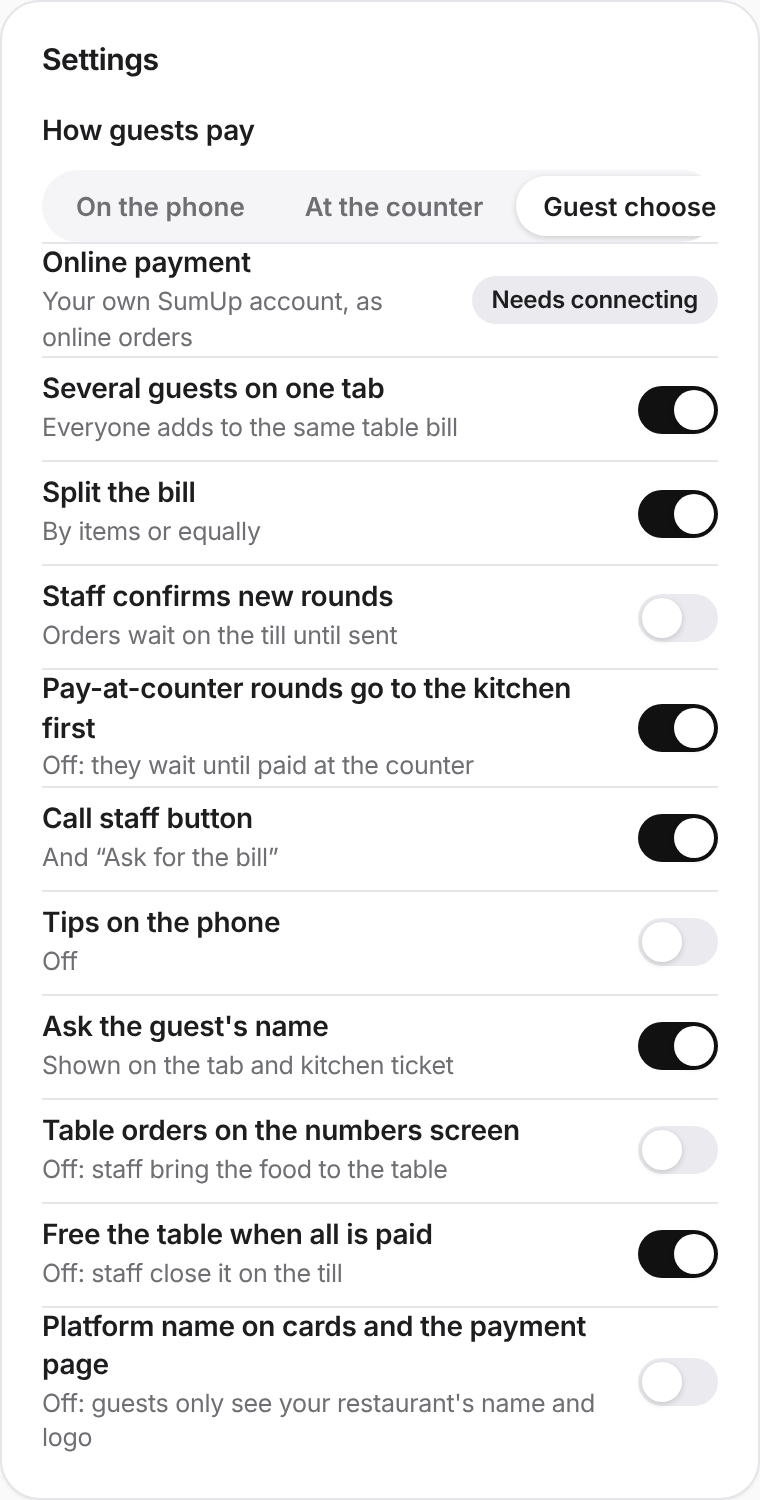
| Setting | Starts as |
|---|---|
| Order & pay from the table | Off |
| How guests pay | Guest chooses (On the phone needs SumUp) |
| Several guests on one tab | On |
| Split the bill | On |
| Staff confirms new rounds | Off |
| Pay-at-counter rounds go to the kitchen first | On |
| Call staff button | On, with “Ask for the bill” |
| Tips on the phone | Off |
| Ask the guest’s name | On |
| Table orders on the numbers screen | Off: staff bring the food |
| Free the table when all is paid | On |