Shop mode (retail)
Put shelf locations on products
Turn on Shelf location, then type the Aisle, Bay and Shelf on a product.
Deze inhoud is nog niet vertaald.
-
In the back office, go to Shop → Till & returns. Under Back office tools, turn on Shelf location. It’s off until you turn it on.
-
Open a product. Under Shelf location, type the Aisle (like A3), the Bay and the Shelf. The products list shows it under the name.
-
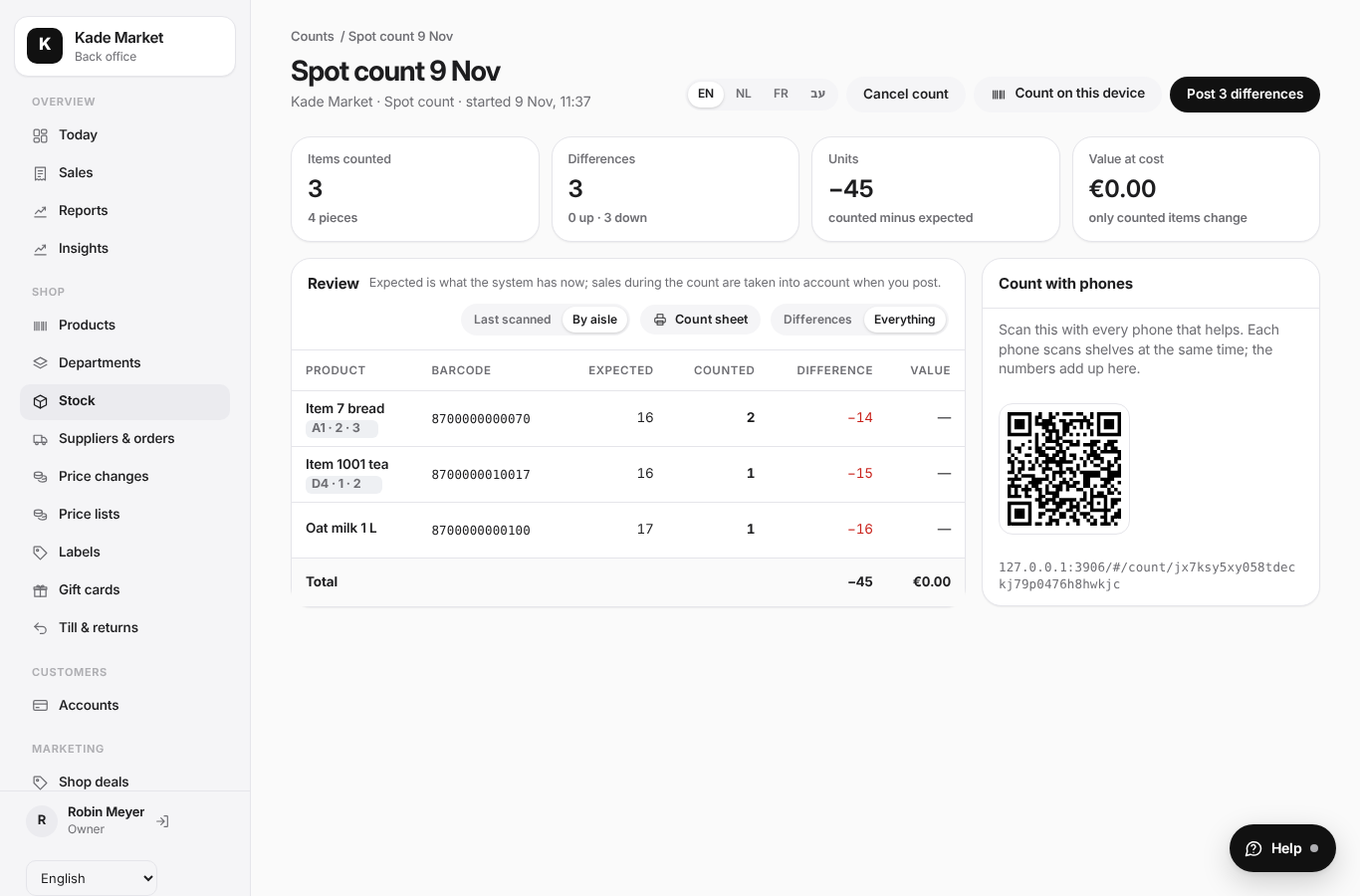
Counts: on a count, tap By aisle to see the lines in walking order. Count sheet prints them in that order, with an empty box to write the count.
-
Transfers: on a transfer, tap Pick list to print what to take, in walking order.
-
Labels: under On the label, tick Shelf location.