Tables & reservations
Print the QR cards for your tables
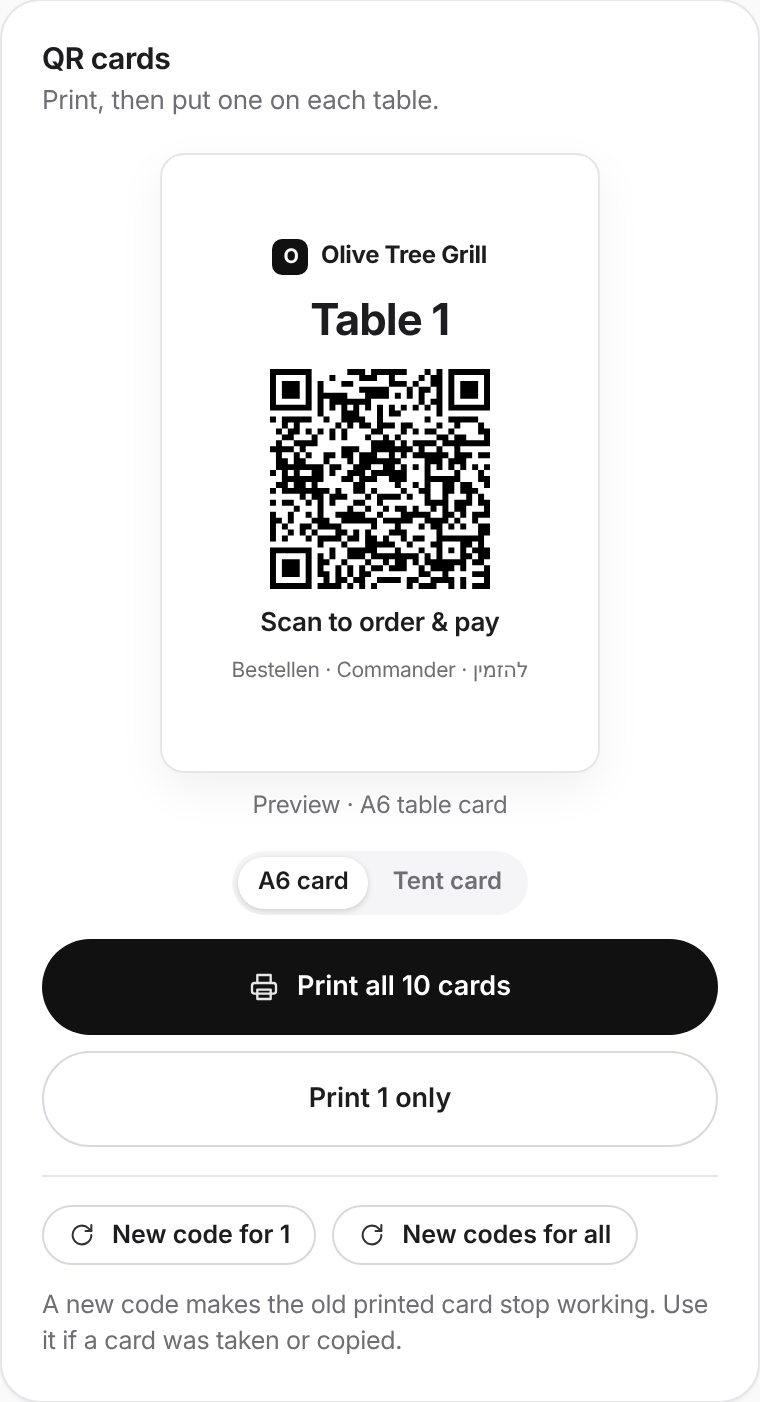
In Tables & QR → QR cards, pick A6 card or Tent card and tap Print all. Put each card on its own table.
Deze inhoud is nog niet vertaald.
-
Open Tables & QR and scroll to QR cards.
-
Pick A6 card (flat) or Tent card (folds to stand up).
-
Tap Print all 10 cards, or Print 1 only.
-
Put each card on the table with the same name.
A card was taken or copied
Tap New code for 1 (or New codes for all). The old printed card stops working. Print the new one.