Delivery
How customers order delivery
On your ordering page, the customer taps Delivery at checkout, picks their address from the list, adds name and phone, chooses a tip and taps Place order.
Deze inhoud is nog niet vertaald.
-
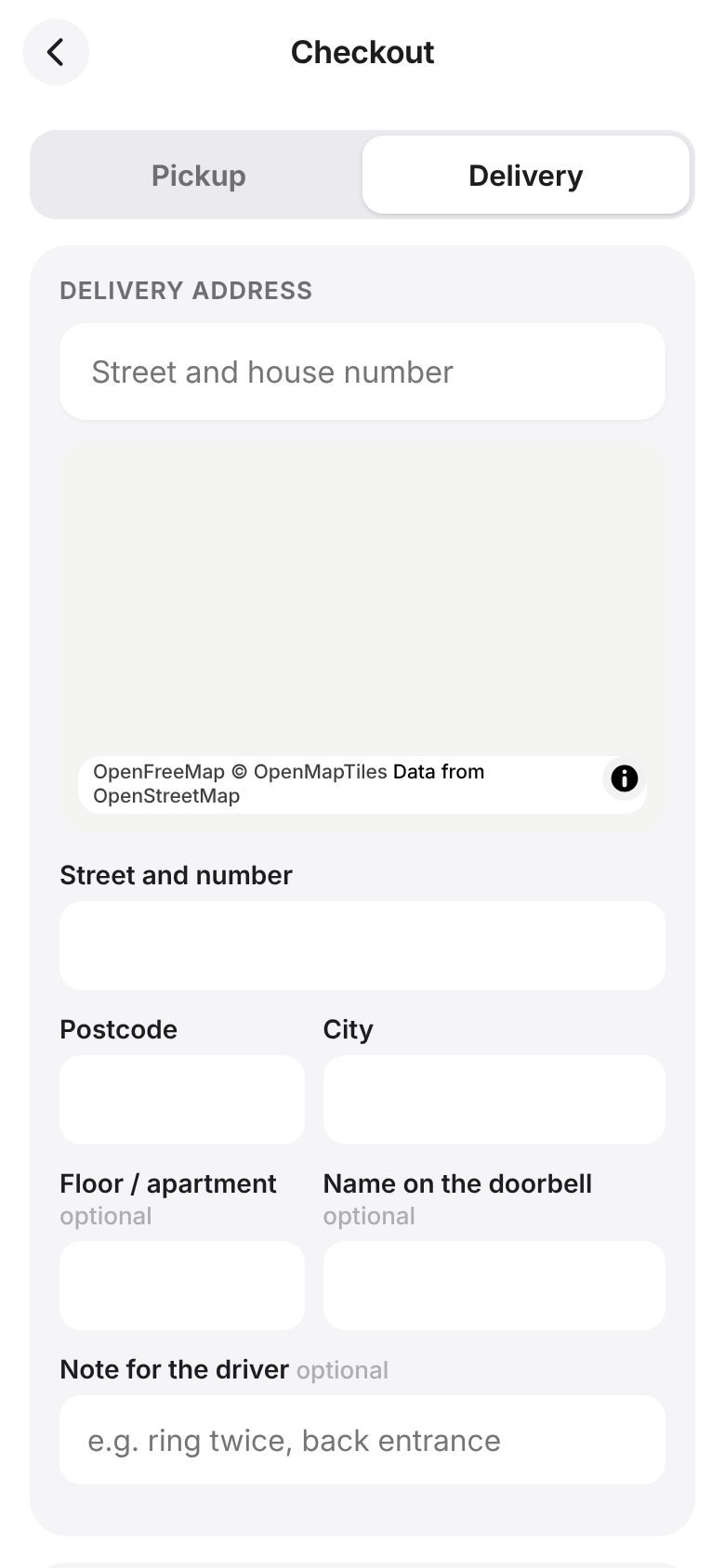
At checkout, the customer taps Delivery next to Pickup.
-
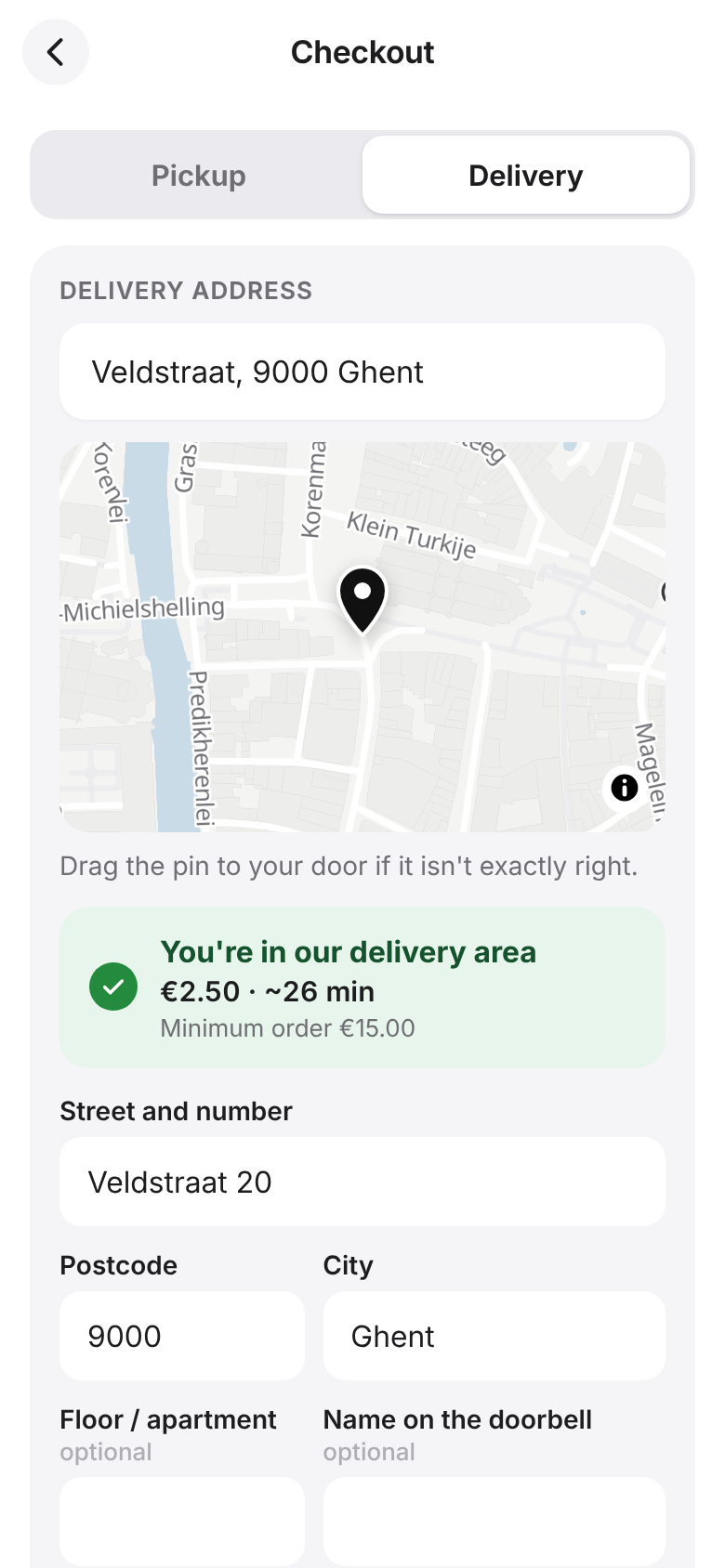
They type their street and pick it from the list. The page says You’re in our delivery area with the fee and the time.
-
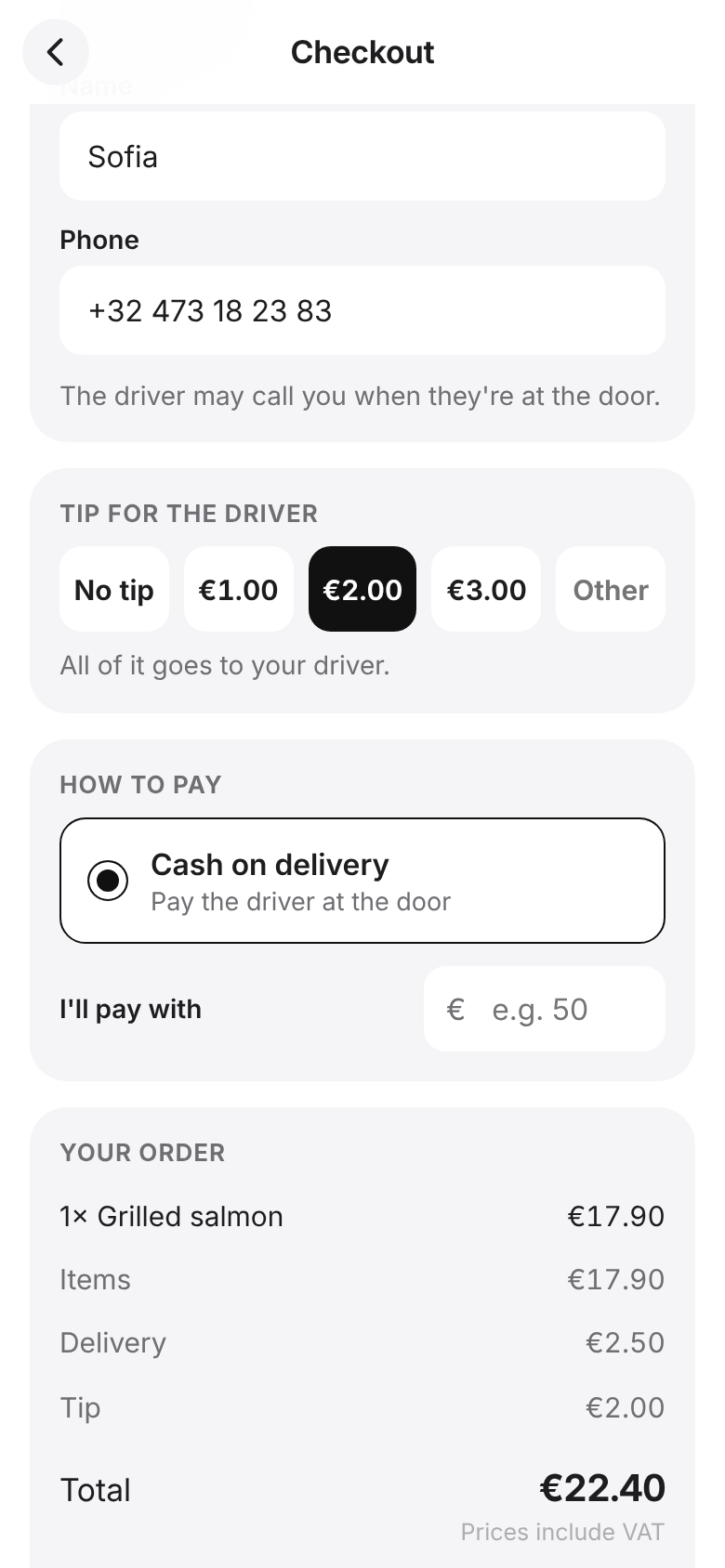
They choose a tip and how to pay, then tap Place order.
-
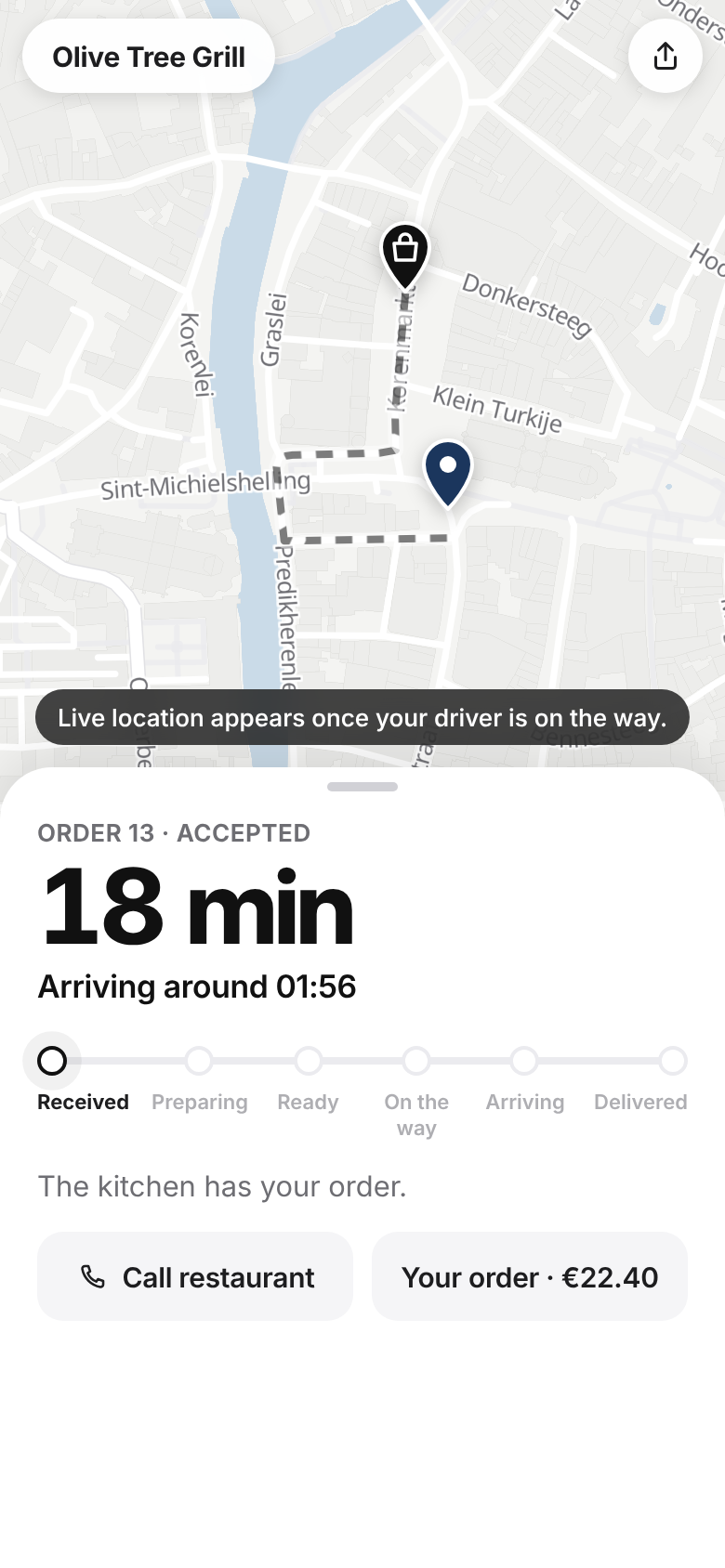
A tracking page opens right away. It shows each step until Delivered.