Events & catering
What the client sees
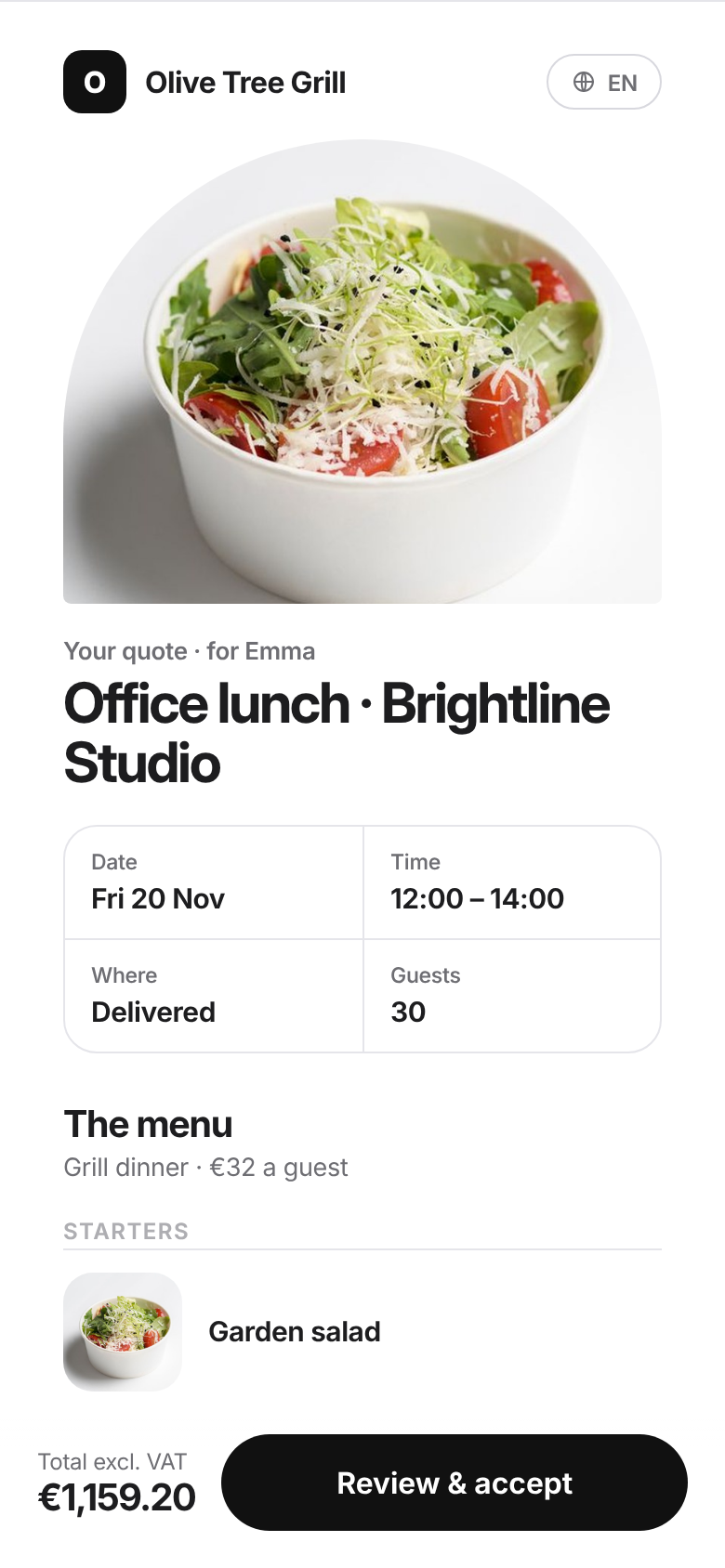
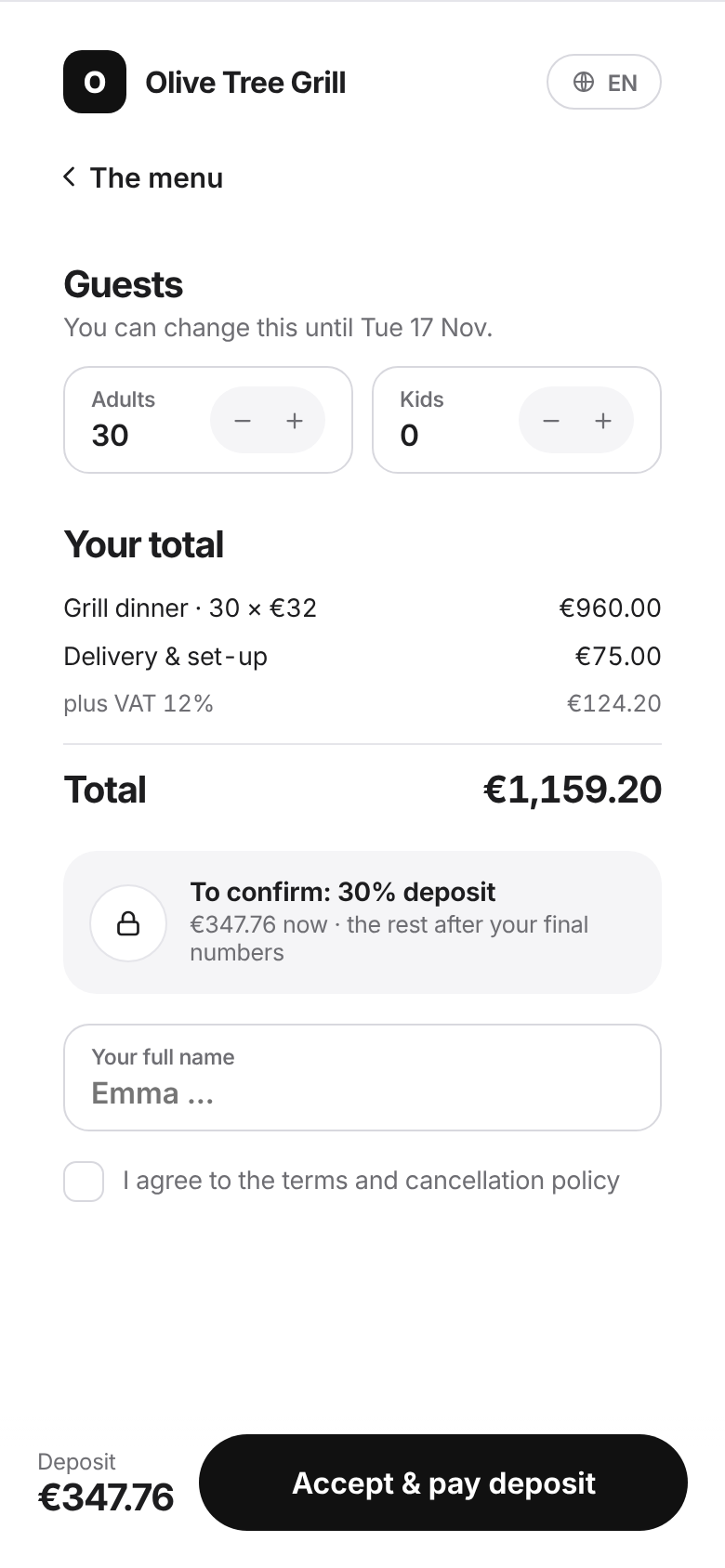
Your client opens the link and sees the menu, the date and the total. They tap Review & accept, check the guest count, type their name and tap Accept & pay deposit.
Deze inhoud is nog niet vertaald.
-
The client opens the link. They see the date, time, guests and your menu.
-
They tap Review & accept. They can change the guest count until the date you set.
-
They type their full name, tick the terms, and tap Accept & pay deposit. The date is held.