Team
Add staff and their PINs
In Restaurant → Team, tap Add person. Type the name, choose a role and a 4 to 6 digit PIN. They can sign in on the till right away.
Deze inhoud is nog niet vertaald.
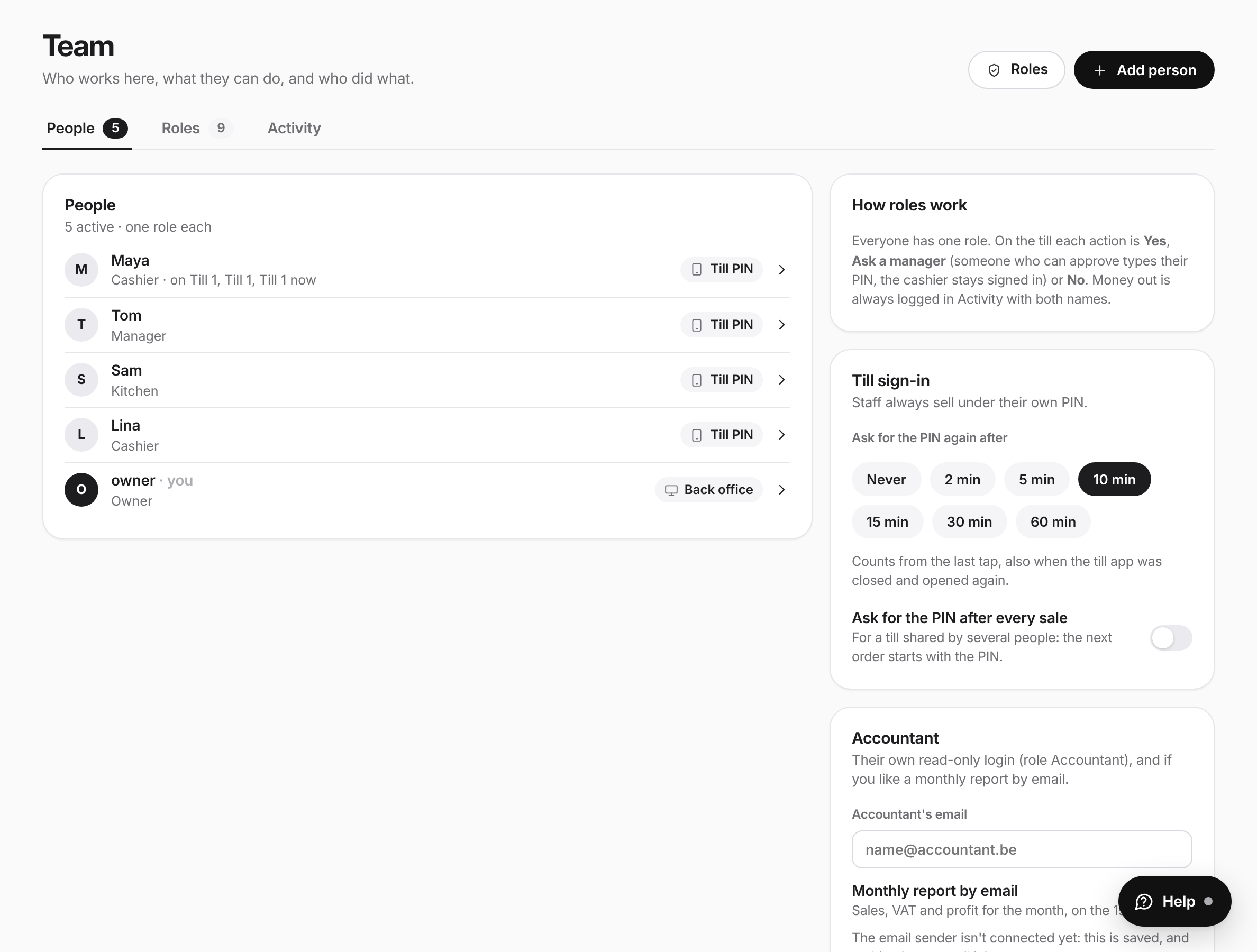
Add a person
-
Open Restaurant → Team and tap Add person.
-
Type their Name, choose a Role, and type a Till PIN of 4 to 6 digits.
-
Save. Tell them their PIN. They tap their name on the till and type it.
Change a PIN or turn someone off
Tap the person. Use Change PIN for a new PIN. Switch them Off when they leave: they can’t sign in anywhere, and their history stays.
Give someone a back office login
Tap the person, then Invite under Back office login. You get a link to send them (valid for 7 days). They set their own password.