Menu screens & music
Lower the music at night
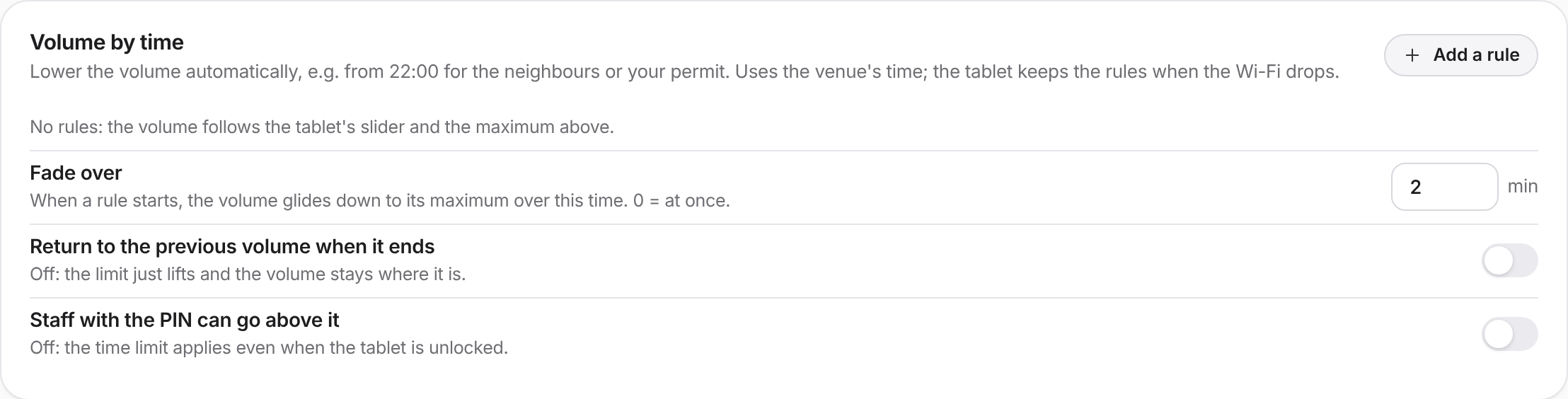
In Music settings → Volume by time, tap Add a rule and pick the time and the maximum volume.
Deze inhoud is nog niet vertaald.
-
Open Music settings and scroll to Volume by time.
-
Tap Add a rule. Pick from what time, and the highest volume after that.
-
Set Fade over: how long the volume takes to glide down.
| Setting | Starts as |
|---|---|
| Fade over | 2 min (0 = at once) |
| Return to the previous volume when it ends | Off |
| Staff with the PIN can go above it | Off |