Tables & reservations
Add your tables
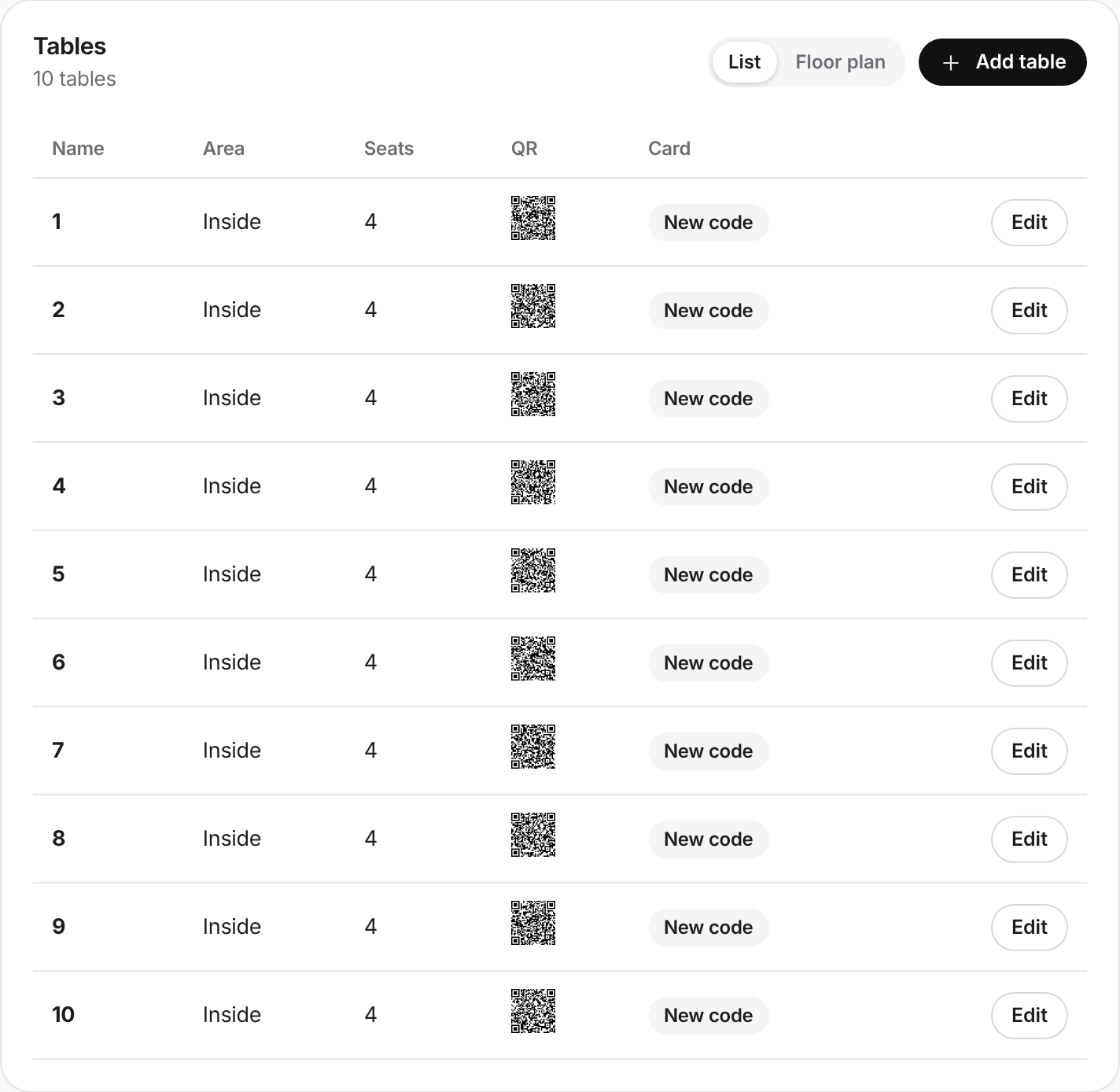
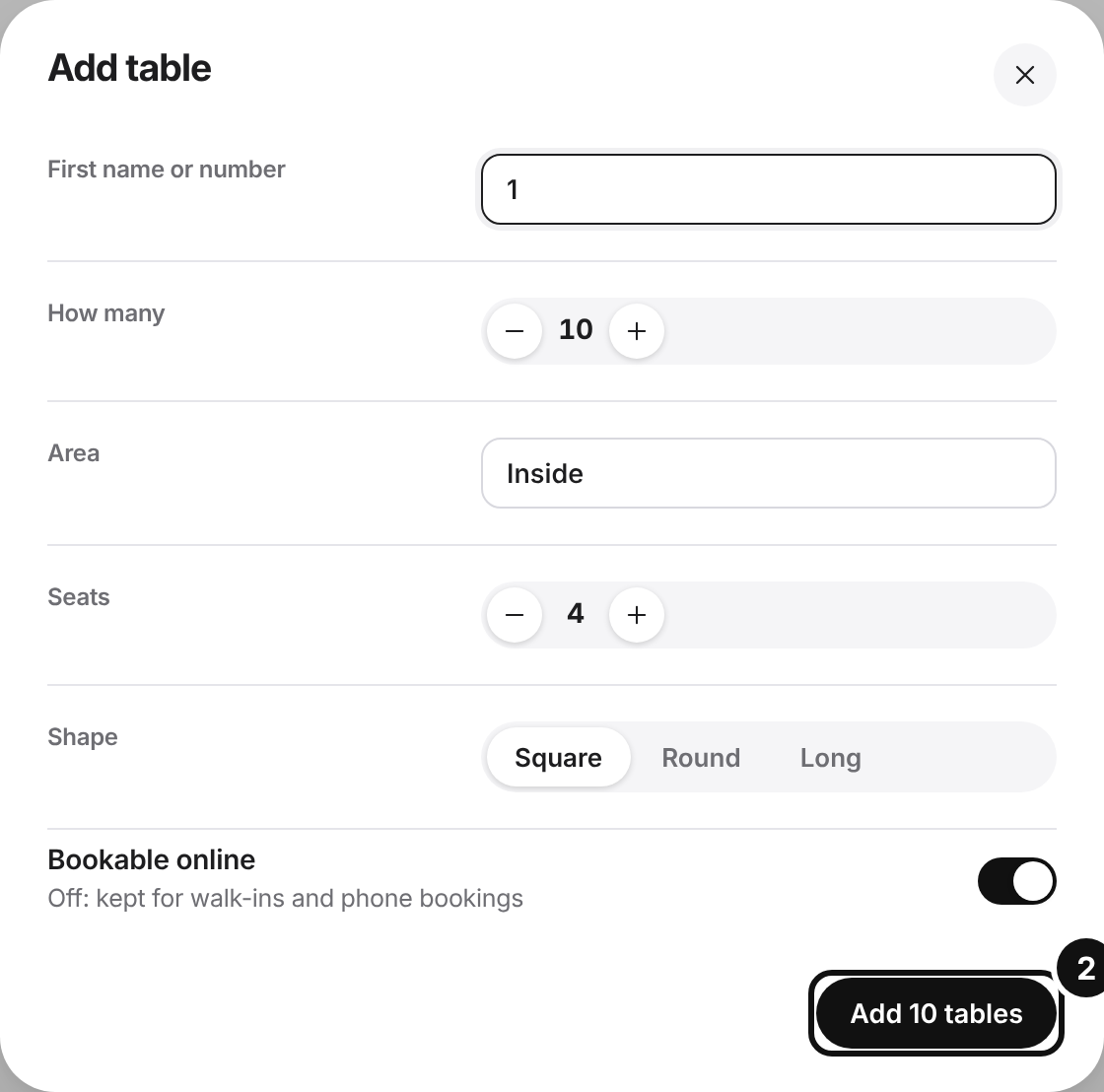
Open Tables & QR and tap Add tables. Type the first number, how many, the area and seats, then tap Add 10 tables.
Deze inhoud is nog niet vertaald.
-
Open Tables & QR in the menu on the left. Tap Add tables.
-
Type the first name or number (like 1 or Terrace 1) and How many. Fill in Area (Inside, Terrace) and Seats.
-
Pick a Shape: Square, Round or Long.
-
Keep Bookable online on if guests may book these tables online.
-
Tap Add 10 tables. Your tables are in the list.