Money
Send your bookkeeper a spreadsheet
Switch on Settings → Accounting → Accounting export. Then open Accounting, pick Month and tap Excel (.xlsx).
Deze inhoud is nog niet vertaald.
Accounting is hidden until you switch it on.
-
Open Settings and tap Accounting. Switch on Accounting export. Accounting now shows in the side menu.
-
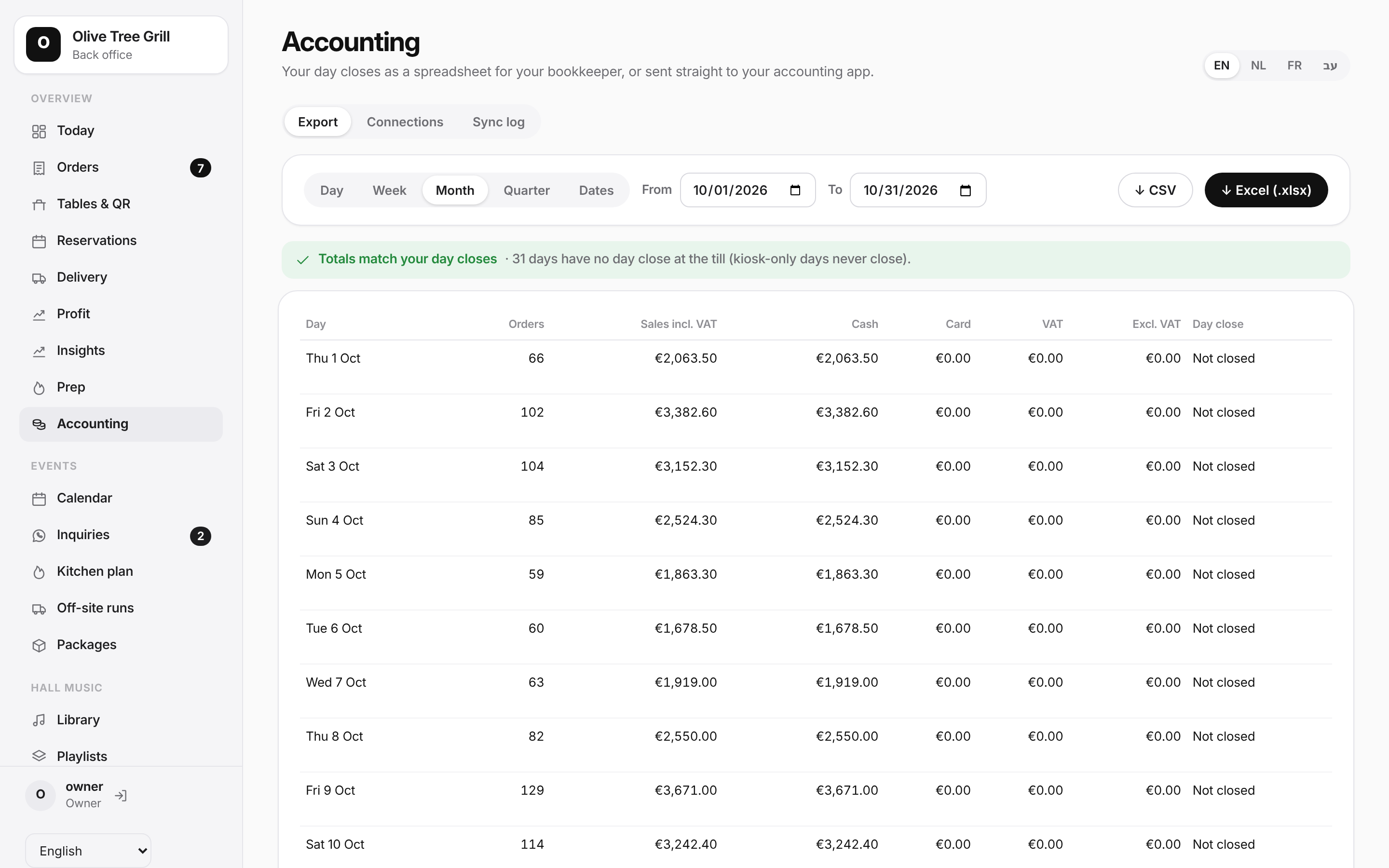
Open Accounting. On the Export tab, pick Day, Week, Month, Quarter or Dates.
-
Check the line above the table. Totals match your day closes means the numbers agree with the till.
-
Tap Excel (.xlsx) or CSV. Send the file to your bookkeeper.
What’s in the Excel file
One sheet each: Daily summary, VAT per rate, Payments, Refunds & voids, Customer accounts, Fees and Every order.
Your bookkeeper wants other column names? Under Columns your bookkeeper wants? rename or hide columns. Back to standard undoes it.
Every setting
In Settings → Accounting:
| Setting | Starts as |
|---|---|
| Accounting export | Off |
| Include today before it’s over | Off |
| Only days closed at the till | Off |
| CSV for | Automatic |