Devices
Add a printer
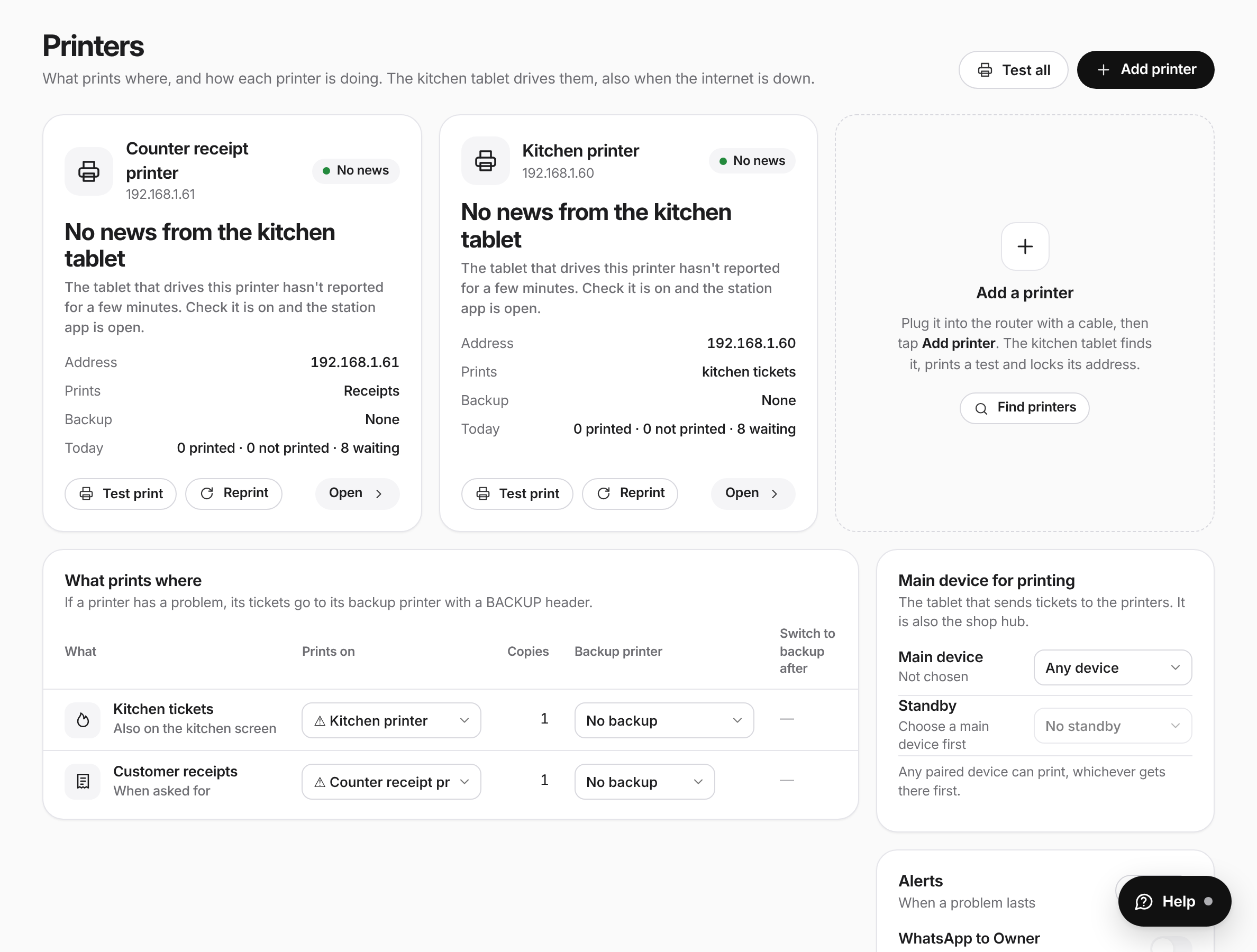
Plug the printer into your router with a cable. In Restaurant → Printers, tap Add printer. The kitchen tablet finds it, you pick what it prints, print a test page, and lock its address.
תוכן זה אינו זמין עדיין בשפה שלך.
Add it
-
Plug the printer into the router with a network cable and switch it on.
-
In the back office, open Restaurant → Printers and tap Add printer. The kitchen tablet searches your network for about 10 seconds. Not found? Enter its address by hand.
-
Pick what it prints: kitchen tickets, customer receipts, or both.
-
Tap Print a test page. Paper comes out? Good.
-
Lock its address, so the printer is found again after a restart.
Read the printer status
| Status | What to do |
|---|---|
| Ready | Nothing |
| Paper low / Out of paper | Put in a new roll |
| Lid open | Close the lid |
| Offline | Check power and the cable. Fix it |
| No news | The tablet that drives the printer hasn’t reported. Check it’s on and the app is open |