Menu
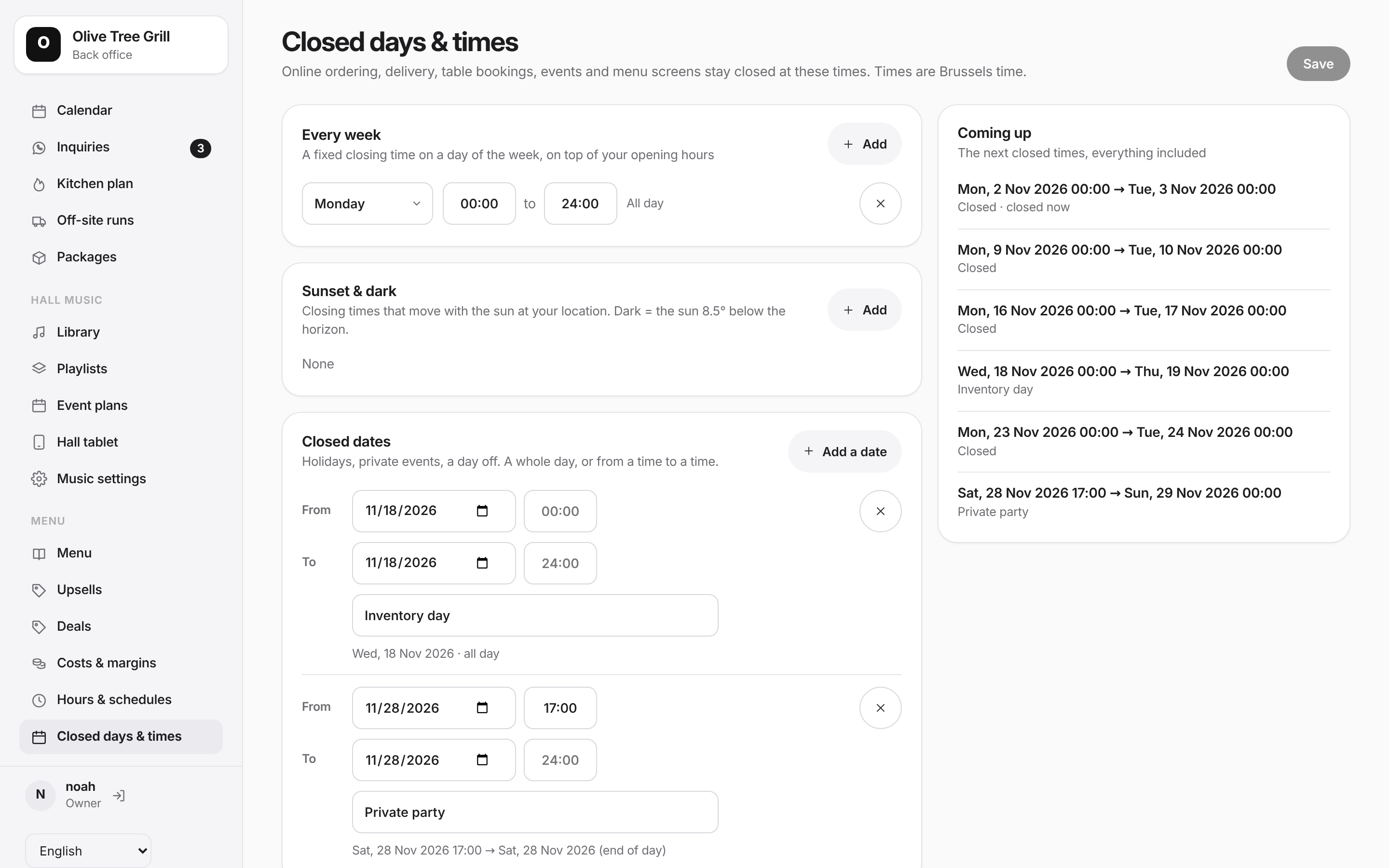
Close on set days and dates
תוכן זה אינו זמין עדיין בשפה שלך.
Close on a day every week
-
Open Closed days & times in the side menu, under Menu.
-
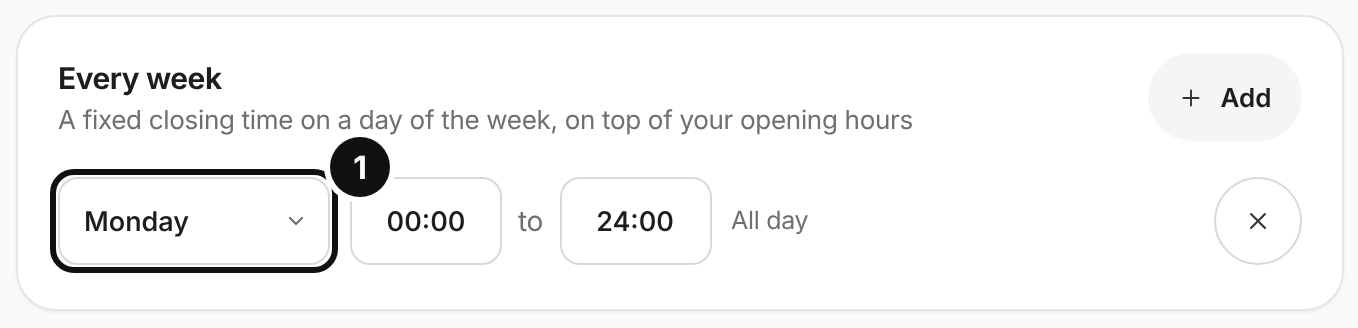
Under Every week, tap Add. Pick the day.
-
Type the times. 00:00 to 24:00 means All day. An end time before the start runs into the next day (like 22:00 to 02:00).
-
Tap Save at the top.
Close on a date
Holidays, a day off, a private party: add it once.
-
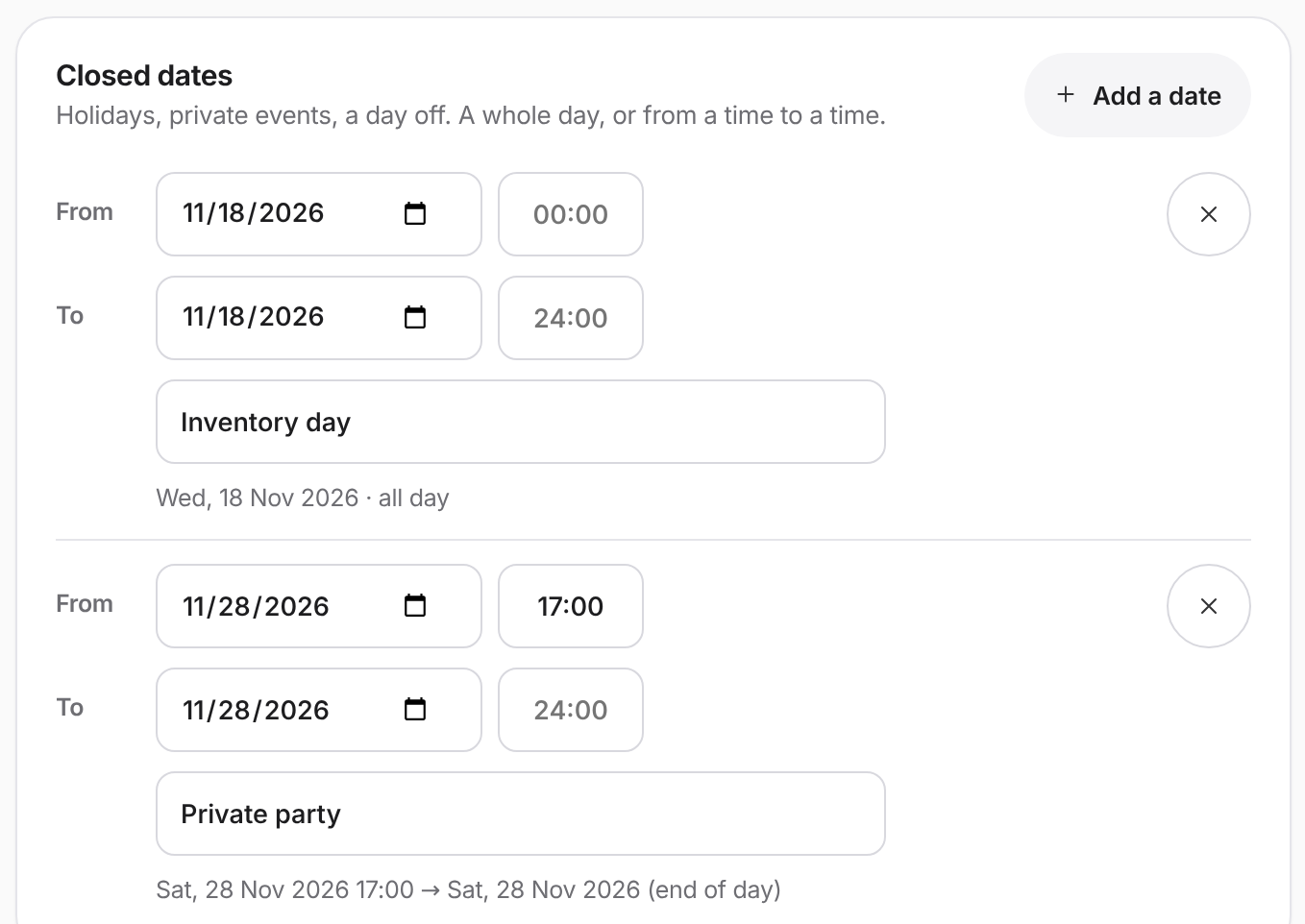
Under Closed dates, tap Add a date.
-
Pick the first day next to From and the last day next to To. Leave the times empty to close the whole day, or type a start time (like 17:00) and an end time.
-
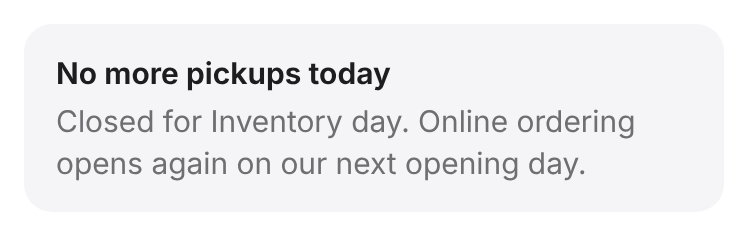
Type a Label if you like, like Inventory day. Customers see it.
-
Tap Save.
Close around sunset
Some places close when it gets dark, like a terrace. These times move with the sun.
-
Under Sunset & dark, tap Add. A new row starts on today’s day: from 30 min before sunset until dark the same evening.
-
Change what you need. For From and Until, pick a day, the minutes, before or after, and sunset or dark. Dark means the sun is 8.5° below the horizon.
-
Add your location: tap Use my delivery address (if you see it), or type the latitude and longitude.
-
Tap Save.
Check what’s coming up
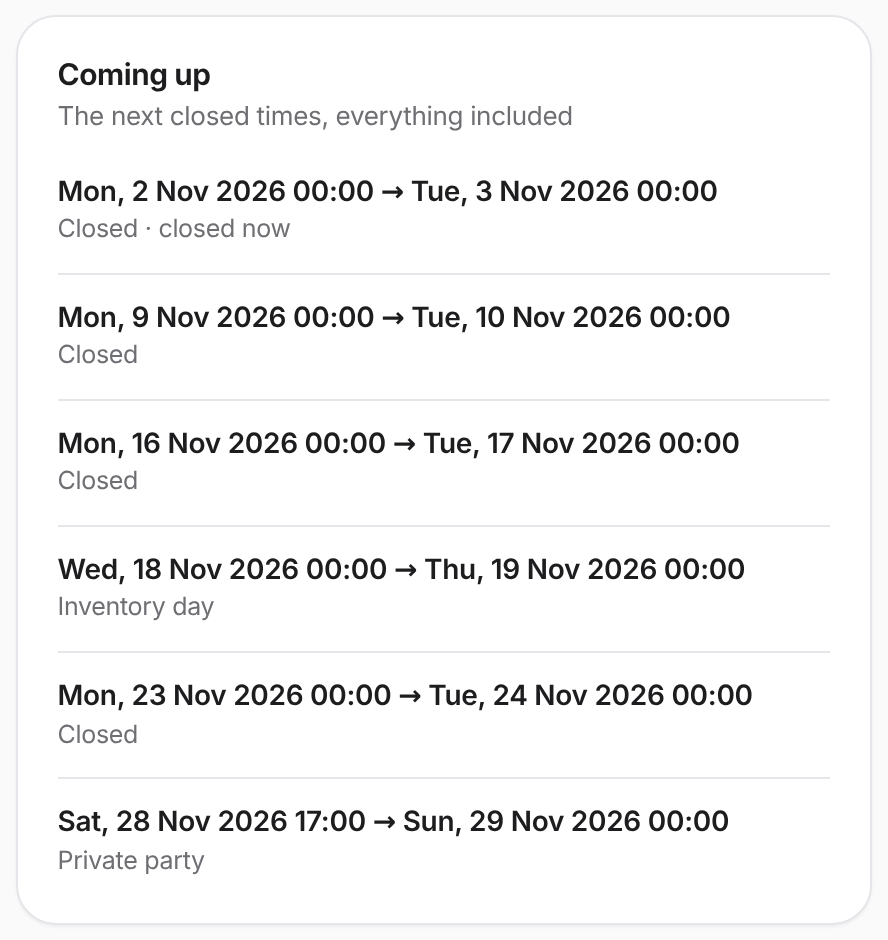
Coming up lists the next closed times, everything included. Changed something? Tap Save first.
What follows it
- Online ordering: customers see Closed for and your label, and can’t order for those times. The top of the page says when you open again, like Closed · opens tomorrow 11:00, and Today Closed on a day that is closed all day.
- Delivery: no deliveries at those times.
- Table bookings: guests can’t book those times (No bookings inside closed days & times in Reservations settings).
- Events: inquiries on a closed day get the tag Closed then. The calendar shows those days grey. Prep due on a closed day moves to the day before (Moved earlier in the kitchen plan).
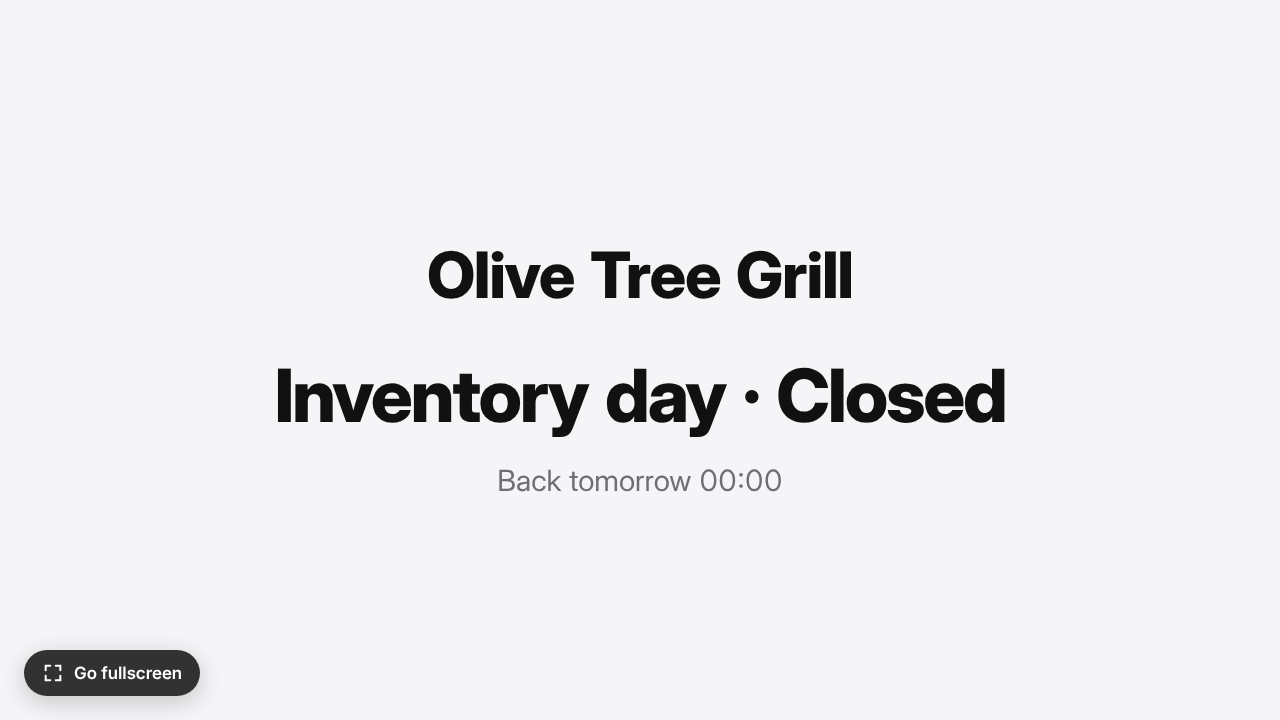
- Menu screens: they show Closed when the restaurant is closed.
Every setting
| Setting | Starts as |
|---|---|
| Every week | Nothing |
| Sunset & dark | None |
| Closed dates | None |
| No bookings inside closed days & times (Reservations) | On |