Till
Take an order at the till
Tap the dishes, pick any options and tap Add. Choose Take away or Eat in, tap Pay, choose Cash or Card, then Complete.
תוכן זה אינו זמין עדיין בשפה שלך.
Take the order
-
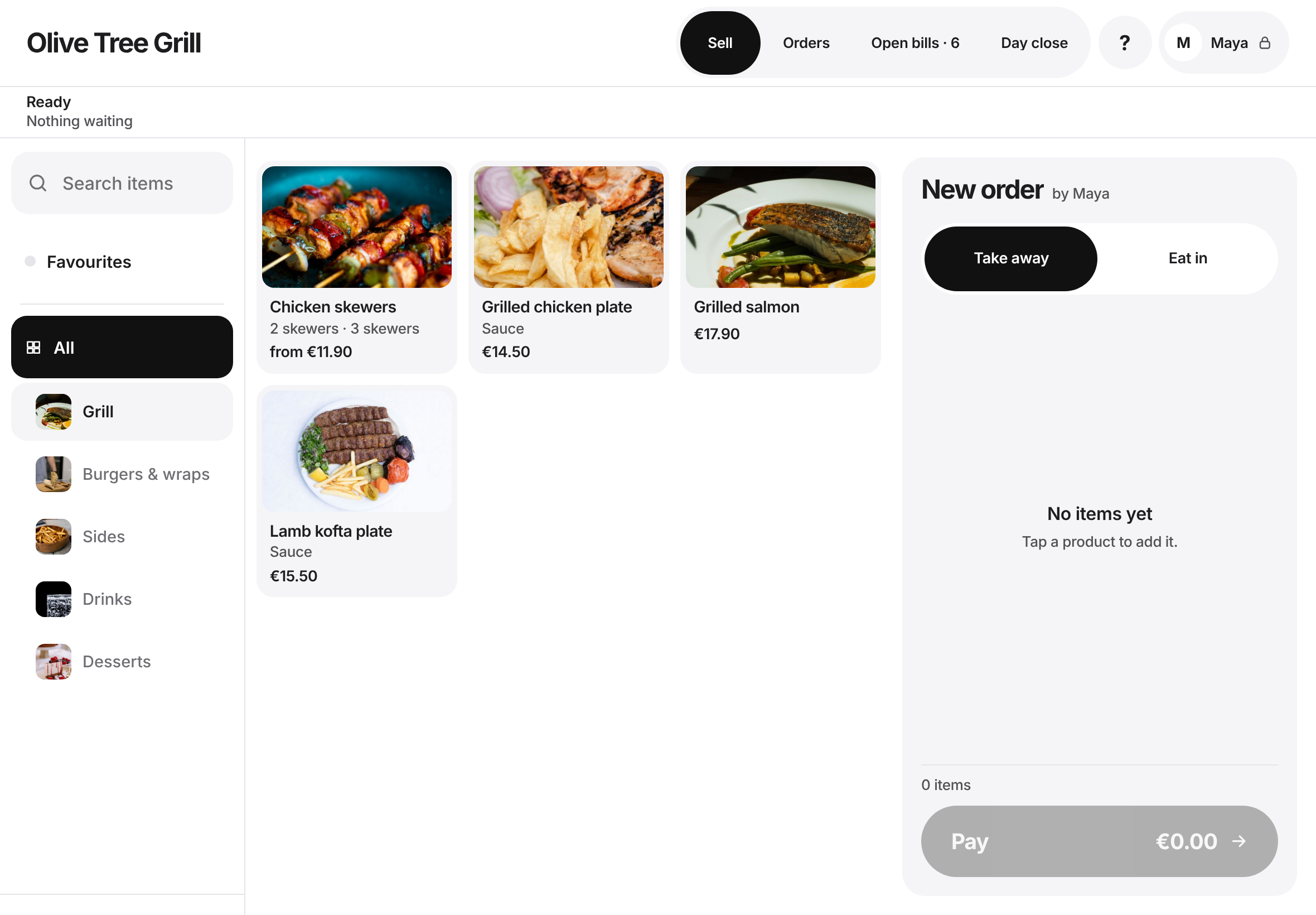
On Sell, tap a category at the top, or All. Tap a dish.
-
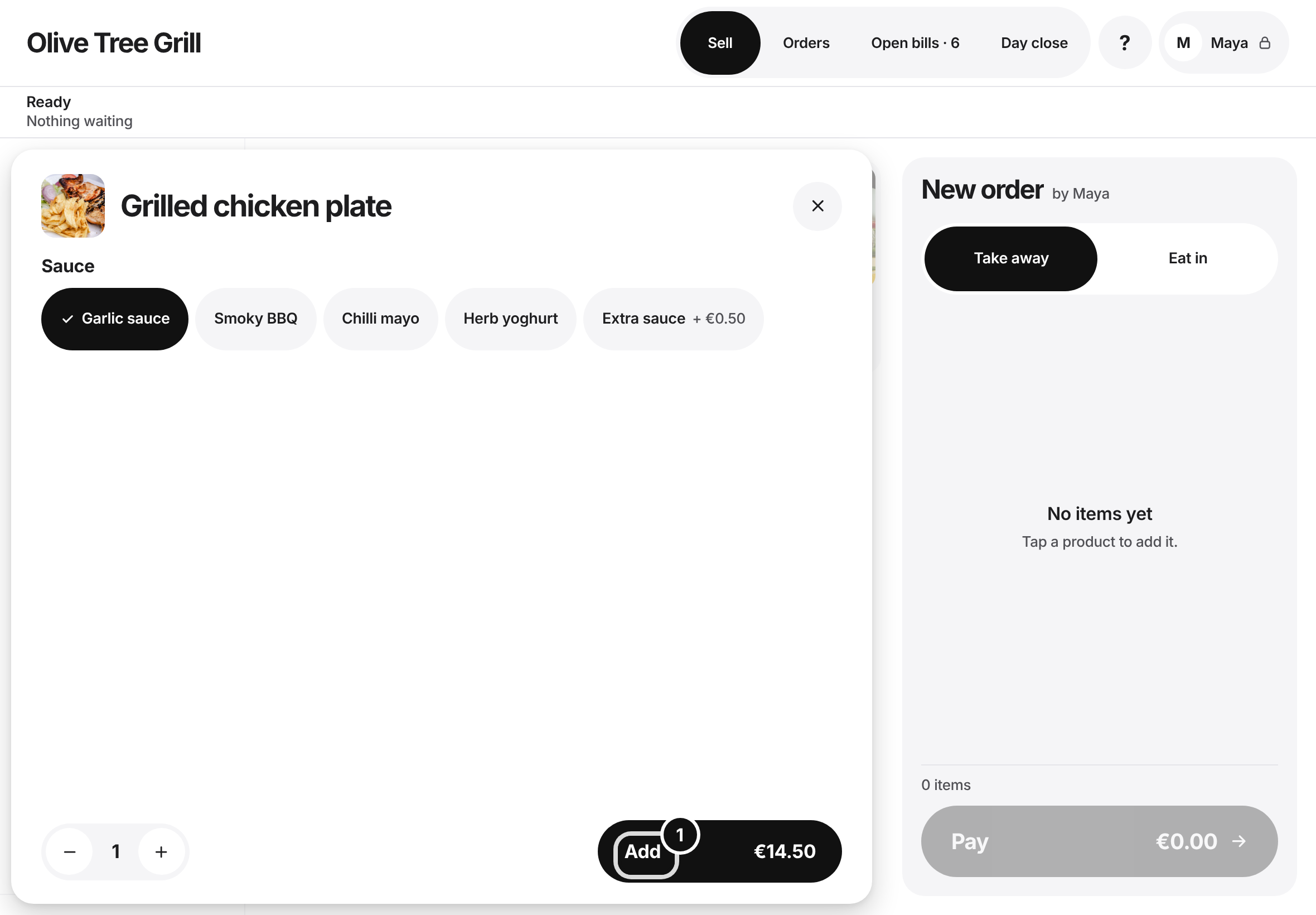
If the dish has choices, like a sauce, pick them and tap Add.
-
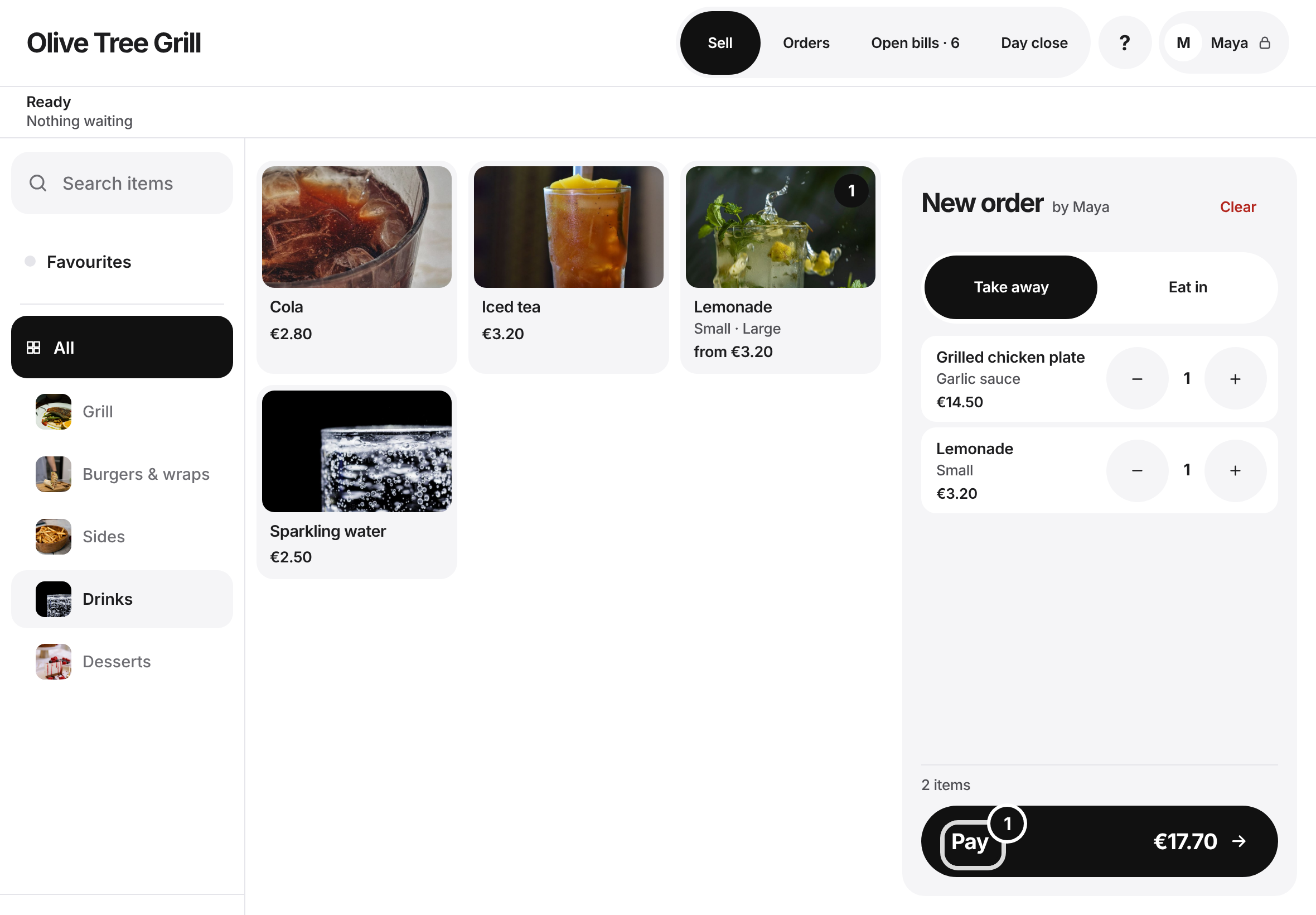
The order builds up on the right. Choose Take away or Eat in. Then tap Pay.
Take the payment
-
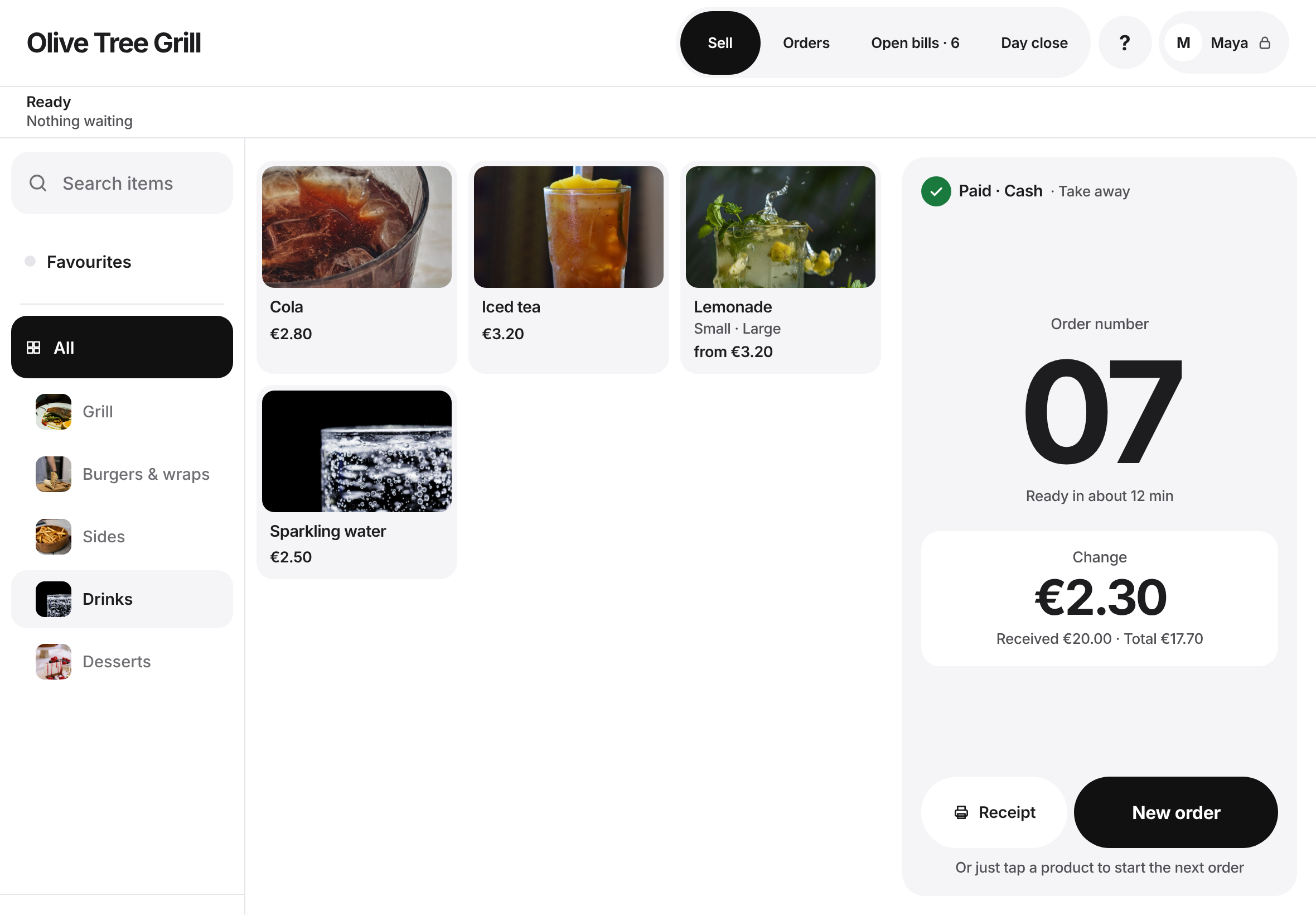
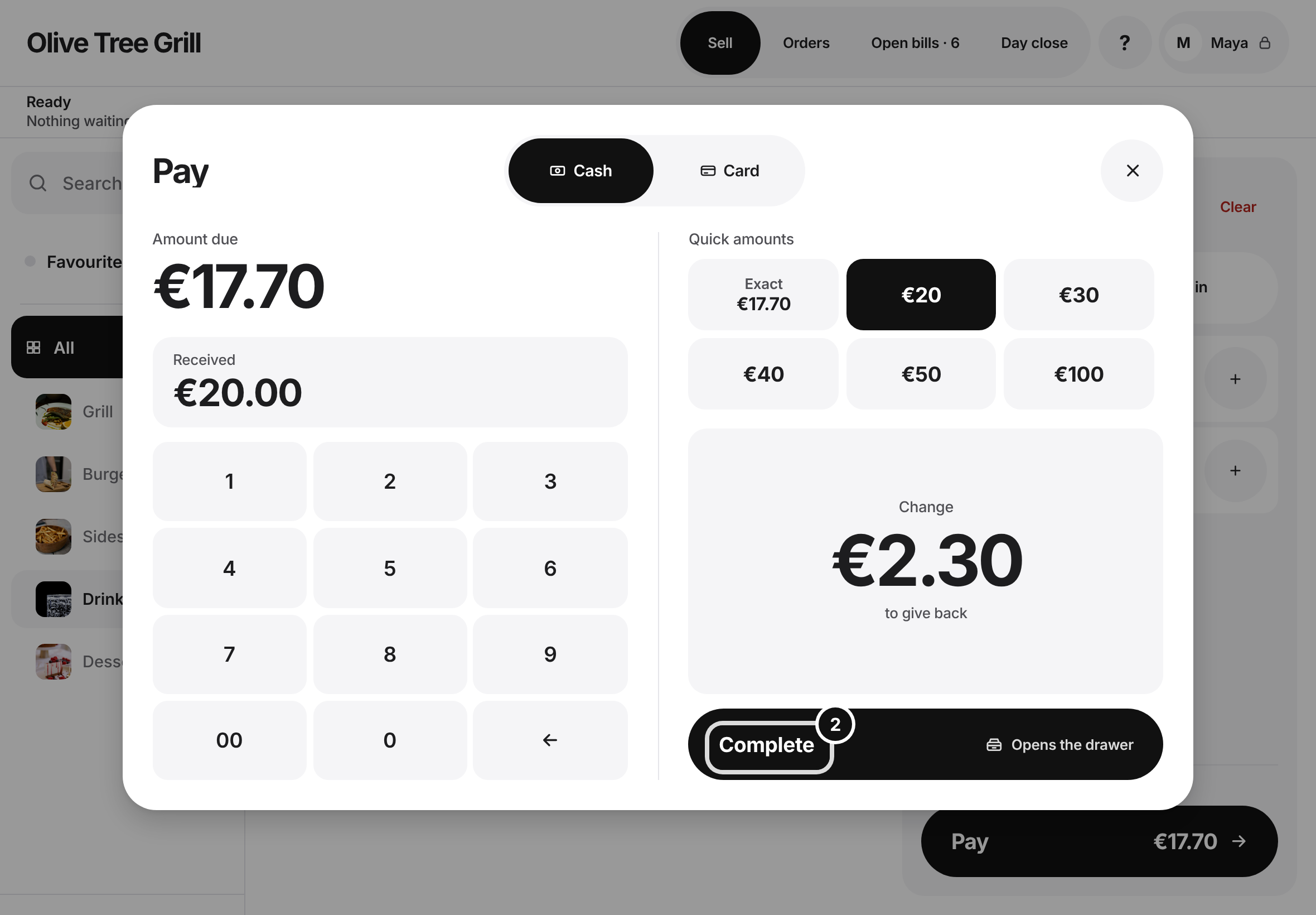
Cash: tap the amount you were given (or a quick amount like €20). The till shows the change. Tap Complete. The cash drawer opens.
-
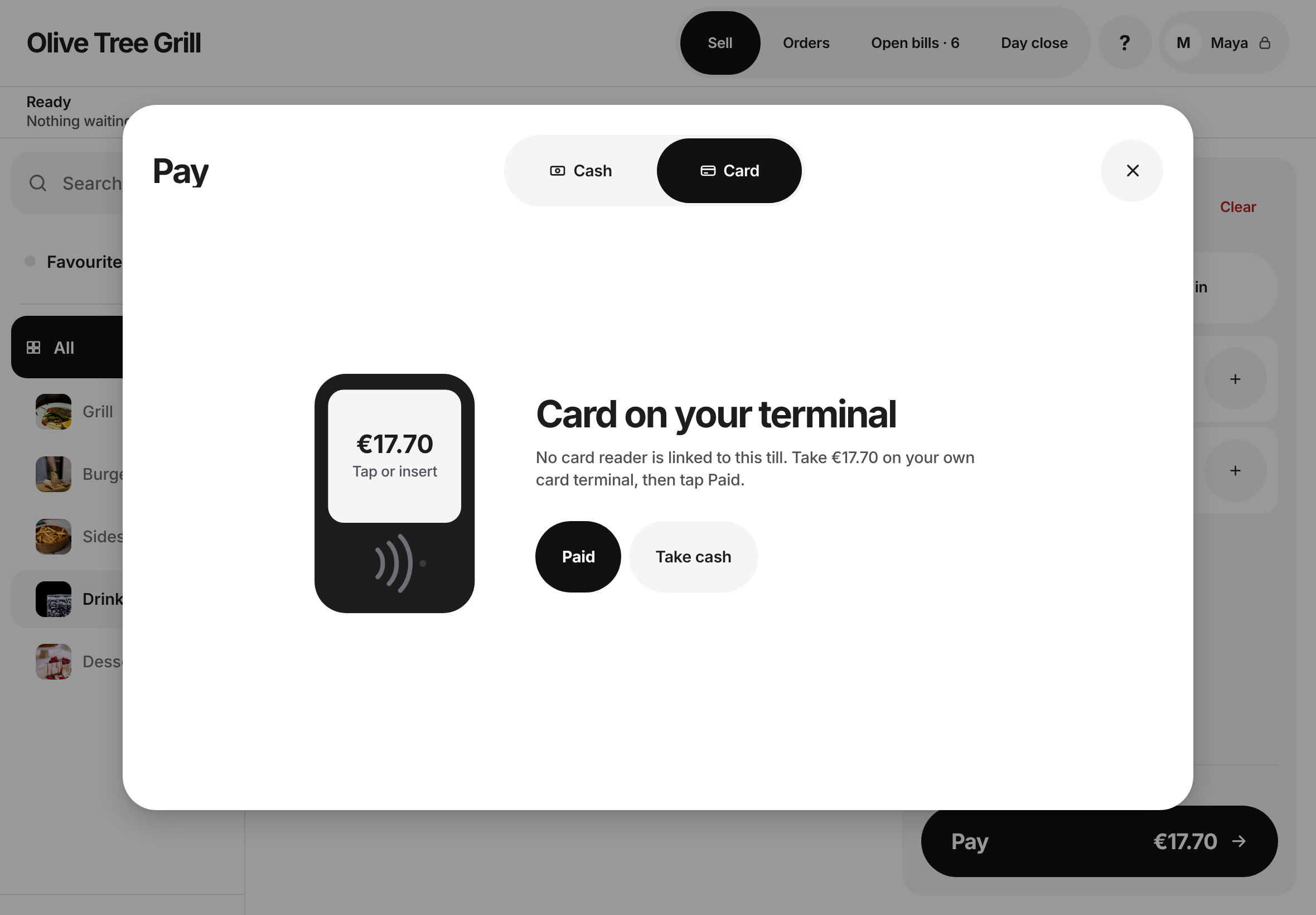
Card: tap Card, take the payment on the card terminal, then tap Complete.
-
Done. Tell the customer their order number. Tap Receipt if they want one, then New order.