Menu
Mark a dish sold out
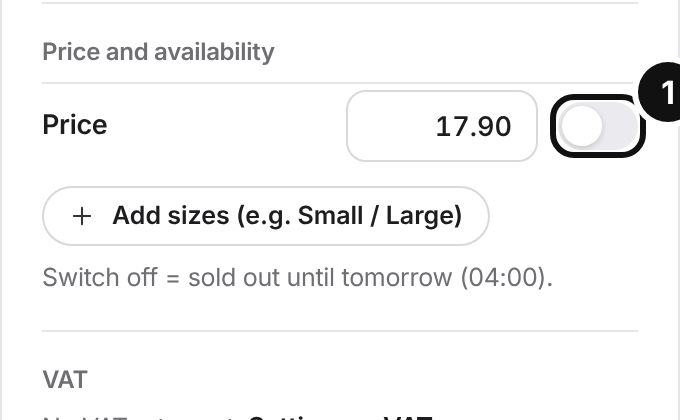
In the back office, open Menu and switch the dish off under Available. The kiosk and the till stop selling it until tomorrow morning, then it comes back by itself.
תוכן זה אינו זמין עדיין בשפה שלך.
Mark it sold out
-
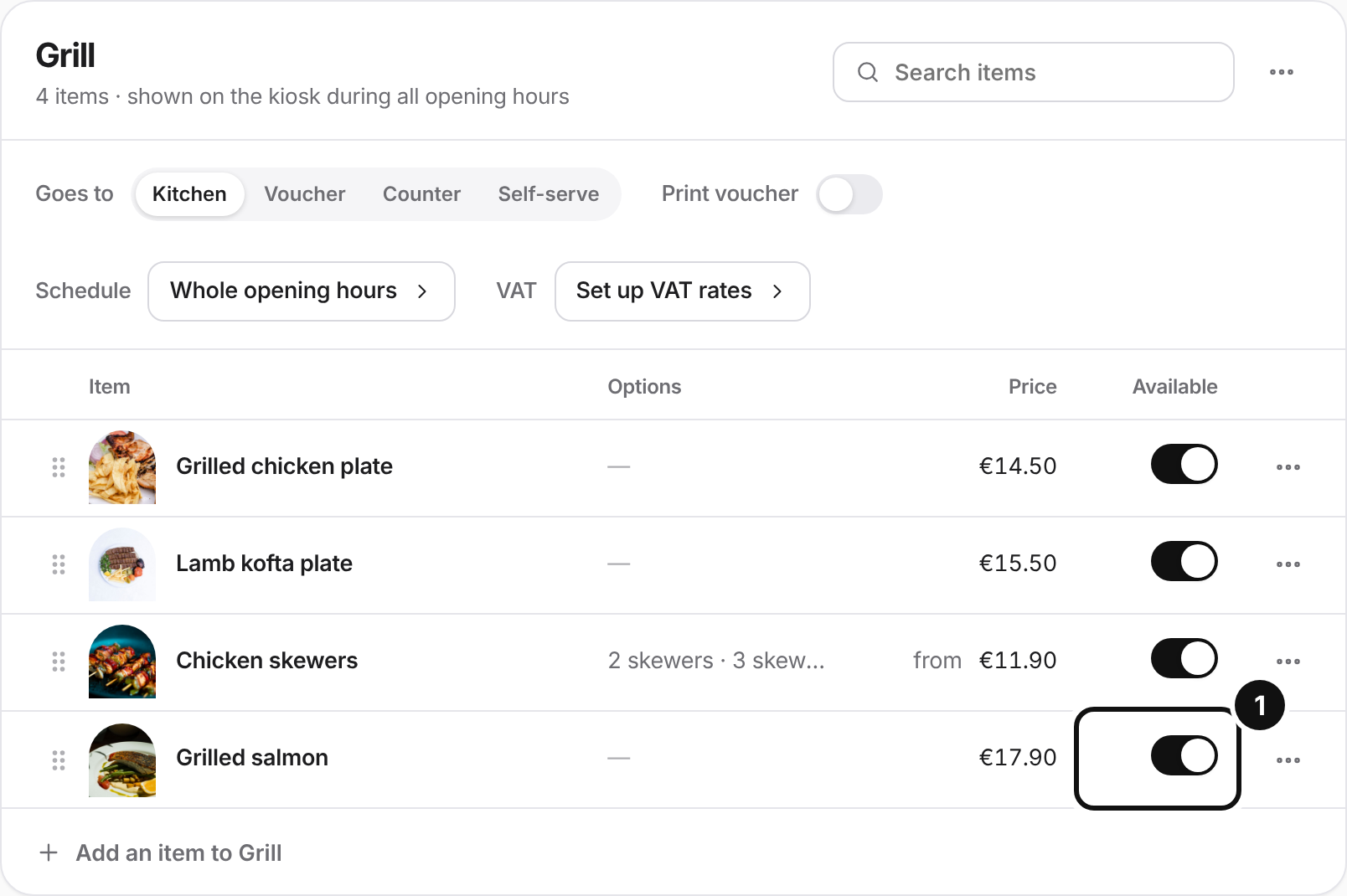
In the back office, open Menu. Find the dish.
-
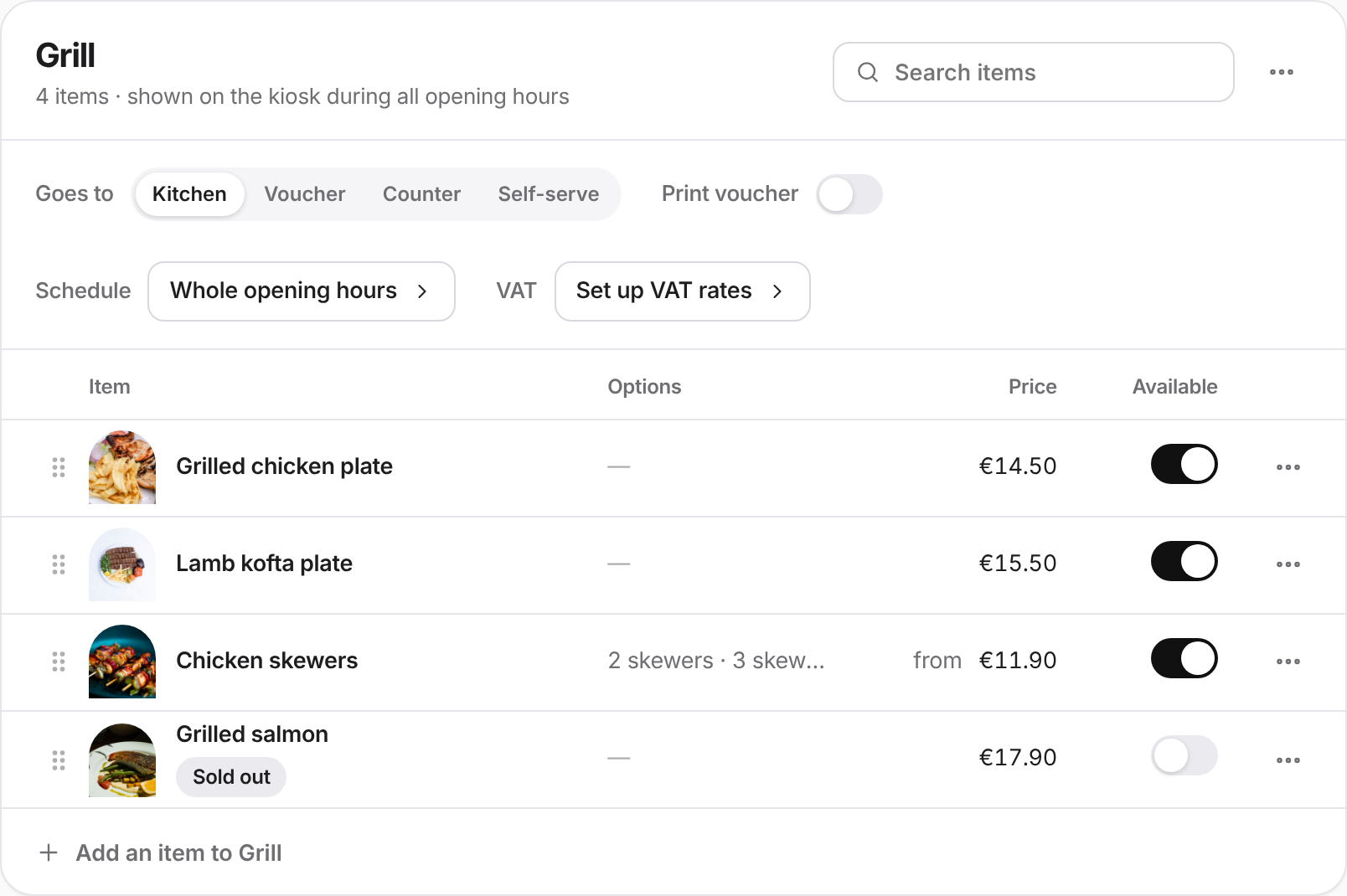
Switch it off under Available. It now says Sold out.
-
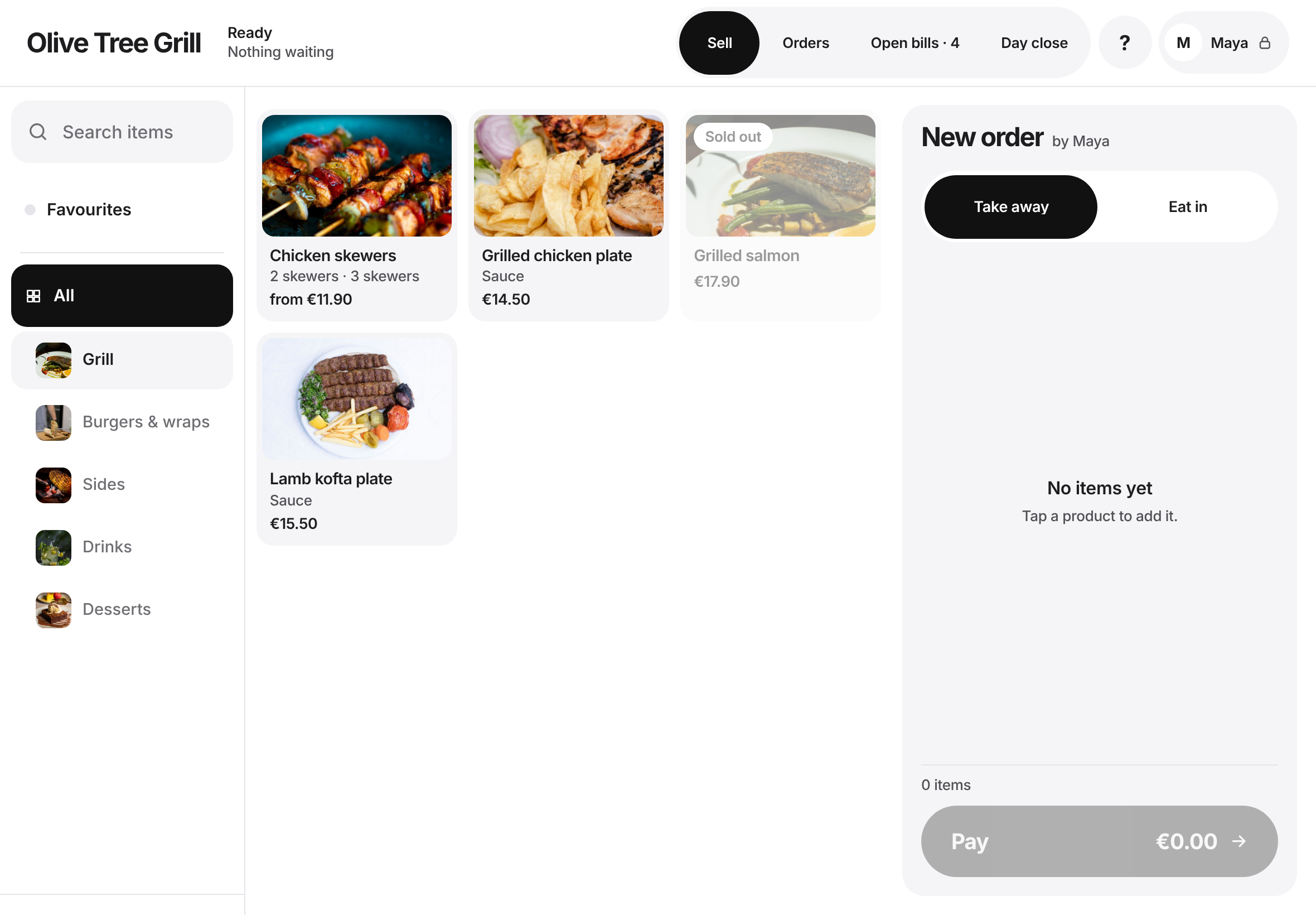
The till greys it out at once, so nobody can sell it. The kiosk stops offering it too.
Put it back on sale
-
Tap the dish in Menu. Next to the price, switch it back on. It’s for sale again right away.