Online ordering
Set pickup times and limits
In Settings → Online ordering → Pickup times, choose As soon as possible and/or Choose a time, the Preparation time, the slot length and Orders per time slot.
תוכן זה אינו זמין עדיין בשפה שלך.
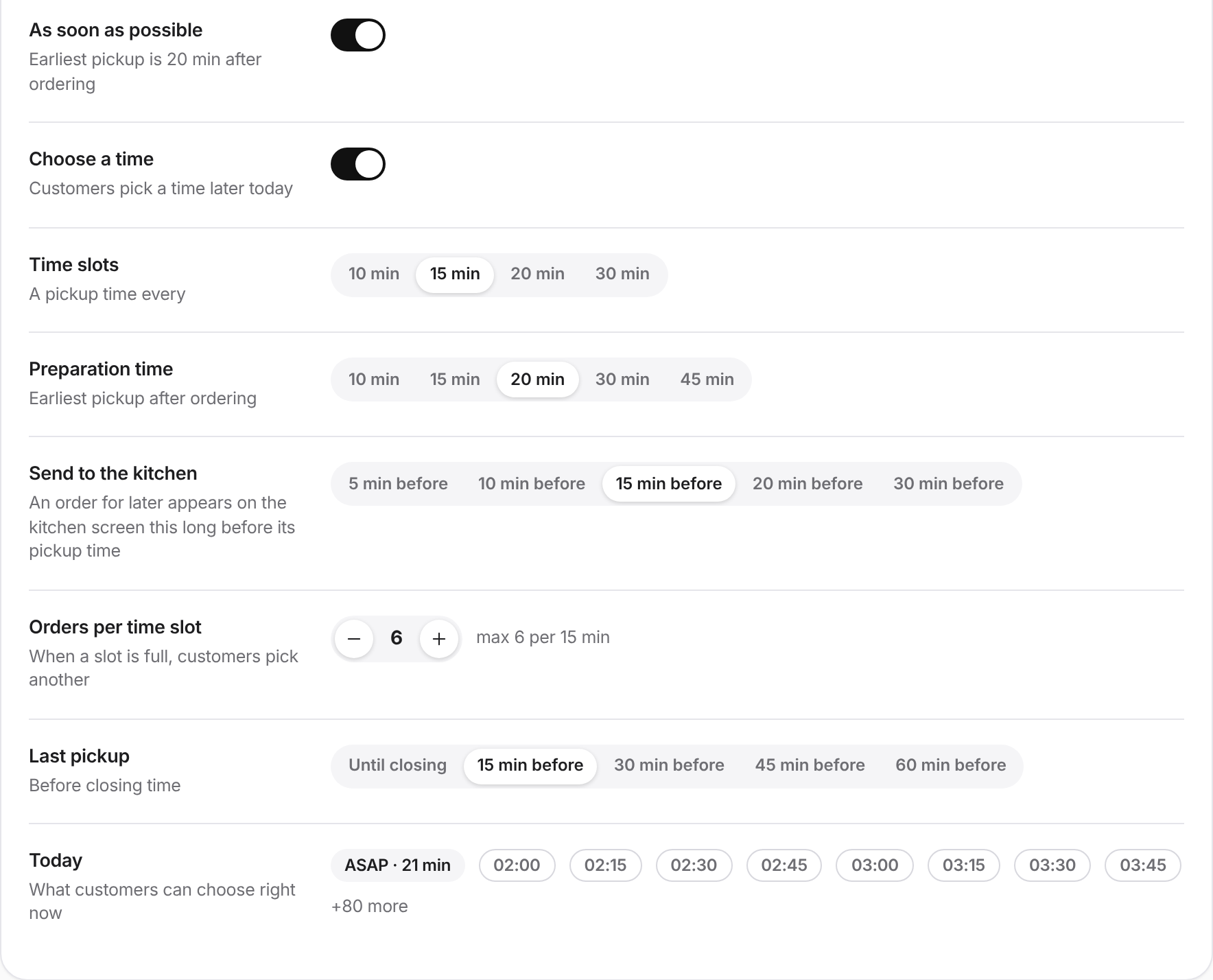
The settings
| Setting | What it does | Starts as |
|---|---|---|
| As soon as possible | Customers get their order as soon as it’s ready | On |
| Choose a time | Customers pick a time later today | On |
| A pickup time every | The length of each time slot | 15 min |
| Preparation time | The earliest pickup after ordering | 20 min |
| Send to the kitchen | An order for later shows on the kitchen screen this long before pickup | 15 min before |
| Orders per time slot | When a slot is full, customers pick another | 6 |
| Last pickup | How long before closing the last pickup is | 15 min before |
The Today line at the bottom shows exactly what customers can choose right now.
Change one
-
Open Settings → Online ordering and scroll to Pickup times.
-
Tap the value you want, for example 30 min under Preparation time. It saves by itself.
-
Check the Today line. It shows the new times straight away.