Shop mode (retail)
Change many products at once
Turn on Bulk edit, tick products on Products (or Select all), then pick what to change in the black bar at the bottom.
תוכן זה אינו זמין עדיין בשפה שלך.
-
In the back office, go to Shop → Till & returns. Under Back office tools, turn on Bulk edit. It’s off until you turn it on.
-
Open Products. Filter the list if you like (department, supplier, category, brand), then tick the products. Select all takes every product in the filter, also the ones further down.
-
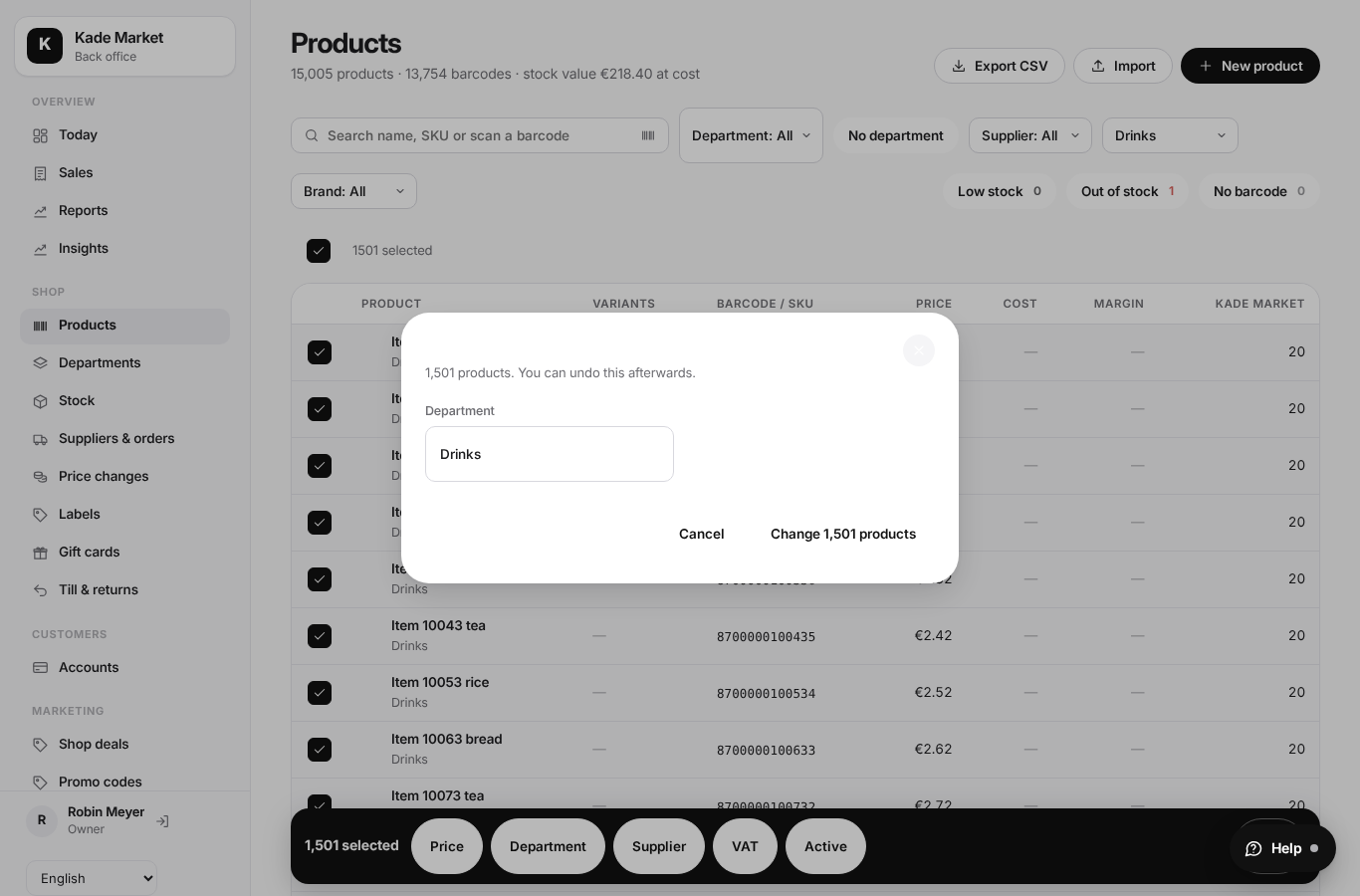
In the bar at the bottom, pick Price, Department (or Category), Supplier, VAT or Active. For a price, choose By a % or One price for all. With pricing rules on, Margin sets the price from a target margin. Tap Change … products.
-
Big changes run in the background: you see how far it is. When it’s done, tap Undo if it wasn’t right. Every product goes back to what it was.