Shop mode (retail)
Send goods back to a supplier
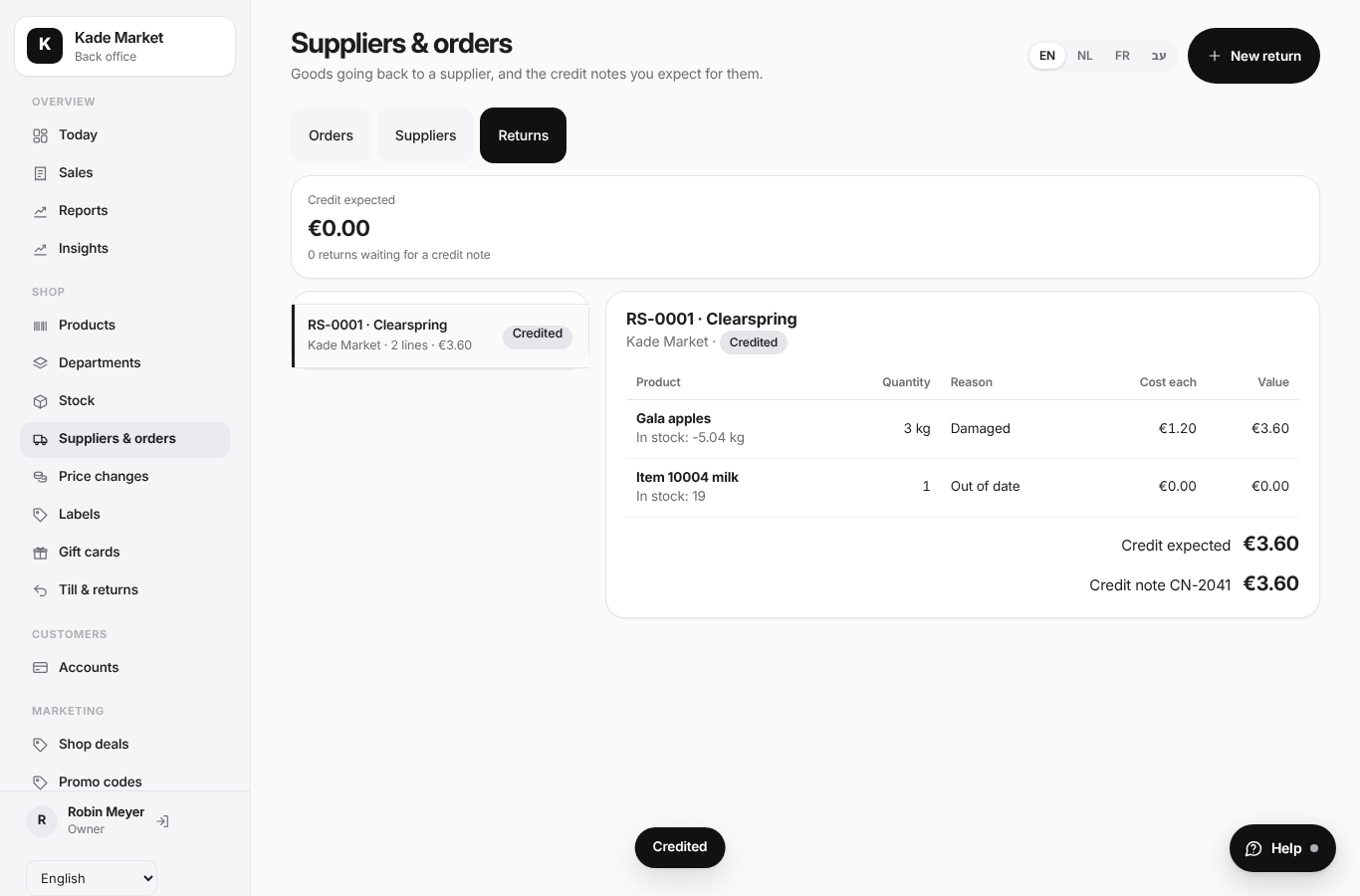
Turn on Returns to supplier, then go to Suppliers & orders → Returns → New return.
תוכן זה אינו זמין עדיין בשפה שלך.
-
In the back office, go to Shop → Till & returns. Under Back office tools, turn on Returns to supplier. It’s off until you turn it on.
-
Go to Suppliers & orders → Returns and tap New return. Pick the supplier, then add the products with the quantity and a reason (Damaged, Out of date, Wrong item or delivered too many, Recall, Unsold, agreed with the supplier, Other). The cost is filled in; you can change it.
-
Tap Send to supplier. The goods leave your stock and the return shows Credit expected with the amount.
-
When the credit note arrives, open the return, tap Credit note received and type the Amount on the credit note and the Credit note number.