Online ordering
Pause online orders when you're busy
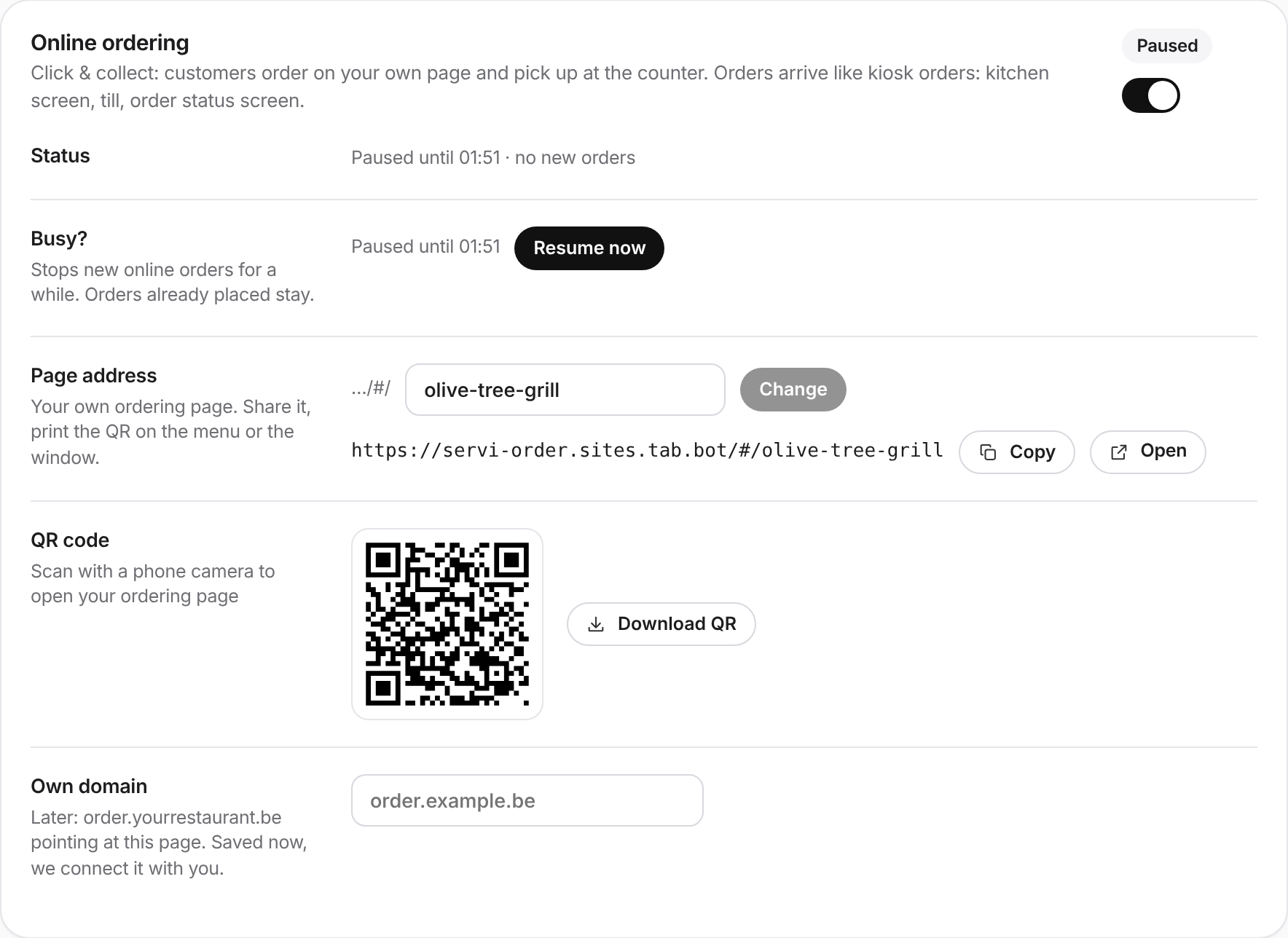
In Settings → Online ordering, tap Pause 15 min, Pause 30 min or Pause 60 min. Tap Resume now to open again early.
תוכן זה אינו זמין עדיין בשפה שלך.
-
Open Settings → Online ordering. Under Busy?, tap Pause 15 min, Pause 30 min or Pause 60 min.
-
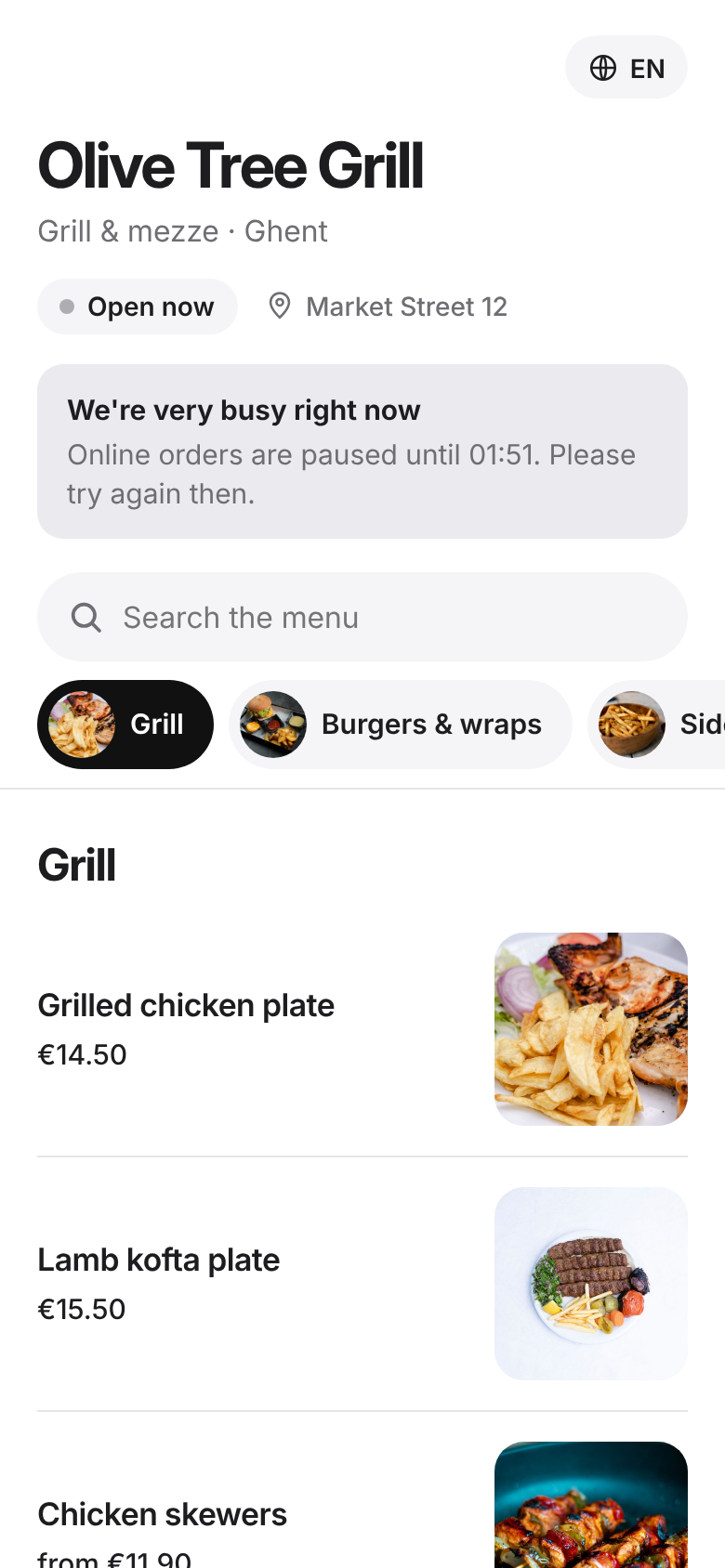
Customers now see a message on your page and can’t order. Orders already placed carry on as normal.
-
The pause ends by itself. To open earlier, tap Resume now.
Change the message
Under Your page → When paused, type your own words. Empty means the standard words: We’re very busy right now…