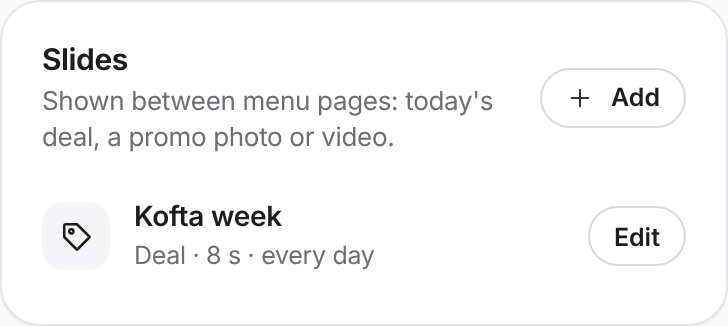
Menu screens & music
Show a deal between menu pages
In Menu screens → Slides, tap Add. Pick Deal, choose a dish and a title, then tap Save.
תוכן זה אינו זמין עדיין בשפה שלך.
-
Open Menu screens. Under Slides, tap Add.
-
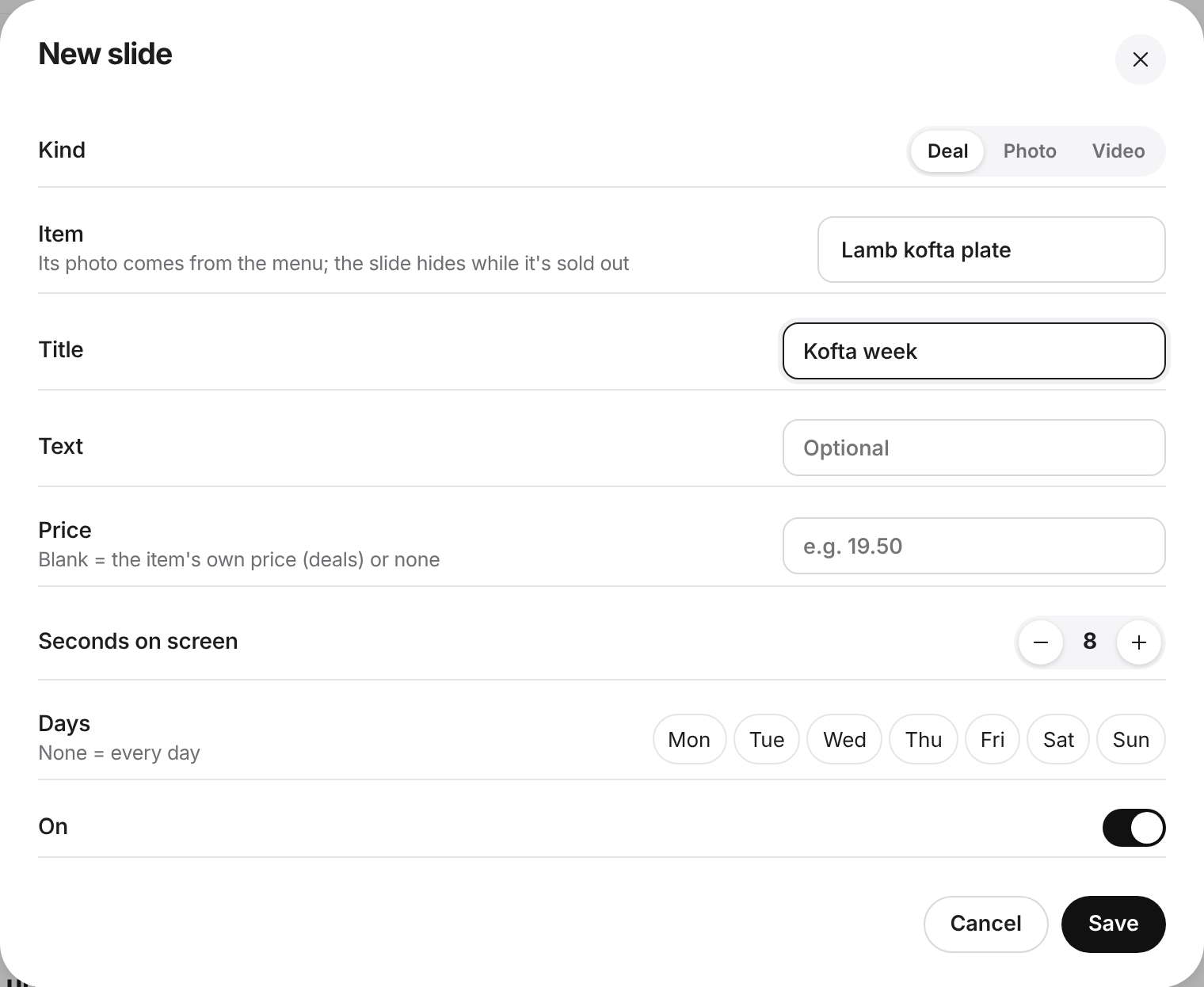
Pick Deal, Photo or Video. For a deal, choose the dish: its photo and price come from the menu.
-
Type a Title. Leave Price blank to use the dish’s own price.
-
Pick the days (none = every day) and tap Save.
-
The slide is in the list. It shows between menu pages.