Shop mode (retail)
Sell your products online
תוכן זה אינו זמין עדיין בשפה שלך.
-
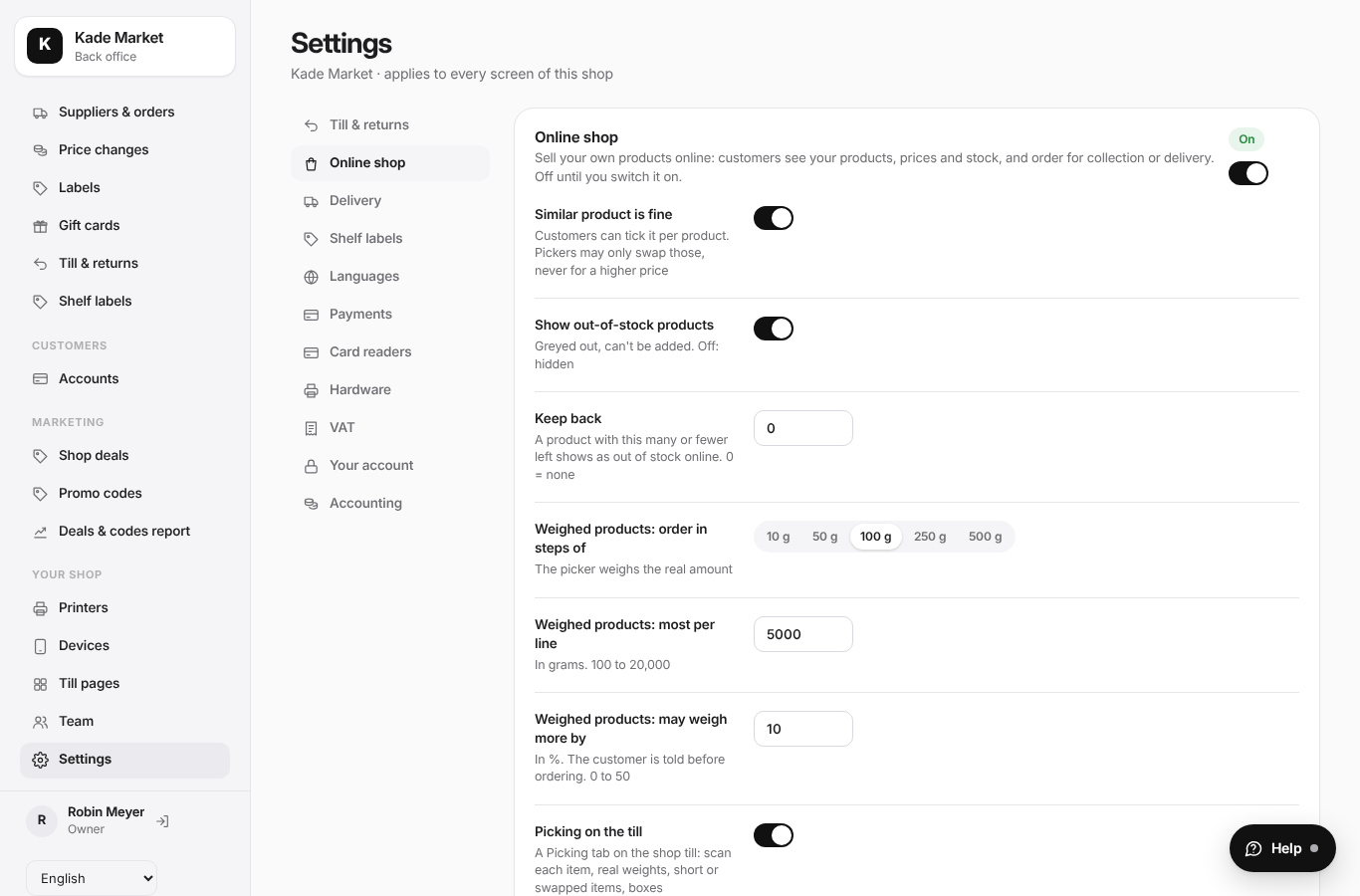
In the back office, go to Settings → Online shop. Turn on Sell my products online. It’s off until you turn it on. Online ordering further down must be on too.
-
Choose what customers see: Similar product is fine (they can allow a swap per product), Show out-of-stock products, and Keep back (show a product as out of stock when only a few are left).
-
Weighed products (fruit, vegetables, cheese) are ordered in steps, like 100 g. The picker weighs the real amount. May weigh more by says how much heavier it may come out; the customer is told before ordering.
-
Basket size: a full grocery shop is big. An order can have up to 200 different products and 99 of one product. You can change both.
-
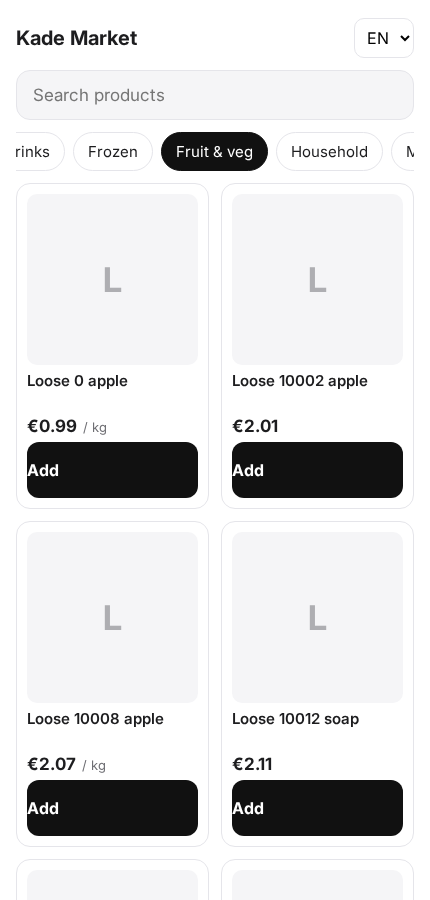
Customers open your ordering page, browse by category or search, and order for Collect or Delivery. Prices always come from your till. They pay when they collect, or at the door.
-
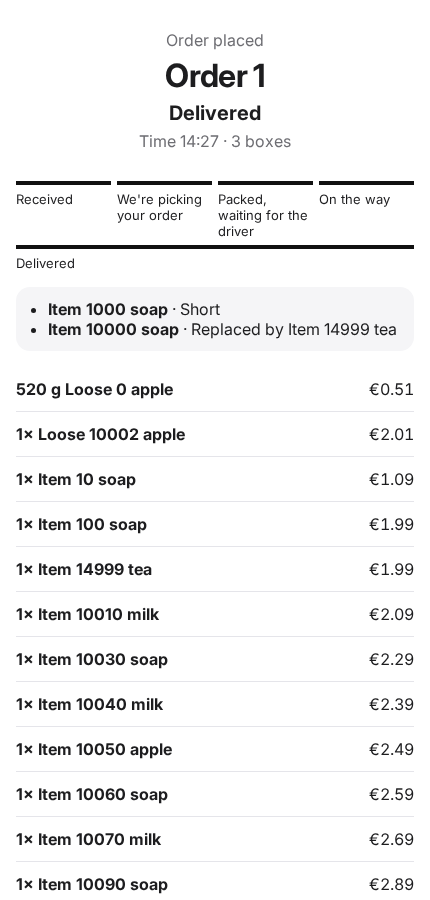
Their order page shows each step: received, picking, packed, on the way, delivered. It says what was short or replaced and the final price.