Shop mode (retail)
Set up a weigh station
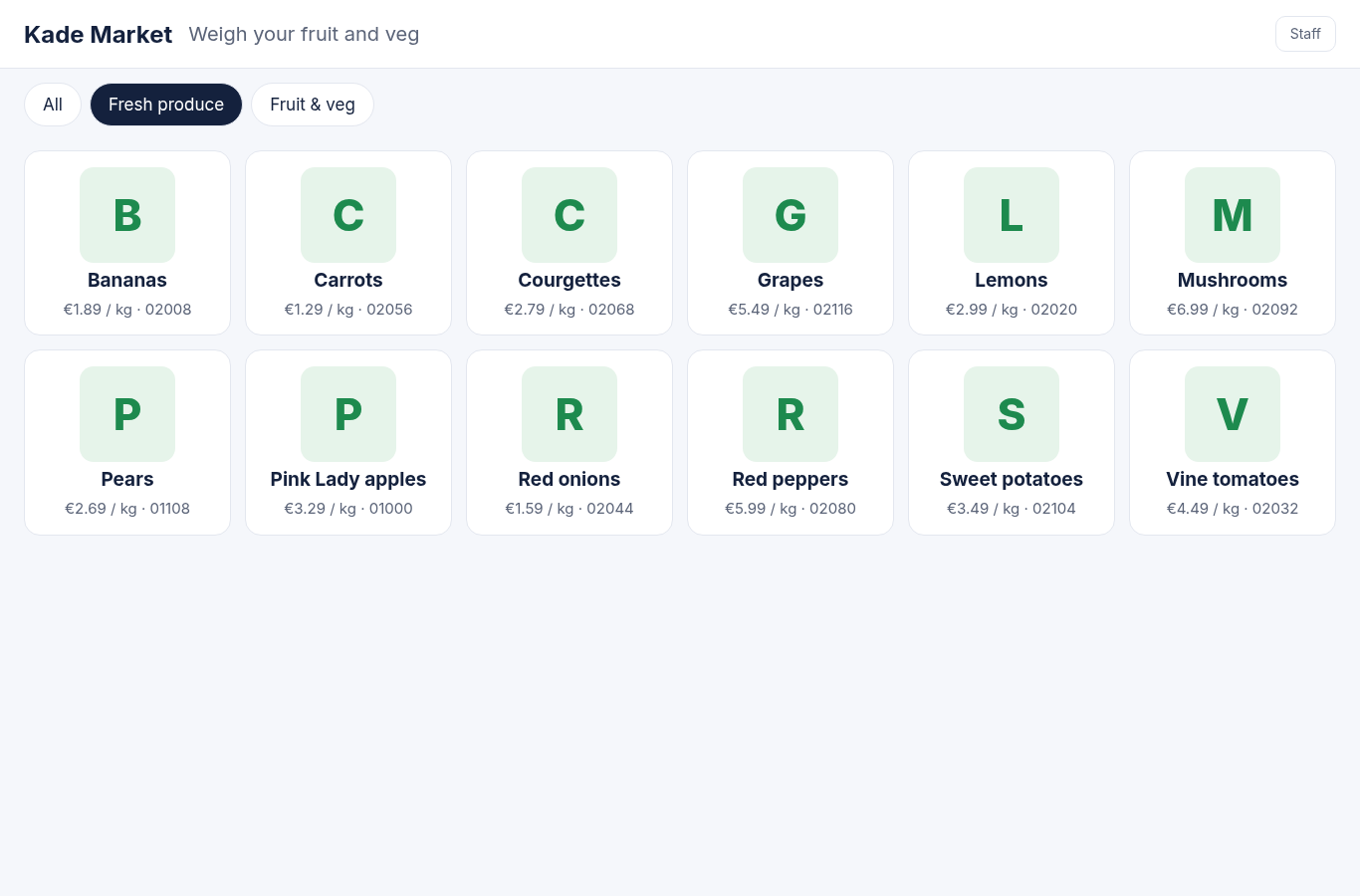
Turn on Shop → Till & returns → Weigh station, then on that till tap Weigh station. Customers tap the item, weigh it and print a sticker.
-
Turn on scale stickers in Settings → Hardware → Price labels, and give every weighed product an item code (PLU). Only weighed products with an item code show on the weigh station.
-
In Shop → Till & returns, turn on Weigh station. It’s off until you turn it on.
-
On the till next to the scale, tap Weigh station. The till stays a weigh station, even after a restart.
-
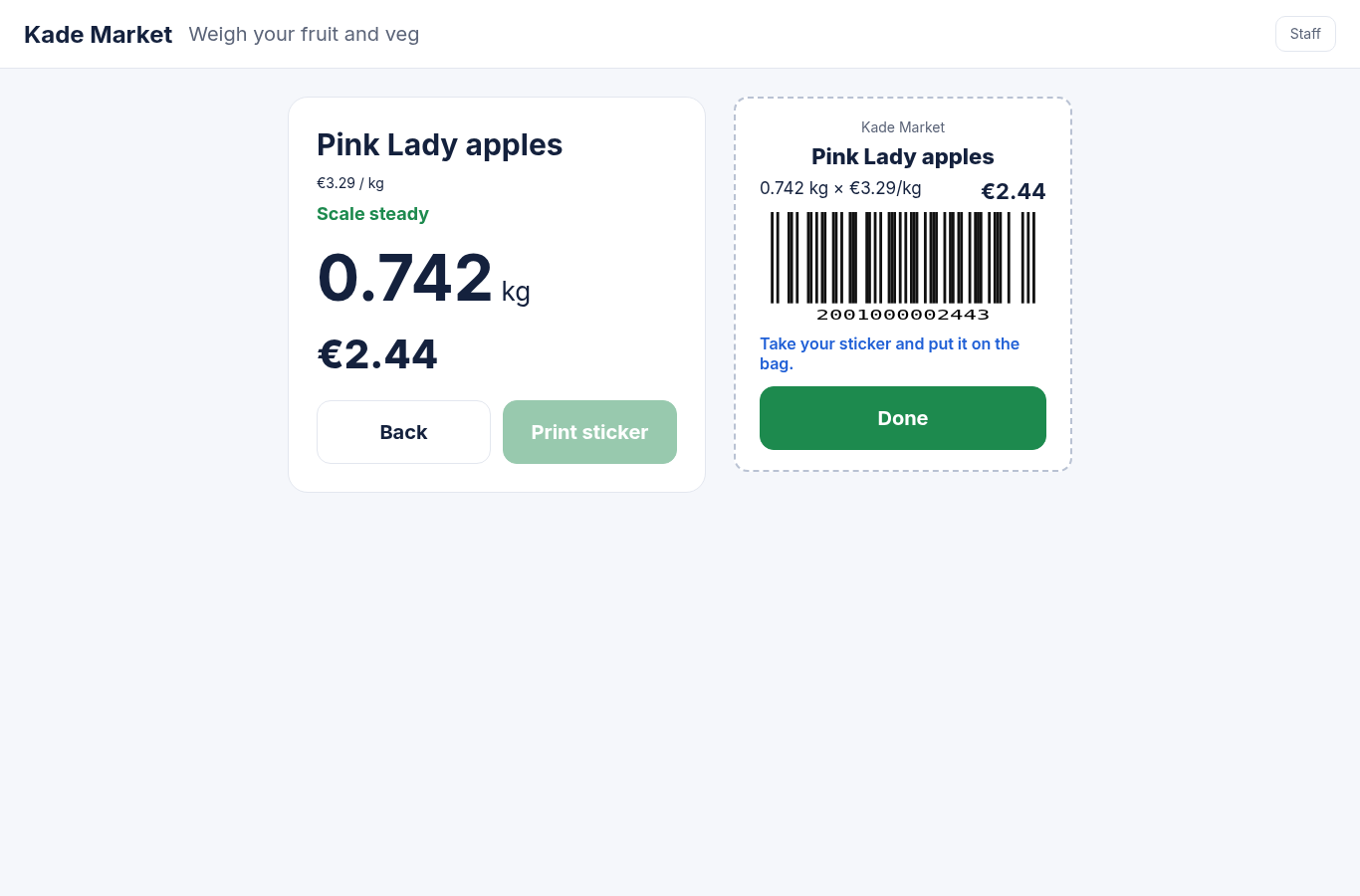
The customer taps the item and puts it on the scale. When the scale is steady, they tap Print sticker. The sticker’s barcode is read by every till and self-checkout of the shop.
-
To use the till as a till again, hold Staff for 3 seconds.