Shop mode (retail)
Show the sale on a customer screen
Turn on Shop → Till & returns → Customer screen, then on the till tap Customer screen and open it on a second monitor, or pair a tablet with the code.
-
In the back office, go to Shop → Till & returns and turn on Customer screen. You can also write a Thank-you line. It’s off until you turn it on.
-
On the till, tap Customer screen.
- Second monitor on this till: tap Open on the second monitor, drag the window to the screen facing the customer and make it full screen. This works without internet.
- Tablet: scan the QR code with the tablet, or open the customer screen address on it and type the code. The code works for 10 minutes.
-
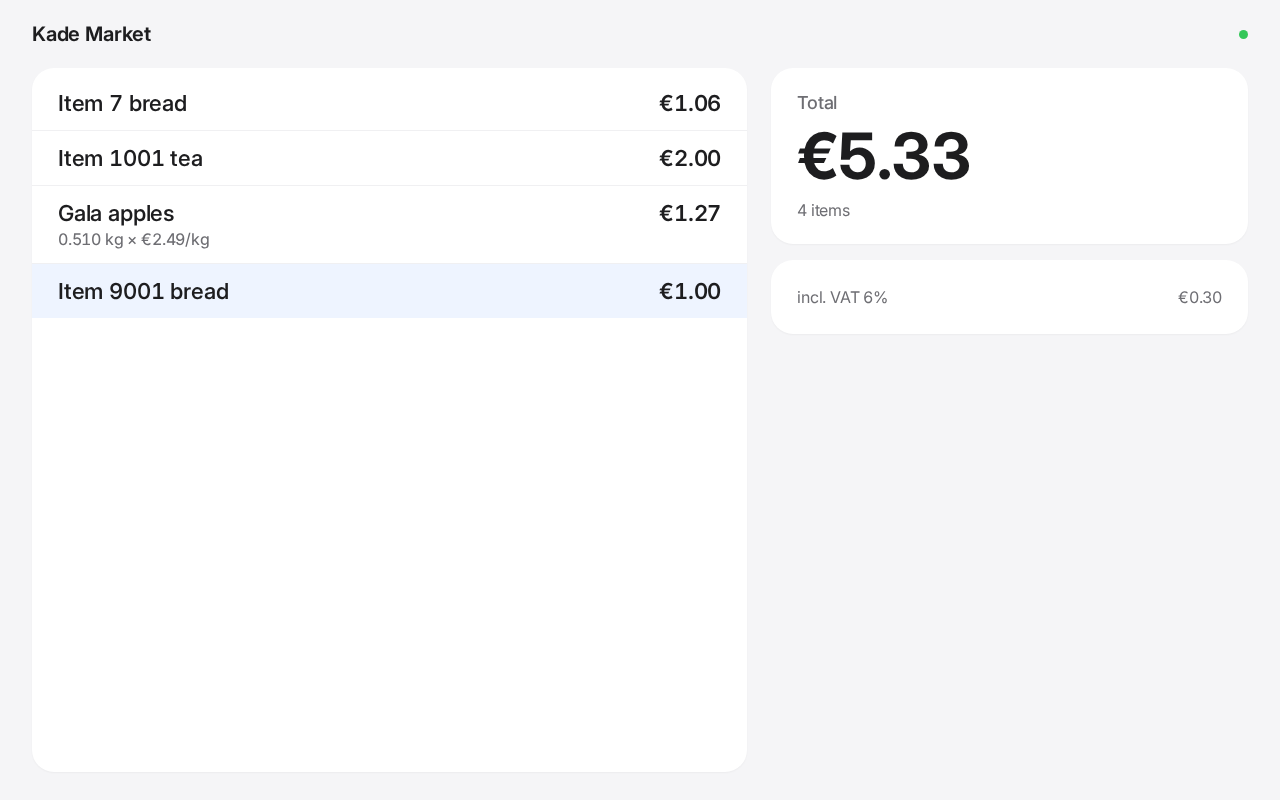
Every scan shows straight away: the item, the weight × price per kg for weighed items, the total and the VAT. After paying, it shows the thank-you line.