Shop mode (retail)
Add a product
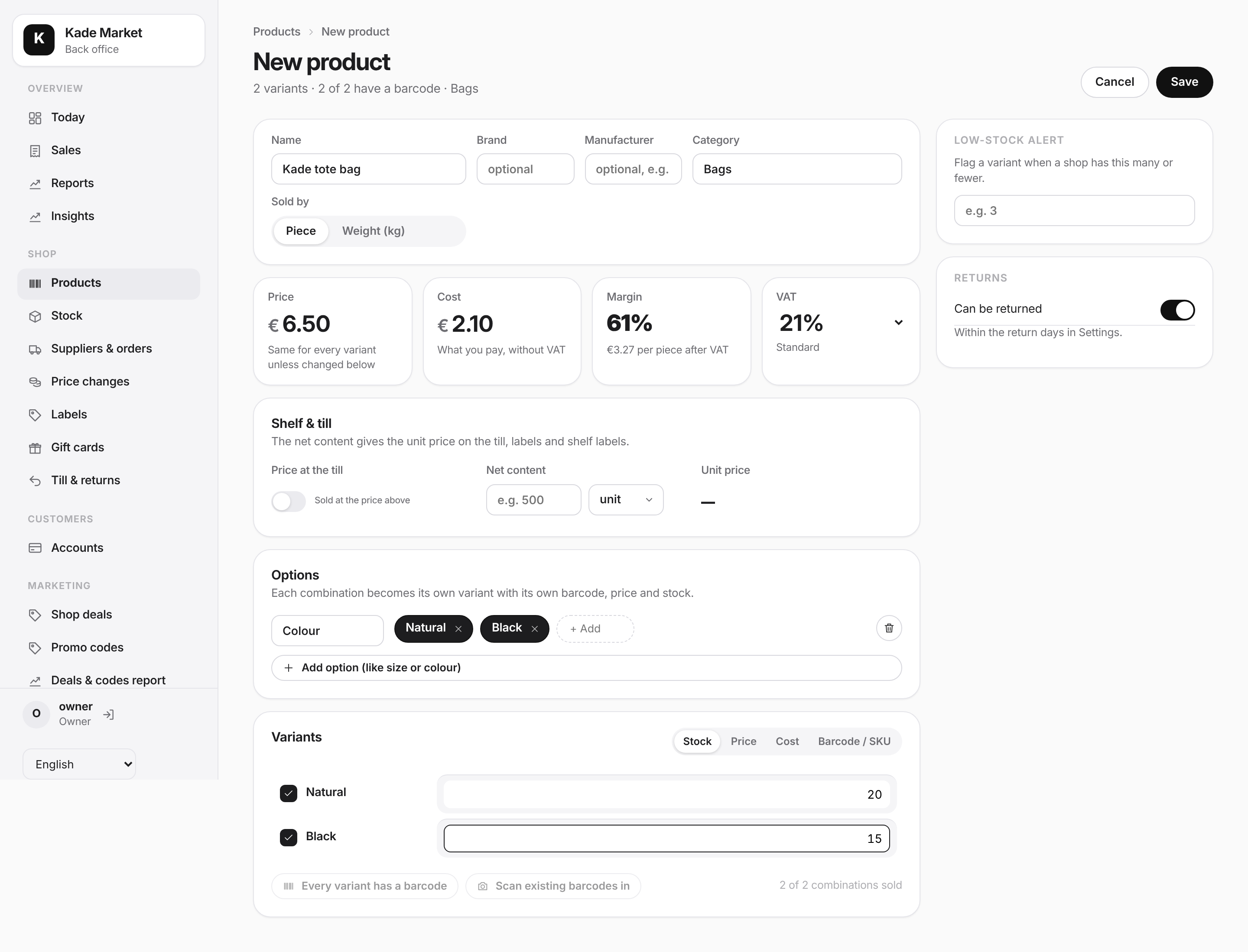
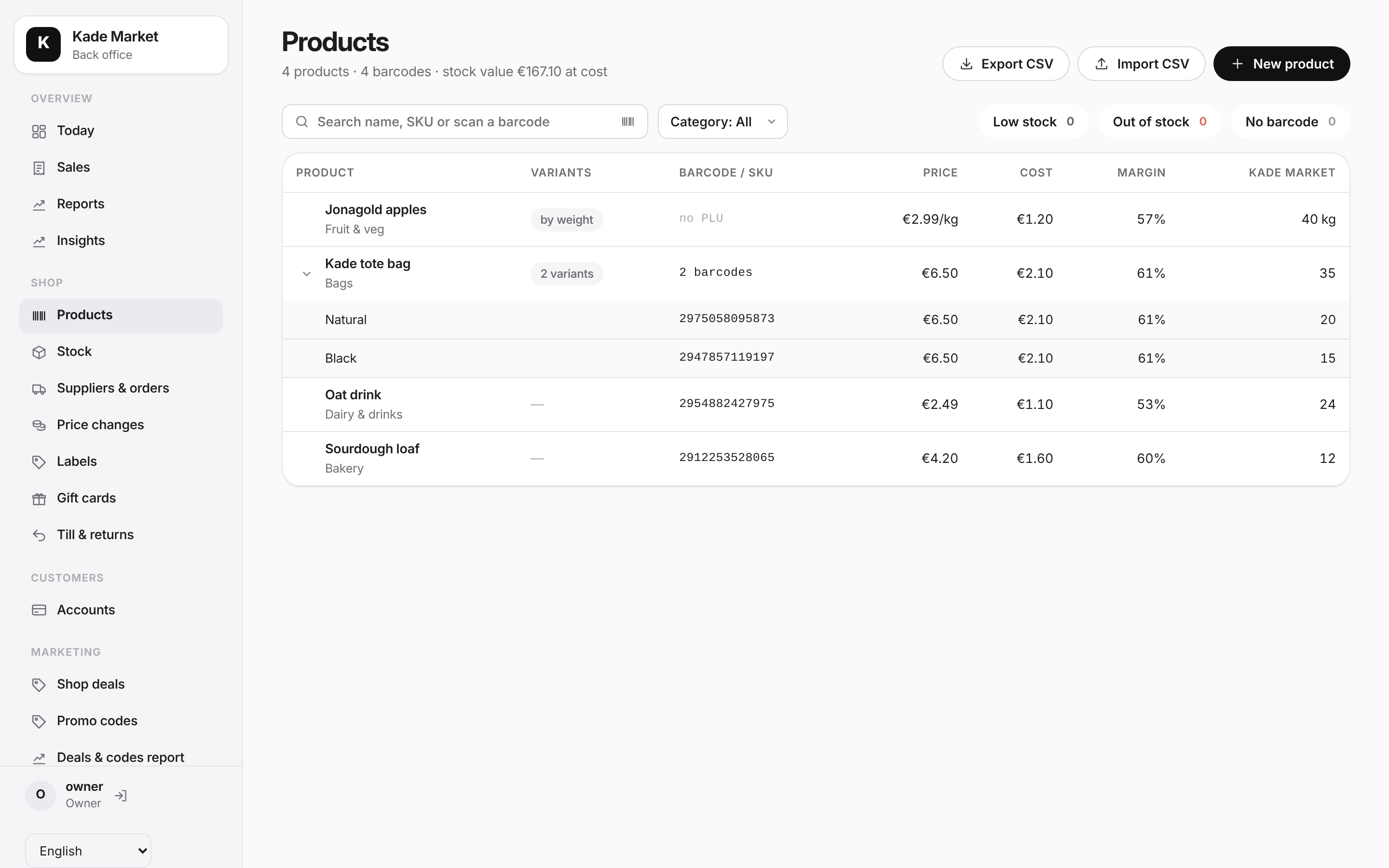
Open Products, tap New product, fill in the name, price, cost and VAT, add options like Colour, tap Make barcodes, type the stock and tap Save.
-
Open Products and tap New product.
-
Type the Name and Category. Brand and Manufacturer are optional. Pick Sold by: Piece or Weight (kg).
-
Type the Price (with VAT) and the Cost (what you pay, without VAT). The Margin works itself out. Pick the VAT rate.
-
Sizes or colours? Under Options, type the option name (like Colour) and add each value. Every combination becomes its own variant. Untick one you don’t sell.
-
Tap Make barcodes for variants without one, or Scan existing barcodes in to use the codes already on your products.
-
Under Variants → Stock, type how many you have of each.
-
Tap Save.
Every setting
| Setting | Starts as |
|---|---|
| VAT | 21% |
| Can be returned | On (within the return days in Settings) |
| Price at the till | Off: sold at the price above |
| Low-stock alert | Empty: no alert |