Online ordering
Change how your ordering page looks
Open Settings → Online ordering → Your page. Fill in what you want; empty fields use your restaurant's name and the standard words. It saves by itself.
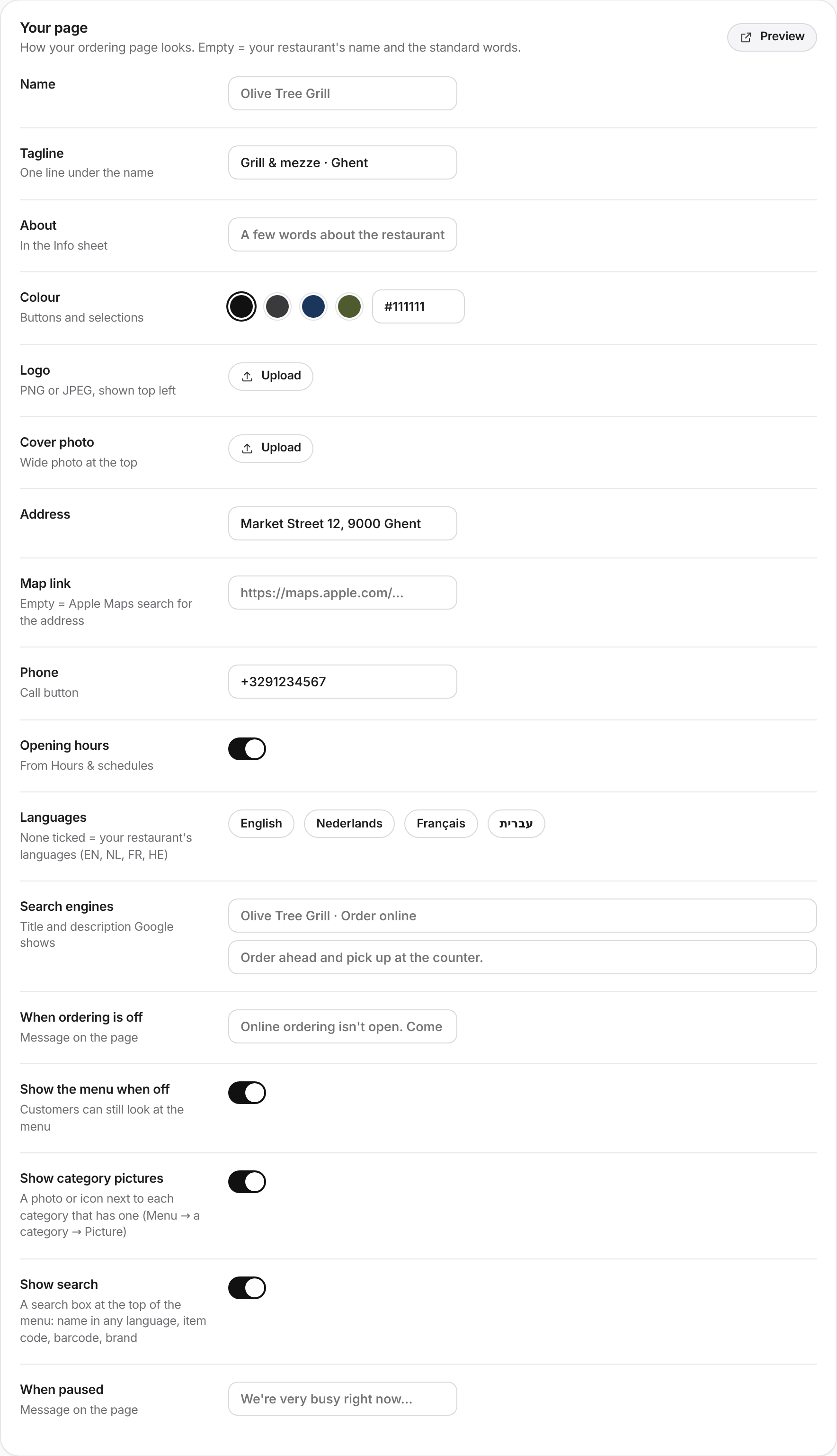
What you can set
| Field | Where it shows | Empty means |
|---|---|---|
| Name | Top of the page | Your restaurant’s name |
| Tagline | One line under the name | Nothing |
| About | The Info sheet | Nothing |
| Colour | Buttons and selections | Ink (#111111) |
| Logo | Top left (PNG or JPEG) | No logo |
| Cover photo | Wide photo at the top | No photo |
| Address, Map link, Phone | Info, Directions and Call buttons | Hidden. Map link empty = a map search for the address |
| Languages | The language button | Your restaurant’s languages |
| When ordering is off / When paused | The message on the page | Standard words |
Switches
| Switch | Starts as |
|---|---|
| Show the menu when off | On |
| Show category pictures | On |
| Show search | On |