Get started
Set up your restaurant in 8 steps
The back office has the same list built in. It ticks each step off by itself when it’s done. Find it on the Setup page, and on Today while you are getting started.
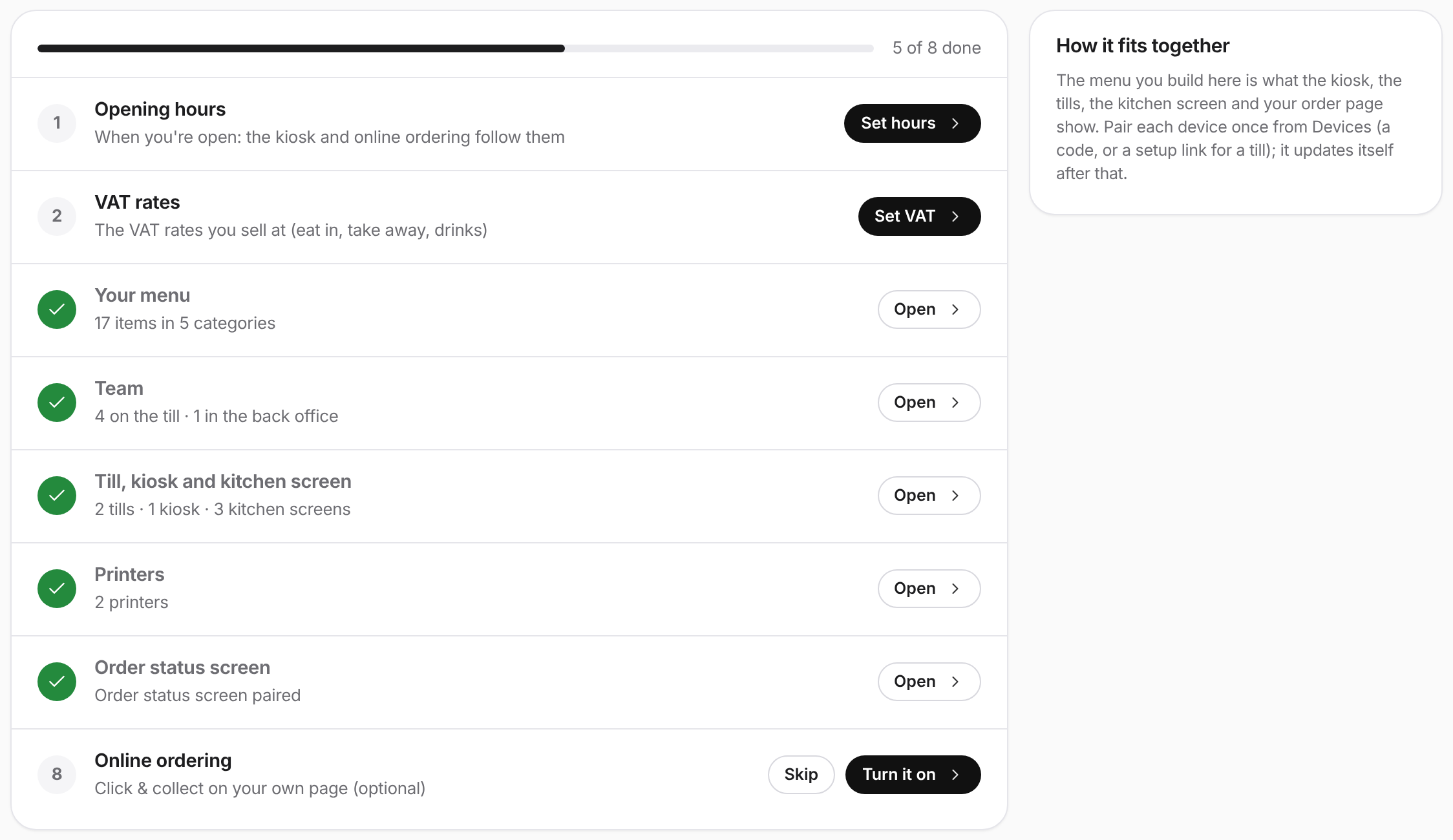
The 8 steps
Each step has two buttons: Show me points out where to tap, right on the page, in a few short steps. Help ↗ opens the page about it here.
-
Sign up. Your restaurant’s account is made. How to sign in
-
Your menu. Start from a sample menu in one tap, or import your own from Excel or Loyverse. The sample menu goes in one tap too, and your own dishes stay. Add a dish
-
Opening hours and VAT. The kiosk only takes orders while you’re open. Hours and VAT
-
Payments. Cash and the test card reader work right away. Connect SumUp or Stripe for real cards. Payments and SumUp
-
Till, kiosk and kitchen screen. Pair them with a code or by scanning a QR. Pair a device
-
Staff with PIN codes. Each person gets a PIN for the till. No email needed. Staff and PINs
-
Practice order. Kiosk → kitchen → ready. It doesn’t count in sales. Practice mode
-
Start real sales. Practice orders are deleted and real sales start. You can undo it for 10 minutes. Start real sales