Payments
Try card payments with the test reader
In Settings → Card readers, switch Test mode on, tap Add a card reader and then Add test reader.
-
Open Settings → Card readers and switch Test mode on.

-
Tap Add a card reader, pick a till and tap Add test reader.
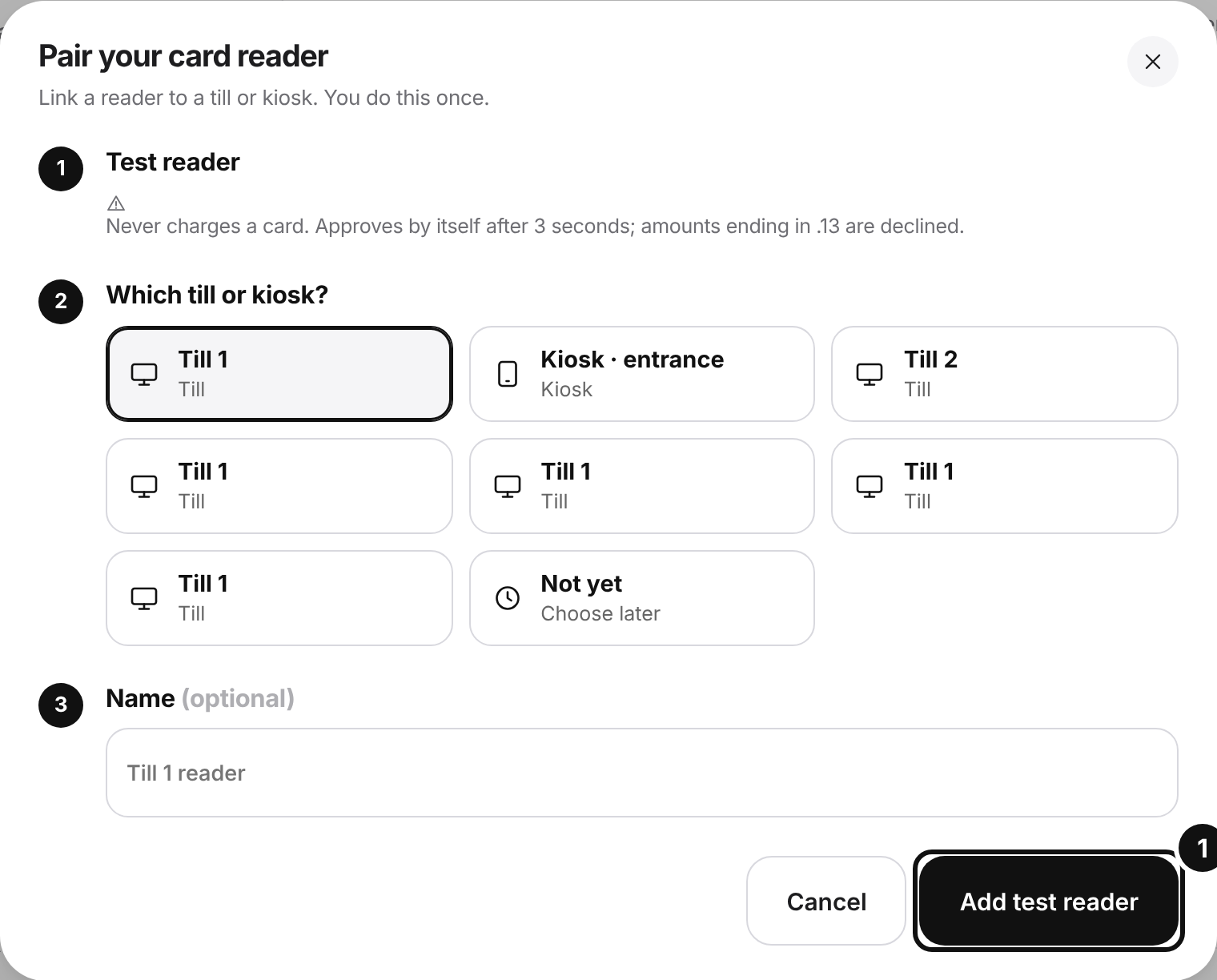
-
Pay with Card on that till. The test reader approves after 3 seconds.